
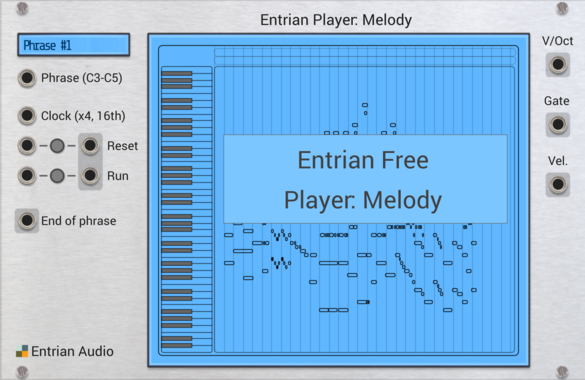
Entrian Player: Melody
Piano roll melody and chord player for MIDI files and Entrian Sequencer songs.

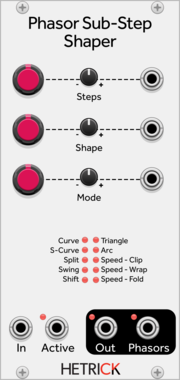
HetrickCV Phasor Sub-Step Shaper
Processes individual steps of phasor signals in interesting ways for sequence modification or phase distortion synthesis.
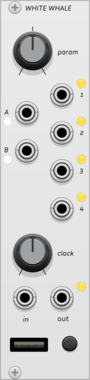
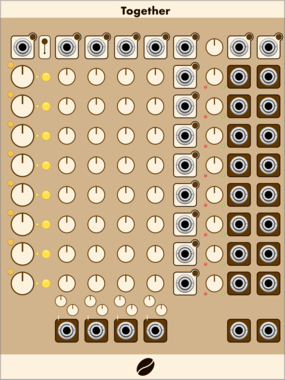
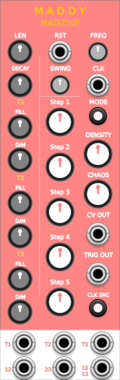
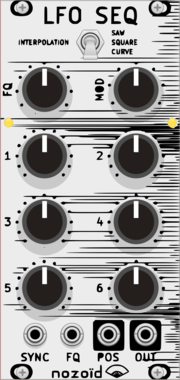
nozoïd Nozori_84_LFO_SEQ
6 step LFO / Sequencer
Hardware cloneFunction generatorLow-frequency oscillatorSequencer
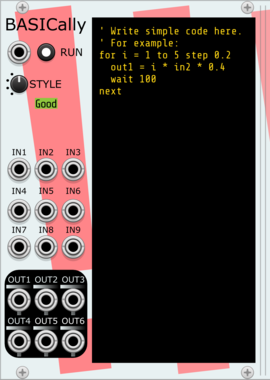
Stochastic Telegraph BASICally
Generate sequences, perform math on inputs, and even multitask with a simple BASIC-like language. Can also send Tipsy text messages to modules that support them (e.g., TTY).
AttenuatorFunction generatorLogicPolyphonicSequencerSample and holdUtility


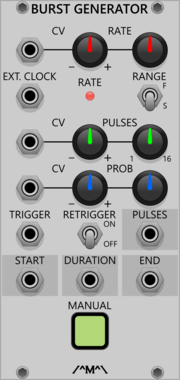
Count Modula Burst Generator
Generates bursts of 1-16 pulses whenever a trigger is received at the trigger input
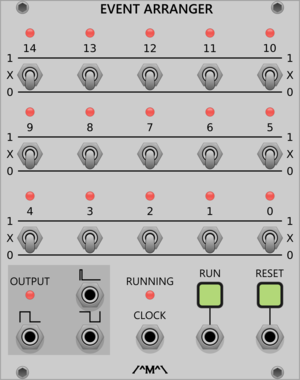
Count Modula Event Arranger
A VCV Rack implementation of the VC Clock and Event Arranger published in an article by John Blacet in the Jan/Feb edition of Synapse magazine
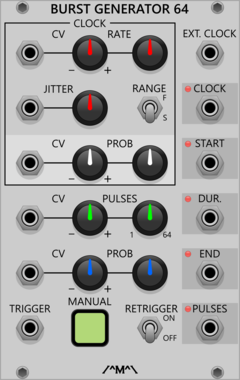
Count Modula Burst Generator 64
Generates bursts of 1-64 pulses whenever a trigger is received at the trigger input
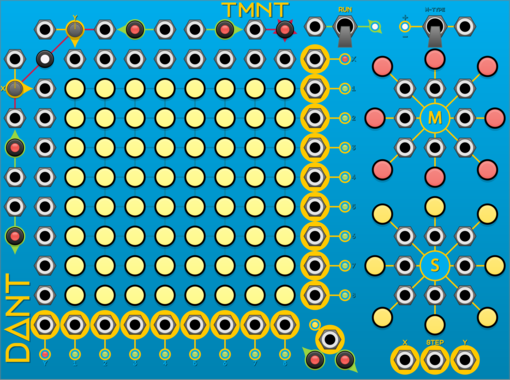
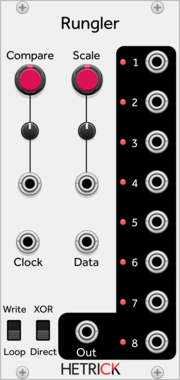
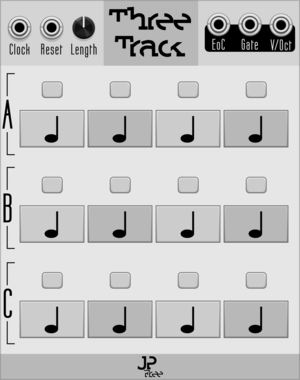
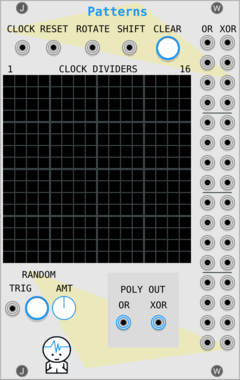

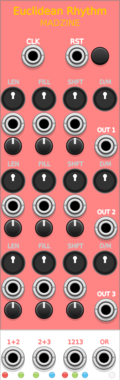

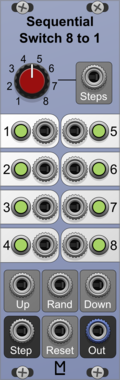
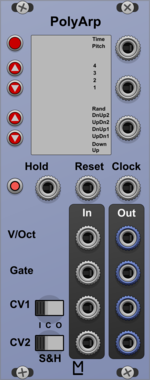
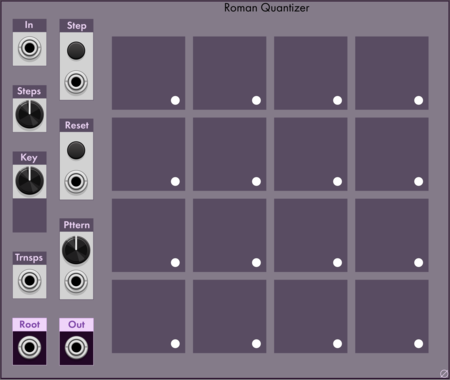
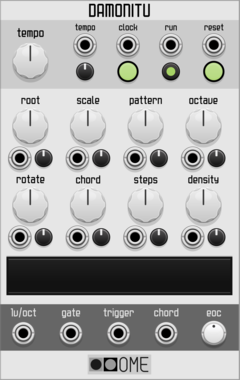

Ohmer Modules RKD (Rotate Klok Divider)
Rotate Klok Divider (RKD) module (inspired from 4ms RCD hardware)
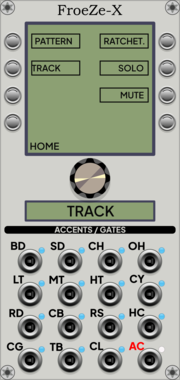
Ohmer Modules FroeZe-X
12HP "right-side" expander for FroeZe: additional outputs (AC'd notes) / edit features
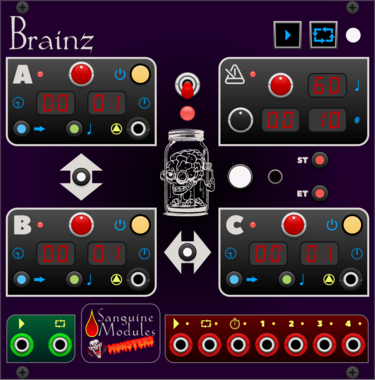
Sanguine Monsters Brainz
Master control center intended to make synchronizing audio and video files from different recorders easier
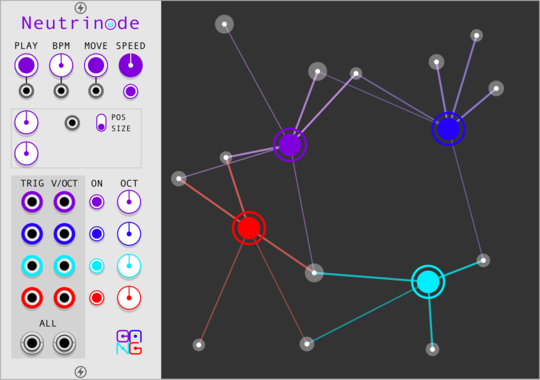
Sha#Bang! Modules Neutrinode
Node-based generator with four independent nodes to connected particles
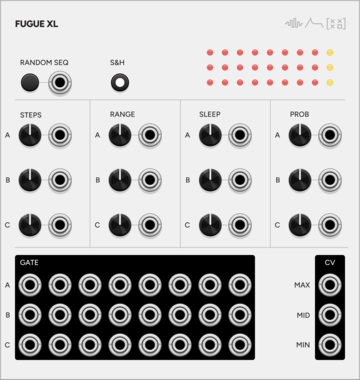
SignalFunctionSet Fugue X
Expander for Fugue — per-voice steps, range, sleep, probability, S&H mode, sorted CV outputs, and per-step trigger outputs

VCV Library Instructions
- Download and install VCV Rack.
- Register for a VCV account and log in using Rack’s “Library” menu.
- Add or purchase a module on the VCV Library.
- Open the “Library” menu in Rack, click “Update all” (if updates are needed), and restart Rack once downloaded.
- Right-click an empty rack space to launch Rack’s module browser to add a module to your patch.
All plugins on the VCV Library are available for Windows, Mac, and Linux.
The “major” version (i.e. MAJOR.MINOR.REVISION) must match between Rack and its plugins.
For example, Rack 2.* can only load 2.* plugins.
Missing or incorrect information in this database, such as a missing tag? Inform the plugin author(s) using the contact information on their plugin/module page.
Developers: see Adding your plugin to the VCV Library.
Notes
Purchasing plugins with the “VCV” brand supports the VCV Rack project. See VCV’s Mission Statement to learn how VCV Rack development is funded.
Prices are in US Dollars.
By purchasing a plugin on the VCV Library, you agree to VCV’s End User License Agreement and Refund Policy.
Contact VCV Support for customer support and questions about the VCV Library.