


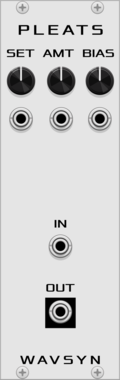
Rigatoni Modular Thru Zero
A small waveshaping utility that mimics soft oscillator sync for input ramp waves and acts as a through zero FM helper

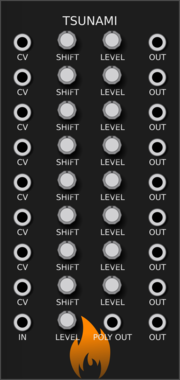
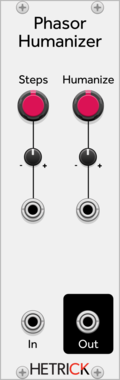
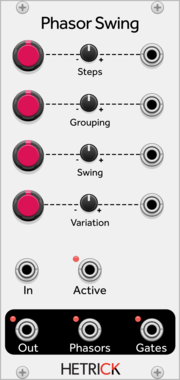
HetrickCV Phasor Humanizer
Repeatedly modifies the slope of an incoming phasor to make the timing less robotic.
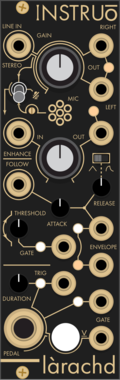

AlliewayAudio CartoonRunning
Circuit-Bent Newtonian Physics! Can be used a signal woggler, unstable Oscillator / Envelope / Chaos generator, or as a rather crazy audio effect! Warning: This module has a mind of it's own - use caution (and a limiter if you're using it for audio)!
DigitalDistortionDrumFilterFunction generatorLow-frequency oscillatorOscillatorPhysical modelingWaveshaper

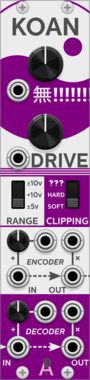
AlliewayAudio Koan
Transforms audio or CVs from subtle warming to annihilation. Telecommunications signal compander (Variable MU-law Encoder/Decoder) with built-in noise, analog clipping, mixer, and thru-zero VCA. Try plugging your favorite filter or effect between encoder and decoder!
CompressorDistortionDigitalEffectLimiterMixerNoiseRing modulatorUtilityVoltage-controlled amplifierWaveshaper
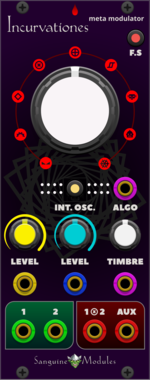
Sanguine Mutants Incurvationes
Polyphonic meta modulator based on Mutable Instruments' Warps
DigitalEffectHardware cloneOscillatorPolyphonicRing modulatorVocoderWaveshaper

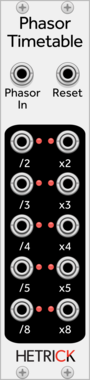
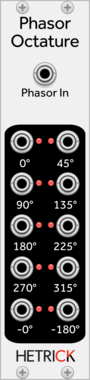
HetrickCV Phasor Timetables
Processes a phasor signal and outputs phasors and standard timing ratios.

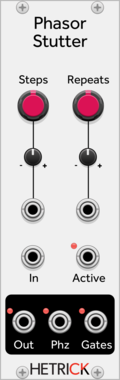
HetrickCV Phasor Stutter
Processes phasor signals and adds stutters/ratchets/repeats within substeps.
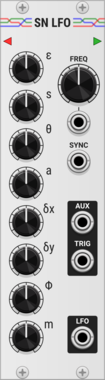

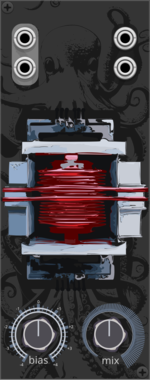
TheyProbablyAlias Octoformer
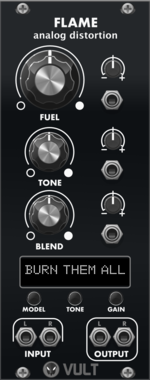
Transformer Model Distortion
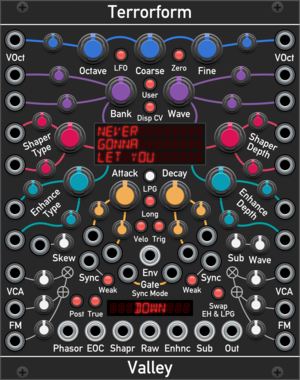
Valley Terrorform
An extensive wavetable oscillator that lets you explore and rip apart wavetables in many different ways.
OscillatorPolyphonicSynth voiceWaveshaperLow-frequency oscillator
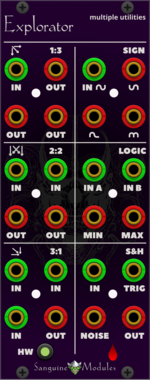
Sanguine Mutants Explorator
Polyphonic multiple, mixer, noise source, sample and hold, inverter, rectifier and logic unit, based on Mutable Instruments' Links and Kinks
Hardware cloneLogicMixerMultipleNoisePolyphonicSample and holdUtilityWaveshaper


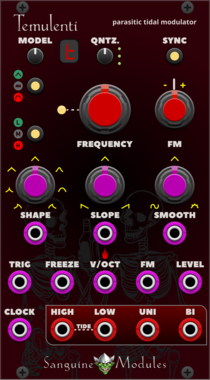
Sanguine Mutants Temulenti
Multifaceted modulator based on the Parasite firmware for Mutable Instruments' Tides
Clock generatorDigitalEnvelope generatorFunction generatorHardware cloneLow-frequency oscillatorOscillatorWaveshaper
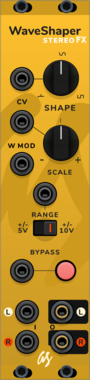

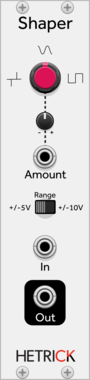
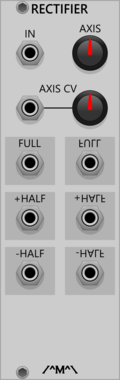

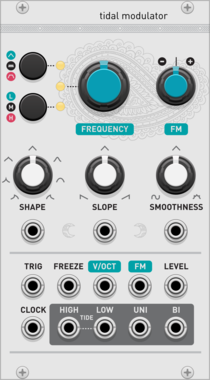
Audible Instruments Tidal Modulator
Based on Mutable Instruments Tides
Low-frequency oscillatorOscillatorWaveshaperFunction generatorHardware clone
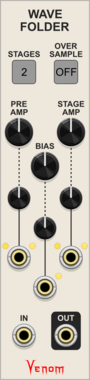
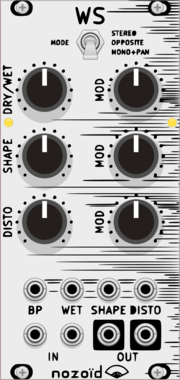
Venom Wave Folder
A polyphonic configurable wave folder
PolyphonicRing modulatorVoltage-controlled amplifierWaveshaper
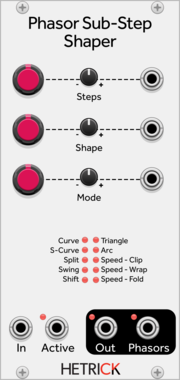
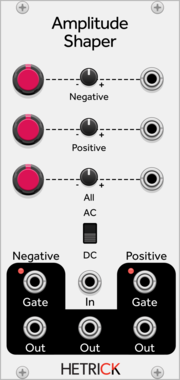
HetrickCV Phasor Sub-Step Shaper
Processes individual steps of phasor signals in interesting ways for sequence modification or phase distortion synthesis.


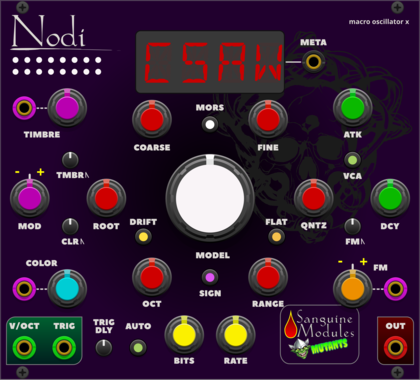
Sanguine Mutants Nodi
Adaptable, polyphonic macro oscillator based on Mutable Instruments' Braids
DigitalHardware cloneNoiseOscillatorPolyphonicSynth voiceWaveshaper
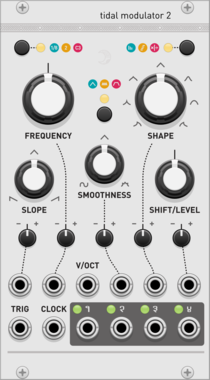
Audible Instruments Tidal Modulator 2
Based on Mutable Instruments Tides
Low-frequency oscillatorOscillatorWaveshaperFunction generatorHardware clone

VCV Library Instructions
- Download and install VCV Rack.
- Register for a VCV account and log in using Rack’s “Library” menu.
- Add or purchase a module on the VCV Library.
- Open the “Library” menu in Rack, click “Update all” (if updates are needed), and restart Rack once downloaded.
- Right-click an empty rack space to launch Rack’s module browser to add a module to your patch.
All plugins on the VCV Library are available for Windows, Mac, and Linux.
The “major” version (i.e. MAJOR.MINOR.REVISION) must match between Rack and its plugins.
For example, Rack 2.* can only load 2.* plugins.
Missing or incorrect information in this database, such as a missing tag? Inform the plugin author(s) using the contact information on their plugin/module page.
Developers: see Adding your plugin to the VCV Library.
Notes
Purchasing plugins with the “VCV” brand supports the VCV Rack project. See VCV’s Mission Statement to learn how VCV Rack development is funded.
Prices are in US Dollars.
By purchasing a plugin on the VCV Library, you agree to VCV’s End User License Agreement and Refund Policy.
Contact VCV Support for customer support and questions about the VCV Library.