

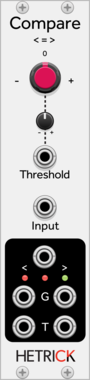
Sulamith Poly Comparator
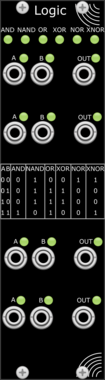
Compares all channels from a polyphonic input with set threshold. Outputs Poly a<>b Gates and CV/Audio.
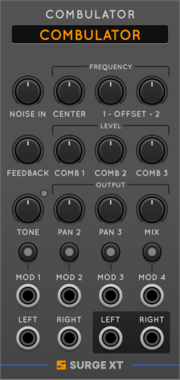
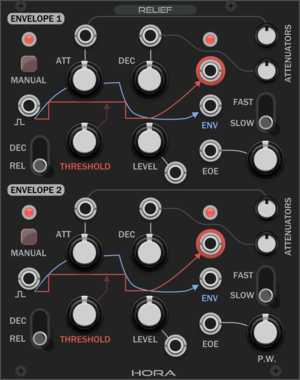


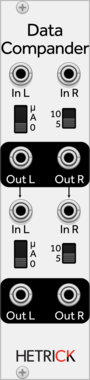
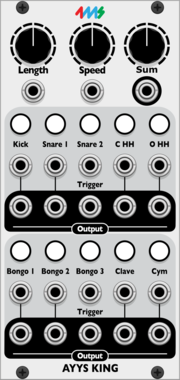
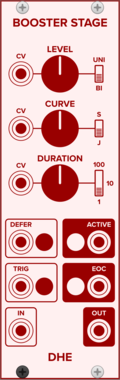



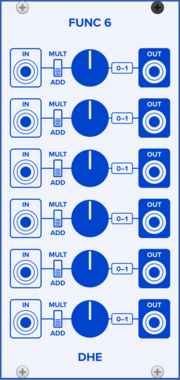

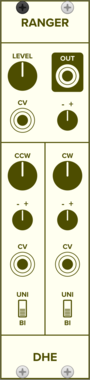
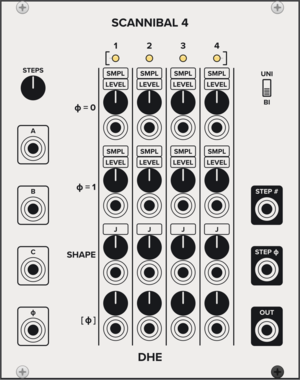
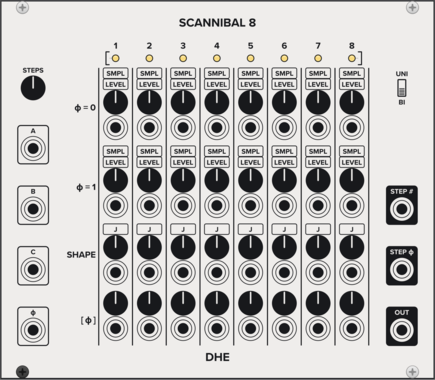
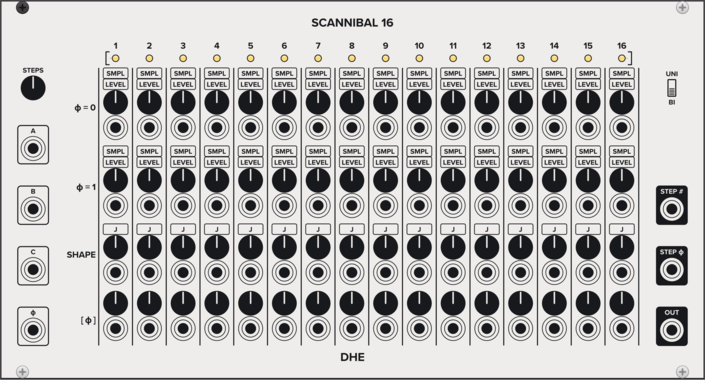
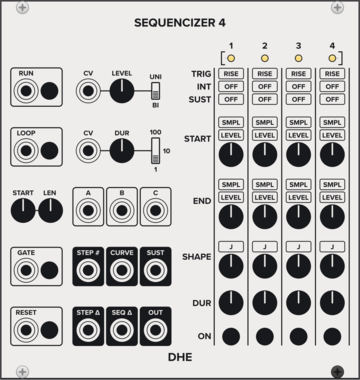
DHE Modules Sequencizer 4
Generates a highly customizable 4 step sequence
SequencerEnvelope generatorLow-frequency oscillatorSample and hold
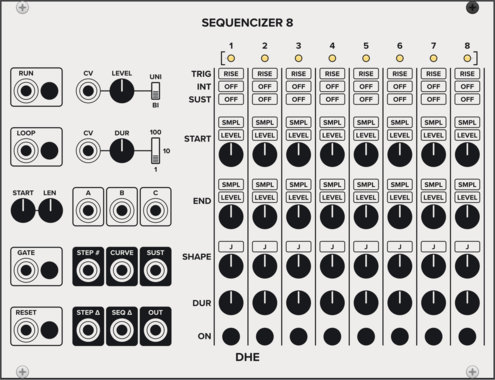
DHE Modules Sequencizer 8
Generates a highly customizable 8 step sequence
SequencerEnvelope generatorLow-frequency oscillatorSample and hold
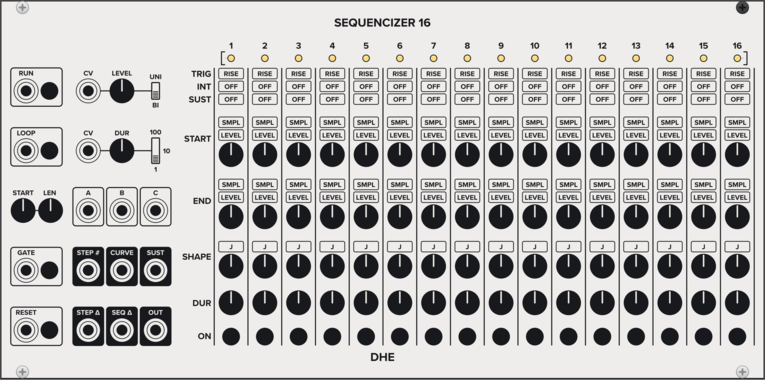
DHE Modules Sequencizer 16
Generates a highly customizable 16 step sequence
SequencerEnvelope generatorLow-frequency oscillatorSample and hold




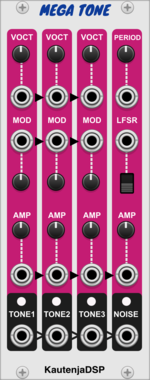
KautenjaDSP Mega Tone
An emulation of the Texas Instruments SN76489 chip from the Sega Master System, Sega Mega Drive, and Sega Genesis.

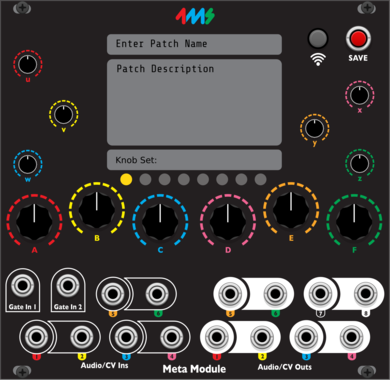
4ms MetaModule
MetaModule Hub is used to create patches that run on MetaModule hardware. Use the hub to create mappings between physical and virtual controls and jacks.


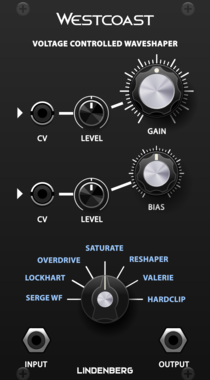
LindenbergResearch Westcoast Complex Shaper
A Waveshaper with a lot of Models
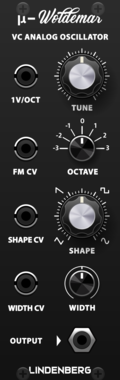
LindenbergResearch Compact Woldemar
Classic Analog Oscillator as Compact Format


VCV Library Instructions
- Download and install VCV Rack.
- Register for a VCV account and log in using Rack’s “Library” menu.
- Add or purchase a module on the VCV Library.
- Open the “Library” menu in Rack, click “Update all” (if updates are needed), and restart Rack once downloaded.
- Right-click an empty rack space to launch Rack’s module browser to add a module to your patch.
All plugins on the VCV Library are available for Windows, Mac, and Linux.
The “major” version (i.e. MAJOR.MINOR.REVISION) must match between Rack and its plugins.
For example, Rack 2.* can only load 2.* plugins.
Missing or incorrect information in this database, such as a missing tag? Inform the plugin author(s) using the contact information on their plugin/module page.
Developers: see Adding your plugin to the VCV Library.
Notes
Purchasing plugins with the “VCV” brand supports the VCV Rack project. See VCV’s Mission Statement to learn how VCV Rack development is funded.
Prices are in US Dollars.
By purchasing a plugin on the VCV Library, you agree to VCV’s End User License Agreement and Refund Policy.
Contact VCV Support for customer support and questions about the VCV Library.