
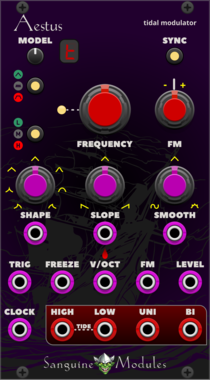
Sanguine Mutants Aestus
Modulator based on Mutable Instruments' Tides
Clock generatorDigitalEnvelope generatorFunction generatorHardware cloneLow-frequency oscillatorOscillatorWaveshaper
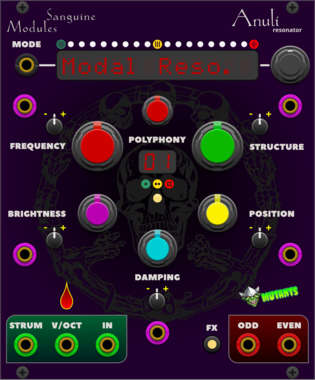
Sanguine Mutants Anuli
Polyphonic resonator based on Mutable Instruments' Rings
EffectFilterHardware cloneOscillatorPhysical modelingPolyphonic
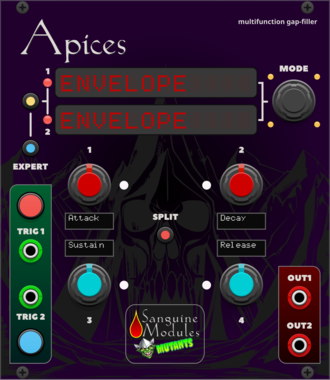
Sanguine Mutants Apices
Versatile complement to any patch, based on Mutable Instruments' Peaks
DelayDrumDualEnvelope generatorHardware cloneLow-frequency oscillatorOscillatorSequencer
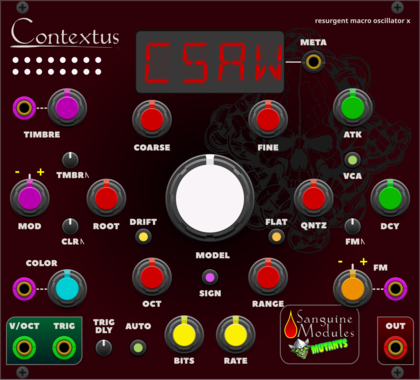
Sanguine Mutants Contextus
Multipurpose, polyphonic macro oscillator based on the Renaissance alternative firmware for Mutable Instruments' Braids
DigitalHardware cloneNoiseOscillatorPolyphonicSynth voiceWaveshaper
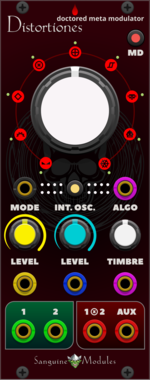
Sanguine Mutants Distortiones
Doctored, flexible and fully polyphonic meta-modulator based on the Parasite alternative firmware for Mutable Instruments' Warps
DelayDigitalEffectHardware cloneOscillatorPolyphonicRing modulatorVocoderWaveshaper
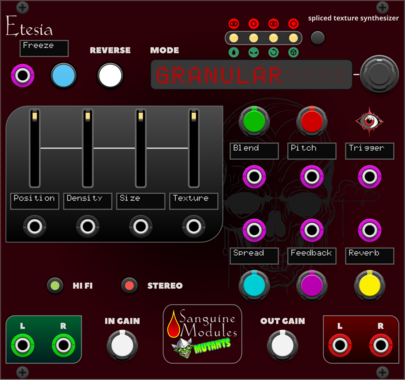
Sanguine Mutants Etesia
Texture synthesizer based on the Parasite firmware for Mutable Instruments' Clouds
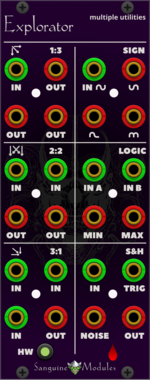
Sanguine Mutants Explorator
Polyphonic multiple, mixer, noise source, sample and hold, inverter, rectifier and logic unit, based on Mutable Instruments' Links and Kinks
Hardware cloneLogicMixerMultipleNoisePolyphonicSample and holdUtilityWaveshaper
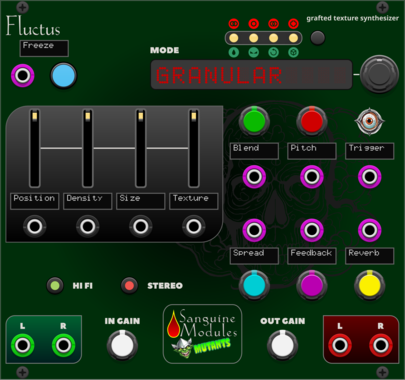
Sanguine Mutants Fluctus
Texture synthesizer based on the Kammerl Beat-Repeat firmware for Mutable Instruments' Clouds
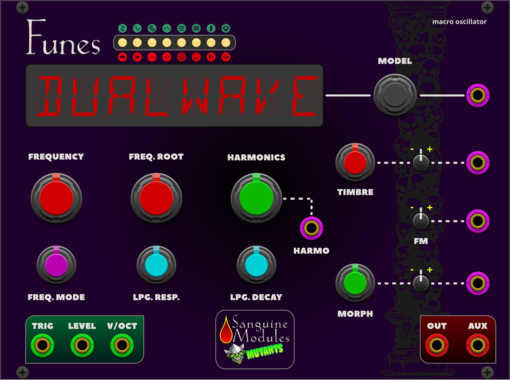
Sanguine Mutants Funes
Powerful, polyphonic macro oscillator based on Mutable Instruments' Plaits 1.2
DigitalDrumHardware cloneNoiseOscillatorPolyphonicSynth voice
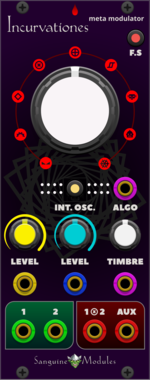
Sanguine Mutants Incurvationes
Polyphonic meta modulator based on Mutable Instruments' Warps
DigitalEffectHardware cloneOscillatorPolyphonicRing modulatorVocoderWaveshaper
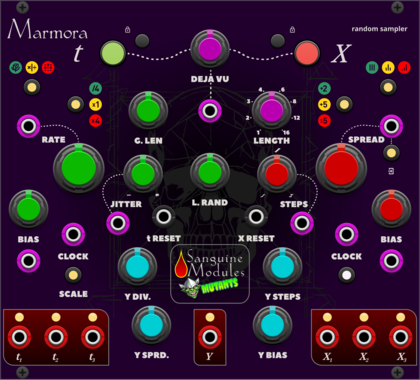
Sanguine Mutants Marmora
Random sampler based on Mutable Instruments' Marbles
Clock generatorClock modulatorDigitalHardware cloneQuantizerRandomSequencer
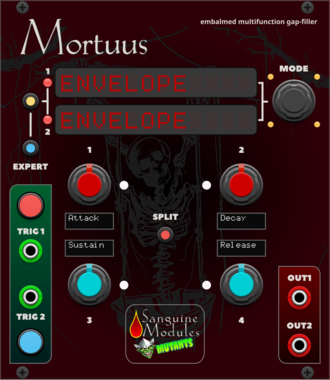
Sanguine Mutants Mortuus
All-around gap filler based on the Dead Man's Catch firmware, with some additions, for Mutable Instruments' Peaks
DelayDrumDualEnvelope generatorHardware cloneLow-frequency oscillatorOscillatorSequencer
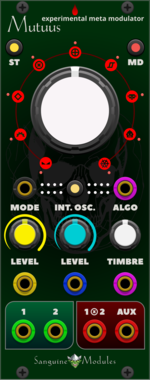
Sanguine Mutants Mutuus
Experimental, polyphonic and multifaceted meta-modulator based on the Symbiote firmware for Mutable Instruments' Warps
DelayDigitalEffectFilterHardware cloneOscillatorPolyphonicReverbRing modulatorVocoderWaveshaper
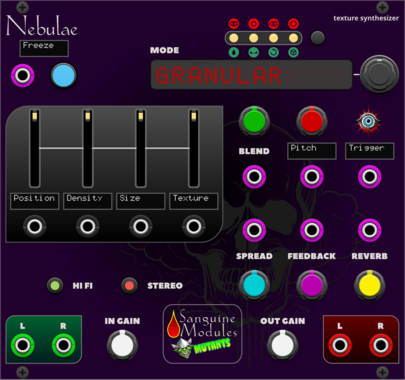
Sanguine Mutants Nebulae
Texture synthesizer based on the Monsoon version of Mutable Instruments' Clouds
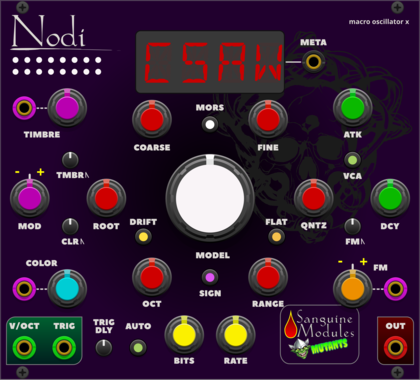
Sanguine Mutants Nodi
Adaptable, polyphonic macro oscillator based on Mutable Instruments' Braids
DigitalHardware cloneNoiseOscillatorPolyphonicSynth voiceWaveshaper

Sanguine Mutants Sanguine Mutants Blank
Rack sleekerizer: add the Mutants goblin and a glowing Mutants logo to your rack!
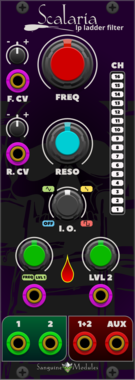
Sanguine Mutants Scalaria
A polyphonic Moog inspired low-pass ladder filter from the original Symbiote firmware for Mutable Instruments' Warps
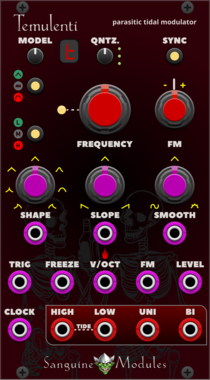
Sanguine Mutants Temulenti
Multifaceted modulator based on the Parasite firmware for Mutable Instruments' Tides
Clock generatorDigitalEnvelope generatorFunction generatorHardware cloneLow-frequency oscillatorOscillatorWaveshaper
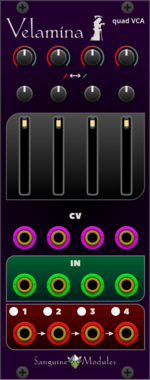
Sanguine Mutants Velamina
Tetrad of voltage controller amplifiers based on the revised Veils from Mutable Instruments
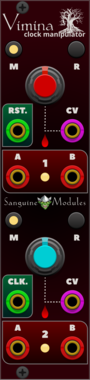
Sanguine Mutants Vimina
Polyphonic dual clock divider, multiplier and swinger based on the Twigs firmware for Mutable Instruments' Branches
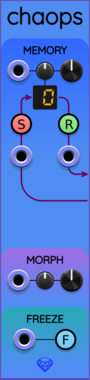
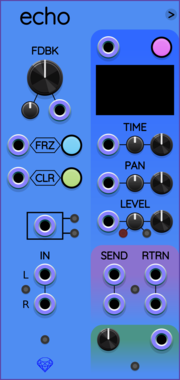
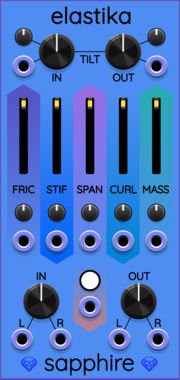




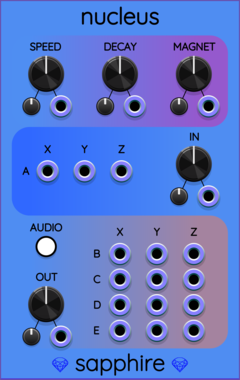

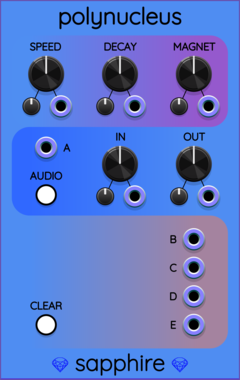
Sapphire Polynucleus
Simulation of a cloud of particles with mutually attractive, repulsive, and orthogonal forces.








VCV Library Instructions
- Download and install VCV Rack.
- Register for a VCV account and log in using Rack’s “Library” menu.
- Add or purchase a module on the VCV Library.
- Open the “Library” menu in Rack, click “Update all” (if updates are needed), and restart Rack once downloaded.
- Right-click an empty rack space to launch Rack’s module browser to add a module to your patch.
All plugins on the VCV Library are available for Windows, Mac, and Linux.
The “major” version (i.e. MAJOR.MINOR.REVISION) must match between Rack and its plugins.
For example, Rack 2.* can only load 2.* plugins.
Missing or incorrect information in this database, such as a missing tag? Inform the plugin author(s) using the contact information on their plugin/module page.
Developers: see Adding your plugin to the VCV Library.
Notes
Purchasing plugins with the “VCV” brand supports the VCV Rack project. See VCV’s Mission Statement to learn how VCV Rack development is funded.
Prices are in US Dollars.
By purchasing a plugin on the VCV Library, you agree to VCV’s End User License Agreement and Refund Policy.
Contact VCV Support for customer support and questions about the VCV Library.