
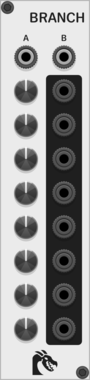
Ouroboros Industries Branch
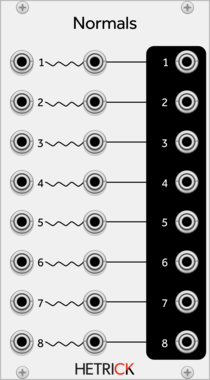
A switched mult/router with 2 inputs and 8 outputs. Counterpart to Junction
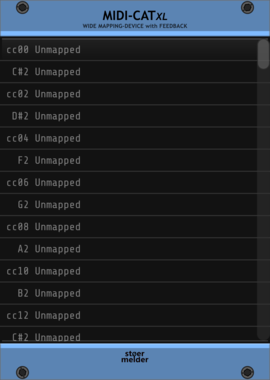
stoermelder MIDI-CAT XL
Mapping module for MIDI CCs and notes to parameters of any module, similar to VCV MIDI-MAP




Sulamith Volt Meter
Simple Polyphonic Volt Meter with 3 inputs that displays and merges up to 16 channels. Output works pitch perfect at audio rates - may be used as a poly merger.

Sulamith Knobs - Const Voltage Source Sequencer
8 channels/steps polyphonic voltage source, with range, step/ch control. Clock, button, reset in & 3 playmodes (FWD, BWD, RND) add sequencing options. Plugging a poly cable into reset 'steals' the incoming signal (synced to clock or button input).




Sulamith Button - Trigger/CV Utility
Trigger and Gate utility with two OR-logic inputs. Features probability and custom gate length (0.2-10s). A/B section works as Toggle, Constant Voltage (1-10v), Bi- and Unipolar CV generation with range options. Context menu: Re-Trig can be disabled (i.e. to sync CV generation with custom length gates), Slew can be enabled for custom gates & cv gen.


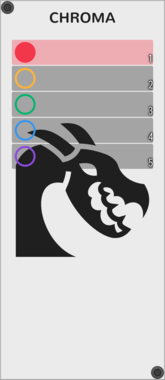
Ouroboros Industries Chroma
A cable colour manager with labels and support for multiple colour collections
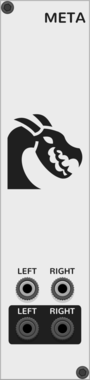
Ouroboros Industries Meta
Adds meta features to VCV Rack (Cable sounds, startup pre-muter; Full list in the manual)

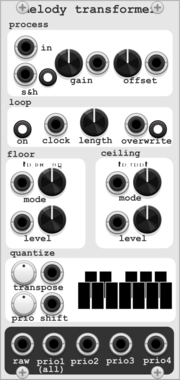
HoyerHoppes Melody Transformer
Quantizer with user-defined master scale and sub-scales. Pre-quantization processing utilities include gain, offset, and a 16-step polyphonic looper



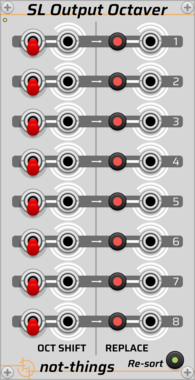

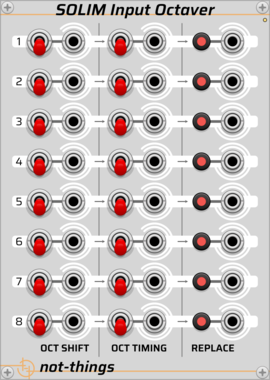

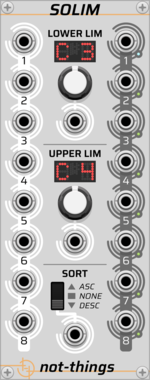
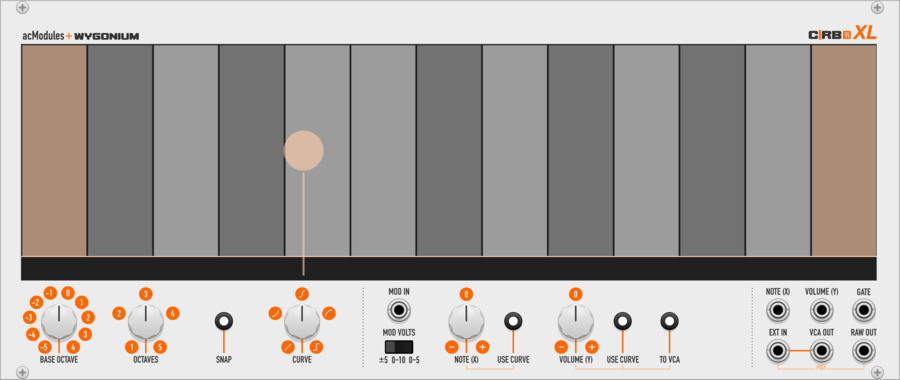
artificialcolors C|RB Vi XL
eXtra-Large Two-Dimensional performance instrument with on-screen note guides, selectable octave range, optional note snapping, Y-axis curve shapes, with modulation input. Can also function as a playable VCA.
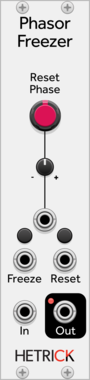
HetrickCV Phasor Freezer
Duplicates an incoming phasor, but allows you to reset it or freeze it independently of the input.
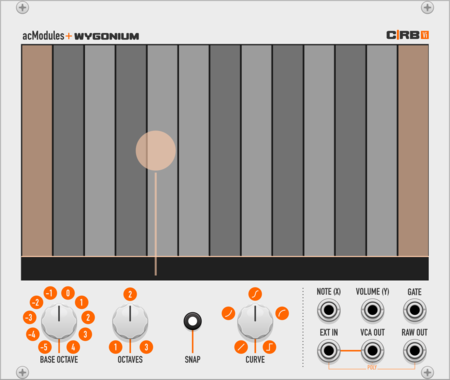
artificialcolors CRBVi
Two-Dimensional performance instrument with on-screen note guides, selectable octave range, optional note snapping, and Y-axis curve shapes. Can also function as a playable VCA. Virtual re-interpretation of Wygonium C|RB hardware ribbon controller.
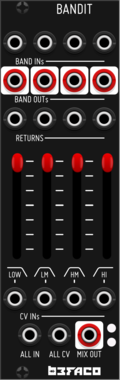

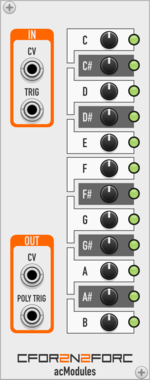
artificialcolors CFor2N2ForC
Output a configurable CV and/or trigger across a 1V/Oct semitone CV input.
VCV Library Instructions
- Download and install VCV Rack.
- Register for a VCV account and log in using Rack’s “Library” menu.
- Add or purchase a module on the VCV Library.
- Open the “Library” menu in Rack, click “Update all” (if updates are needed), and restart Rack once downloaded.
- Right-click an empty rack space to launch Rack’s module browser to add a module to your patch.
All plugins on the VCV Library are available for Windows, Mac, and Linux.
The “major” version (i.e. MAJOR.MINOR.REVISION) must match between Rack and its plugins.
For example, Rack 2.* can only load 2.* plugins.
Missing or incorrect information in this database, such as a missing tag? Inform the plugin author(s) using the contact information on their plugin/module page.
Developers: see Adding your plugin to the VCV Library.
Notes
Purchasing plugins with the “VCV” brand supports the VCV Rack project. See VCV’s Mission Statement to learn how VCV Rack development is funded.
Prices are in US Dollars.
By purchasing a plugin on the VCV Library, you agree to VCV’s End User License Agreement and Refund Policy.
Contact VCV Support for customer support and questions about the VCV Library.