

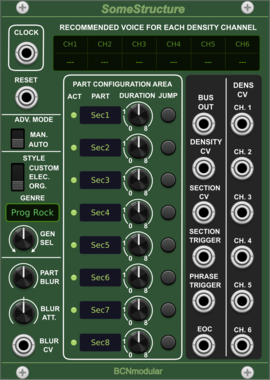
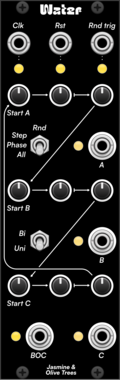
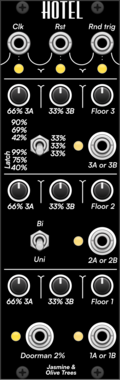

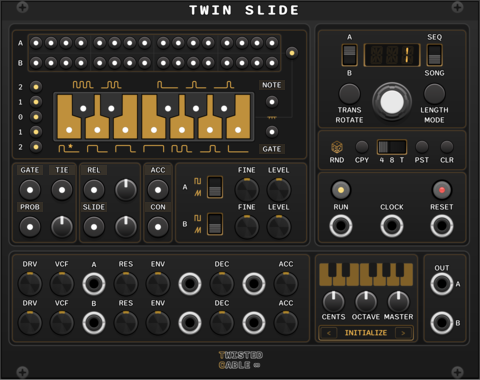


Ohmer Modules BRK ("Break") expander for RKD
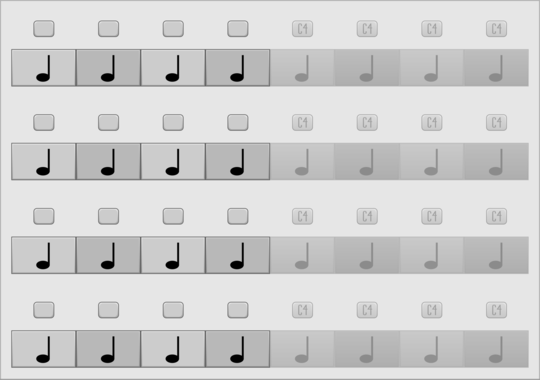
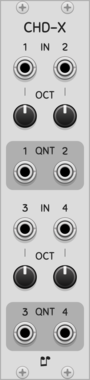
BRK ("Break") expander to setup RKD jumpers (inspired from 4ms BO hardware)
Axioma TheBifurcator
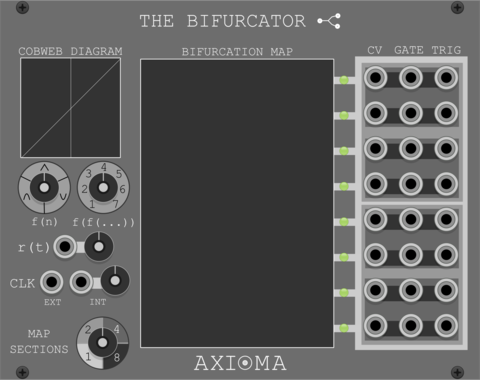
Generate CV/GATE/TRIGGER outputs based on bifurcation maps of iterated functions
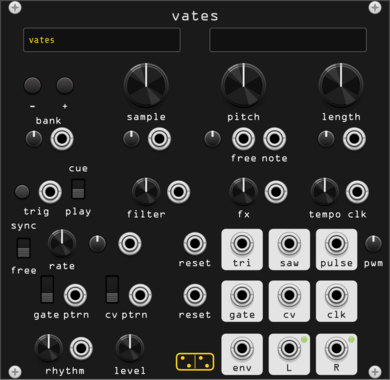
forsitan modulare vates
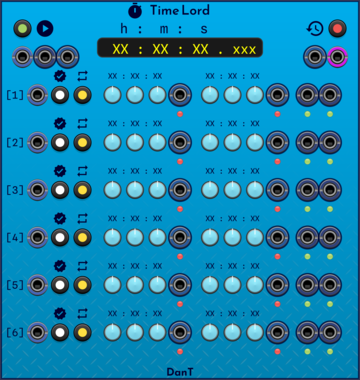
Stereo sample player with generated banks: modulate the sample choice and the rhythm falls out.


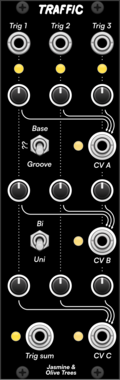
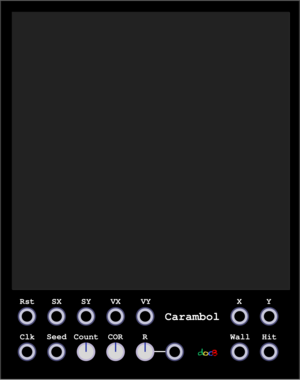
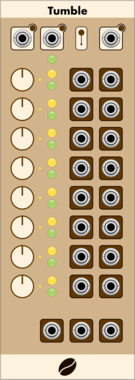
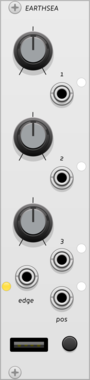
Stochastic Telegraph BASICally
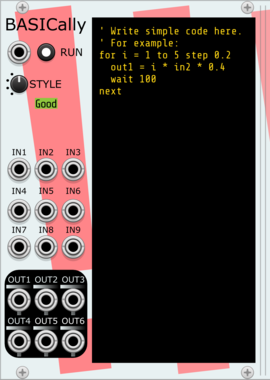
Generate sequences, perform math on inputs, and even multitask with a simple BASIC-like language. Can also send Tipsy text messages to modules that support them (e.g., TTY or Memory).

SignalFunctionSet Loom
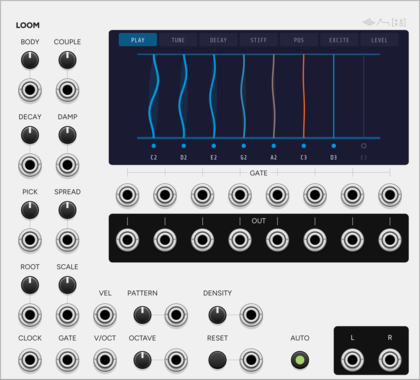
Eight-string resonator sharing one bridge, so a struck string rings its neighbours.
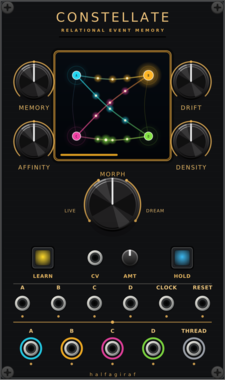
halfagiraf Constellate
Four-channel relational event memory and generative trigger processor with transition-confidence CV.
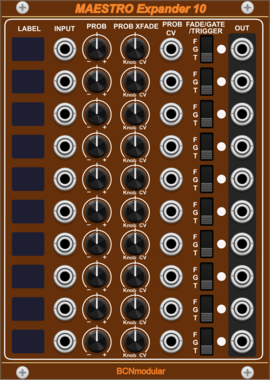
BCNmodular Maestro Expander 10
Adds channels 7-16 to Maestro. Links to a Maestro Core via context menu, not physical placement.
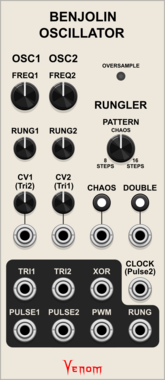
Venom Benjolin Oscillator
Complex chaotic oscillator emulating the oscillator and rungler components of a Benjolin

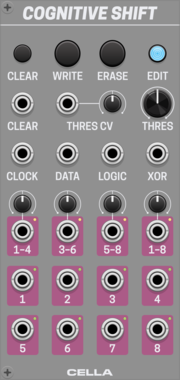
Cella Cognitive Shift
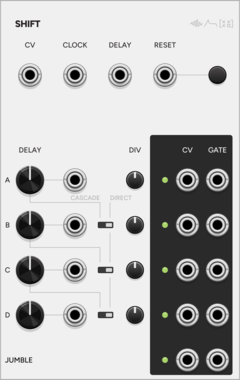
Advanced 8-bit digital shift register with clock, gates or trigger outputs, 4 DAC-based CV generators and various self-patching capabilities

Sulamith Button - Trigger/CV Utility
Multi-tool with probability, scaled random cv gen, a<>b switch, constant voltage, 0.2s-10s gate & trig out + text label. Slew&retrig menu options.
VCV Library Instructions
- Download and install VCV Rack.
- Register for a VCV account and log in using Rack’s “Library” menu.
- Add or purchase a module on the VCV Library.
- Open the “Library” menu in Rack, click “Update all” (if updates are needed), and restart Rack once downloaded.
- Right-click an empty rack space to launch Rack’s module browser to add a module to your patch.
All plugins on the VCV Library are available for Windows, Mac, and Linux.
The “major” version (i.e. MAJOR.MINOR.REVISION) must match between Rack and its plugins.
For example, Rack 2.* can only load 2.* plugins.
Missing or incorrect information in this database, such as a missing tag? Inform the plugin author(s) using the contact information on their plugin/module page.
Developers: see Adding your plugin to the VCV Library.
Notes
Purchasing plugins with the “VCV” brand supports the VCV Rack project. See VCV’s Mission Statement to learn how VCV Rack development is funded.
Prices are in US Dollars.
By purchasing a plugin on the VCV Library, you agree to VCV’s End User License Agreement and Refund Policy.
Contact VCV Support for customer support and questions about the VCV Library.