
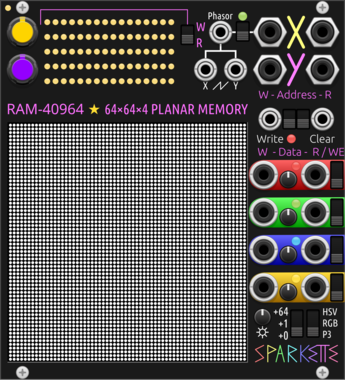
Sparkette's Stuff RAM-40964
64×64×4 planar random access memory, designed with RGB Matrix in mind. DMA compatible.
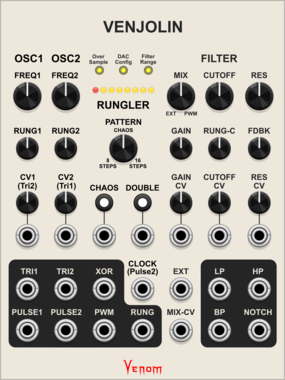

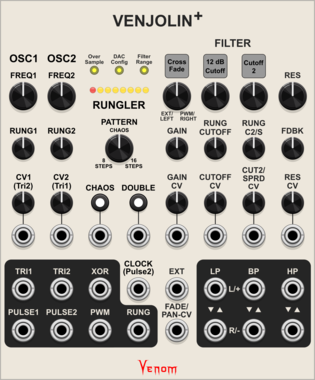
Venom Venjolin +
Digitial emulation of the After Later Audio Benjolin V2 plus twin peaks resonator and other enhancements. Included with purchase of Venjolin
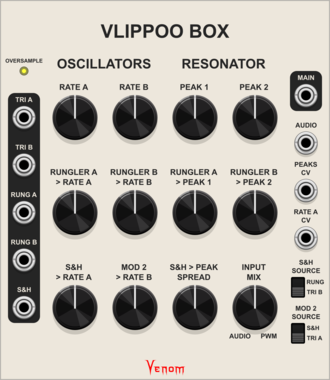
Venom Vlippoo Box
Digitial emulation of Rob Hordijk's Blippoo Box 2018 version
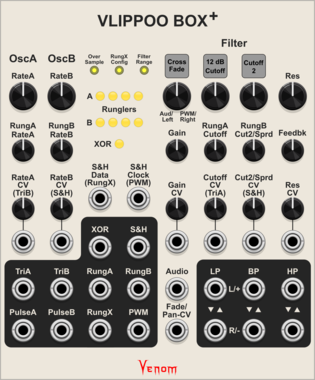
Venom Vlippoo Box +
Digitial emulation of Rob Hordijk's Blippoo Box with additional controls, inputs, and outputs. Included with purchase of Vlippoo Box
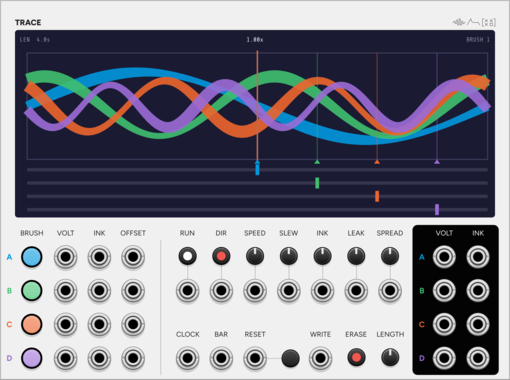
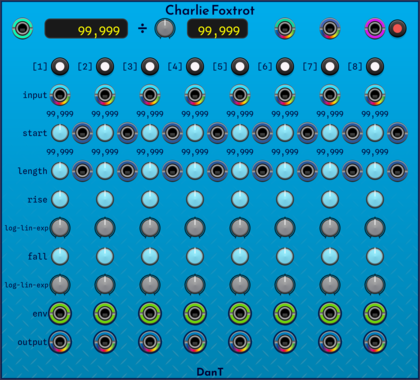
DanT Charlie Foxtrot
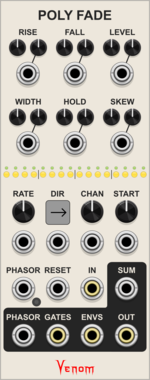
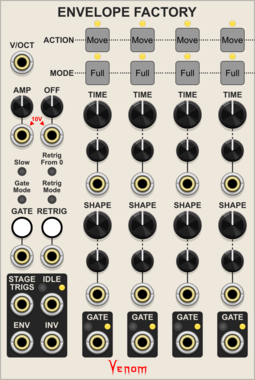
[28hp] An 8-channel polyphonic VCA + slew + envelope + clock counter & pass-through mess of a module!
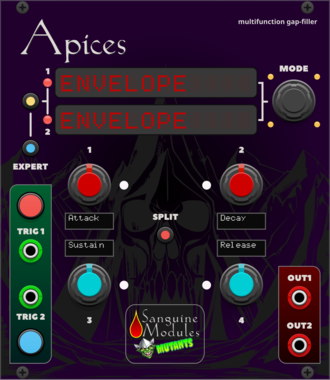
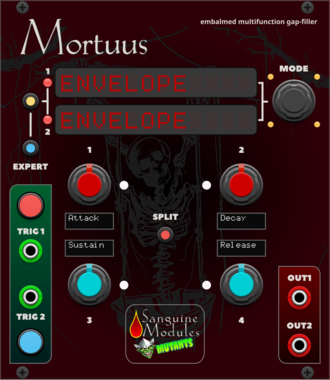
Sanguine Mutants Mortuus
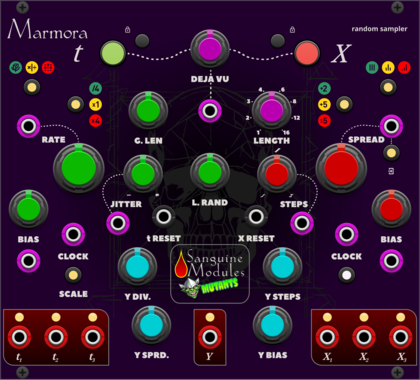
All-around gap filler based on the Dead Man's Catch firmware, with some additions, for Mutable Instruments' Peaks
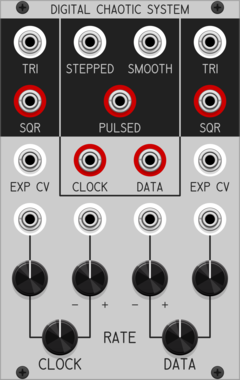
Patchable Devices Digital Chaotic System
Digital 8-bit Shift Register driven by two independent VCOs
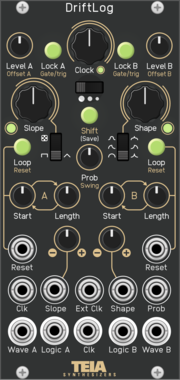
Teia Synthesizers DriftLog
Dual random CV generator with slope shaping, per-channel loop buffers, lock and logic outputs. Software port of the Teia Synthesizers DriftLog Eurorack module.
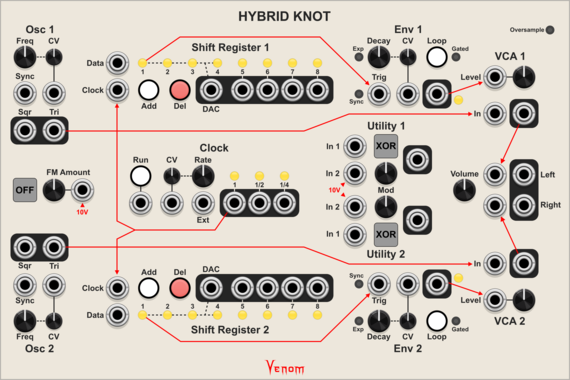
Venom Hybrid Knot
Digitial emulation of the Lorre Mill Double Knot synthesizer incorporating elements of both versions 2 and 3
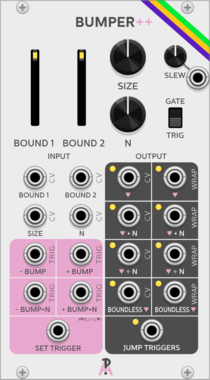
AlliewayAudio Bumper
Quad Stepped Digital Accumulator. Based on the programming concept of incrementally 'bumping' variables up and down. Send it some gates, and it creates many stepped CVs and sub-rhythms as output - send it some oscillators, and it will explode your Atari.
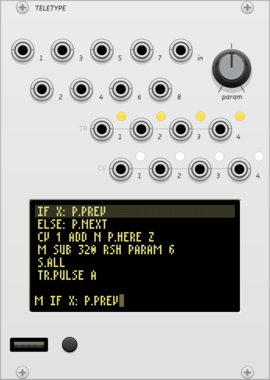


VCV Library Instructions
- Download and install VCV Rack.
- Register for a VCV account and log in using Rack’s “Library” menu.
- Add or purchase a module on the VCV Library.
- Open the “Library” menu in Rack, click “Update all” (if updates are needed), and restart Rack once downloaded.
- Right-click an empty rack space to launch Rack’s module browser to add a module to your patch.
All plugins on the VCV Library are available for Windows, Mac, and Linux.
The “major” version (i.e. MAJOR.MINOR.REVISION) must match between Rack and its plugins.
For example, Rack 2.* can only load 2.* plugins.
Missing or incorrect information in this database, such as a missing tag? Inform the plugin author(s) using the contact information on their plugin/module page.
Developers: see Adding your plugin to the VCV Library.
Notes
Purchasing plugins with the “VCV” brand supports the VCV Rack project. See VCV’s Mission Statement to learn how VCV Rack development is funded.
Prices are in US Dollars.
By purchasing a plugin on the VCV Library, you agree to VCV’s End User License Agreement and Refund Policy.
Contact VCV Support for customer support and questions about the VCV Library.