

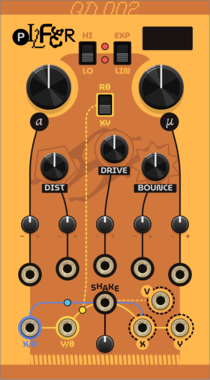
Questionable Dinner Pilfer
A moving particle attempts to follow input audio.
FilterDistortionEnvelope followerOscillatorPhysical modelingPolyphonic
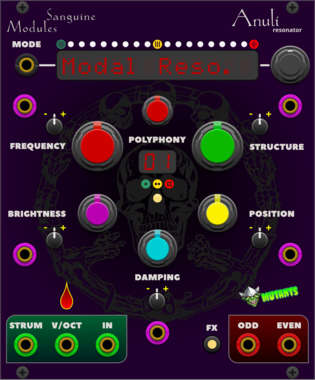
Sanguine Mutants Anuli
Polyphonic resonator based on Mutable Instruments' Rings
EffectFilterHardware cloneOscillatorPhysical modelingPolyphonic

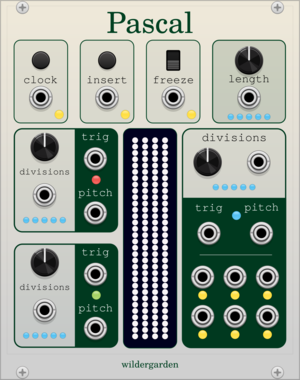
wildergarden Pascal
This module uses Pascal's triangle, a mathematical pattern independently invented throughout the world during the Middle Ages, to create evolving melodies and drum sequences.
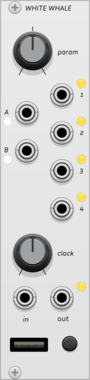




















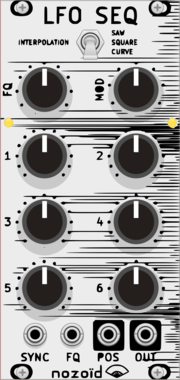
nozoïd Nozori_84_LFO_SEQ
6 step LFO / Sequencer
Hardware cloneFunction generatorLow-frequency oscillatorSequencer
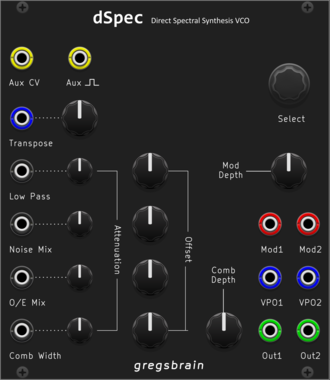
gregsbrain dSpec VCO
Dual Direct Spectral Synthesis VCO
Hardware cloneOscillatorDigitalQuantizerFilterNoiseWaveshaperVisual
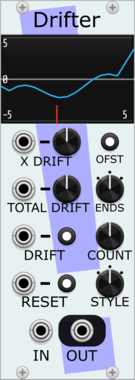
Stochastic Telegraph Drifter
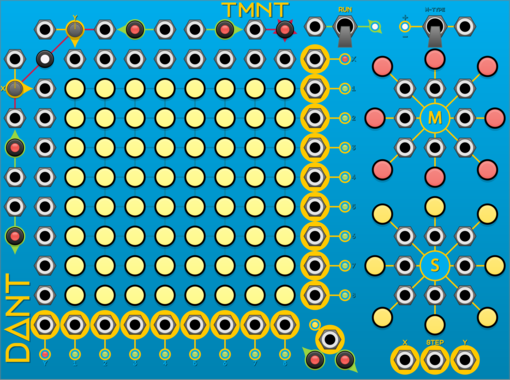
Varying linear function generator. Makes sequences that change in small (or large) ways. A line defined by X/Y points, each doing a random walk.
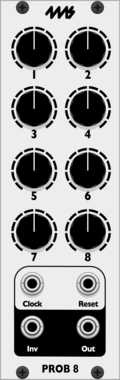
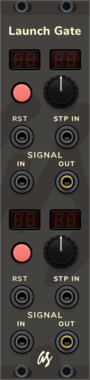
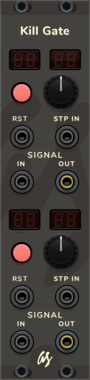


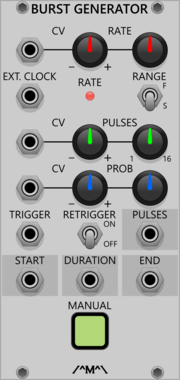
Count Modula Burst Generator
Generates bursts of 1-16 pulses whenever a trigger is received at the trigger input
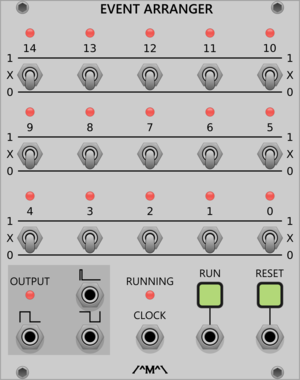
Count Modula Event Arranger
A VCV Rack implementation of the VC Clock and Event Arranger published in an article by John Blacet in the Jan/Feb edition of Synapse magazine
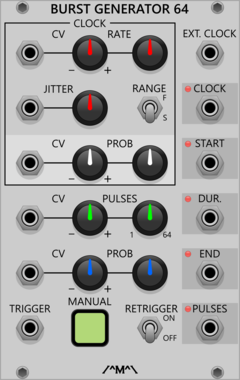
Count Modula Burst Generator 64
Generates bursts of 1-64 pulses whenever a trigger is received at the trigger input
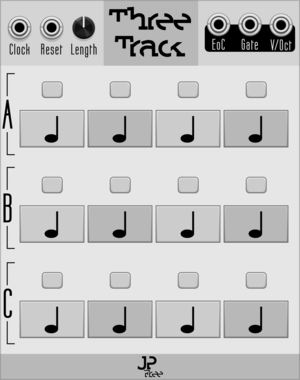
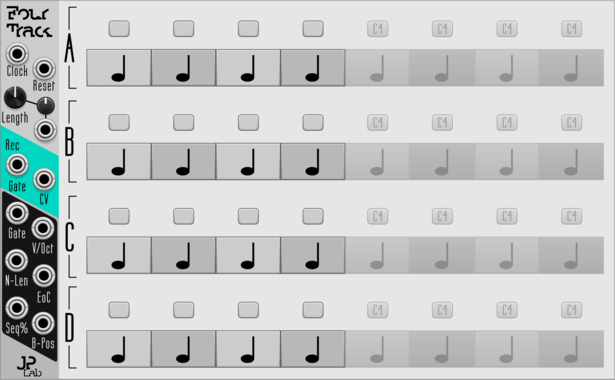
JP Four Track
Program 4-voice melodies or chords. Add endless expanders for endless length.
VCV Library Instructions
- Download and install VCV Rack.
- Register for a VCV account and log in using Rack’s “Library” menu.
- Add or purchase a module on the VCV Library.
- Open the “Library” menu in Rack, click “Update all” (if updates are needed), and restart Rack once downloaded.
- Right-click an empty rack space to launch Rack’s module browser to add a module to your patch.
All plugins on the VCV Library are available for Windows, Mac, and Linux.
The “major” version (i.e. MAJOR.MINOR.REVISION) must match between Rack and its plugins.
For example, Rack 2.* can only load 2.* plugins.
Missing or incorrect information in this database, such as a missing tag? Inform the plugin author(s) using the contact information on their plugin/module page.
Developers: see Adding your plugin to the VCV Library.
Notes
Purchasing plugins with the “VCV” brand supports the VCV Rack project. See VCV’s Mission Statement to learn how VCV Rack development is funded.
Prices are in US Dollars.
By purchasing a plugin on the VCV Library, you agree to VCV’s End User License Agreement and Refund Policy.
Contact VCV Support for customer support and questions about the VCV Library.