

Sulamith GenEcho: Stochastic Looper
Granular stereo recorder and stochastic effect. Stutter, Distortion, Glitches (port from Stochkit).
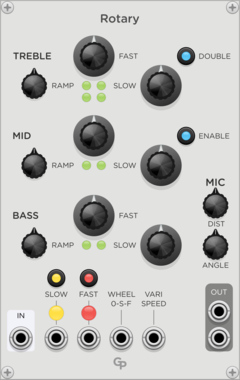
GPaudio Rotary Speaker
Enhanced Rotating Speaker Effect with Optional 3-Way Crossover and Second Rotating Horn
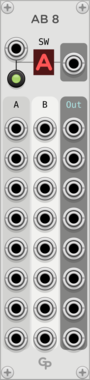

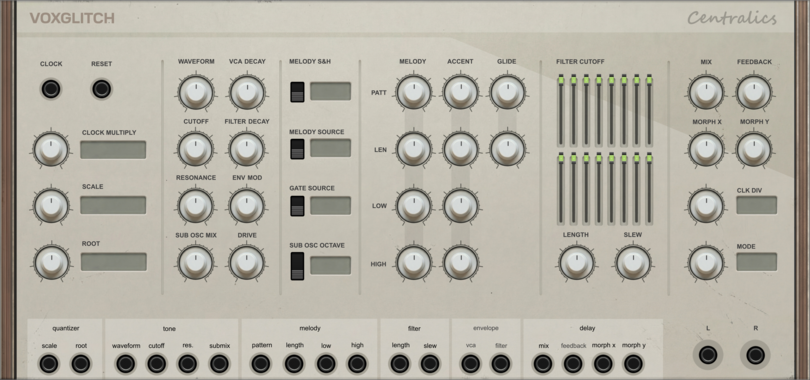
Voxglitch Centralics
303 style synth voice with complex pattern generator and built in clock synced delay effects


Ambivalent Instruments Delay Expander
Tap tempo and sync expander for Ambivalent Instruments Delay modules
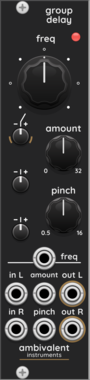
Ambivalent Instruments GroupDelay
Group delay effect using cascaded all-pass filters for transient shaping and phase dispersion
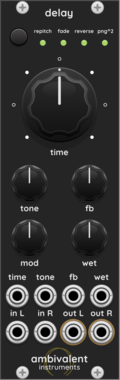
Ambivalent Instruments Delay
Digital delay effect with 4 modes (Repitch/Octave/Reverse/Ping-pong), feedback, and modulation




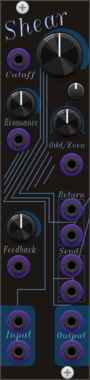
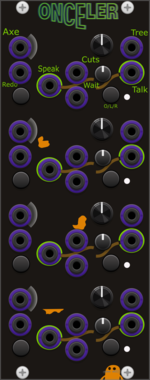
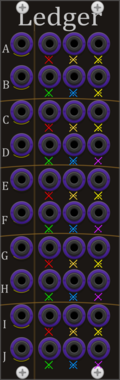
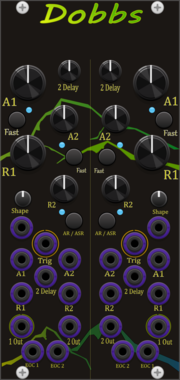

stoermelder PANIC ROOM
Restricts your modular space within Rack, making it impossible to patch outside of a defined area. Modules moved outside the learned boundary are automatically disabled and re-enabled when brought back inside.

stoermelder FINE for MIDI-CAT
Expander for precision mode of MIDI-CAT. Enables high-resolution parameter tweaking with sub-step adjustments, useful for fine-tuning sensitive parameters like filter cutoffs or mix levels.



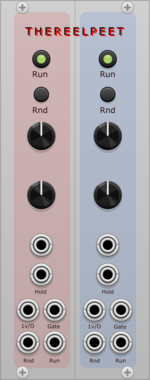
THEREELPEET TheReelPeet
Dual generative sequencer with probabilistic note holds and drops, per-lane Rise/Fall envelope, and Dynamics knob for evolving melodic motion.










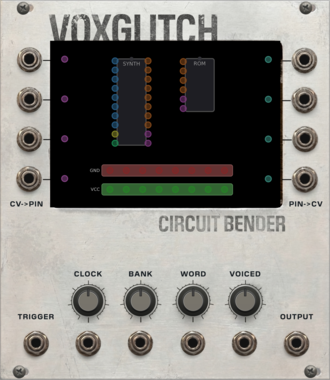
Voxglitch Circuit Bender
TMS5220 style speech synthesizer with circuit bending

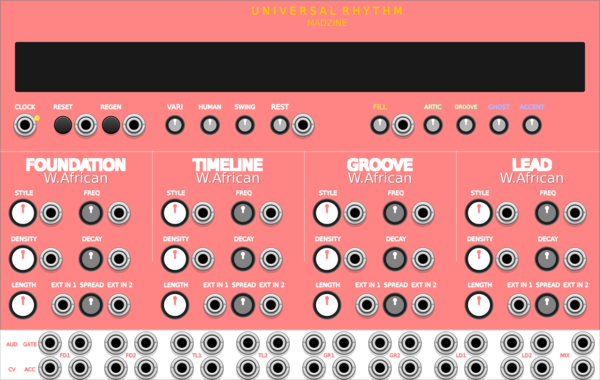
MADZINE Universal Rhythm
Cross-cultural rhythm generator with 10 world music styles and 8-voice drum synthesis
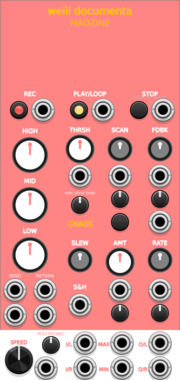
MADZINE weiii documenta
8-layer recording sampler with chaotic parameter morphing, feedback matrix and slice engine
VCV Library Instructions
- Download and install VCV Rack.
- Register for a VCV account and log in using Rack’s “Library” menu.
- Add or purchase a module on the VCV Library.
- Open the “Library” menu in Rack, click “Update all” (if updates are needed), and restart Rack once downloaded.
- Right-click an empty rack space to launch Rack’s module browser to add a module to your patch.
All plugins on the VCV Library are available for Windows, Mac, and Linux.
The “major” version (i.e. MAJOR.MINOR.REVISION) must match between Rack and its plugins.
For example, Rack 2.* can only load 2.* plugins.
Missing or incorrect information in this database, such as a missing tag? Inform the plugin author(s) using the contact information on their plugin/module page.
Developers: see Adding your plugin to the VCV Library.
Notes
Purchasing plugins with the “VCV” brand supports the VCV Rack project. See VCV’s Mission Statement to learn how VCV Rack development is funded.
Prices are in US Dollars.
By purchasing a plugin on the VCV Library, you agree to VCV’s End User License Agreement and Refund Policy.
Contact VCV Support for customer support and questions about the VCV Library.