
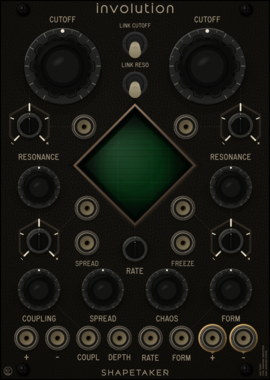
shapetaker Involution
Dual morphable liquid filters with bounded cross-coupling, cutoff spread, chaotic field modulation, and four routing topologies
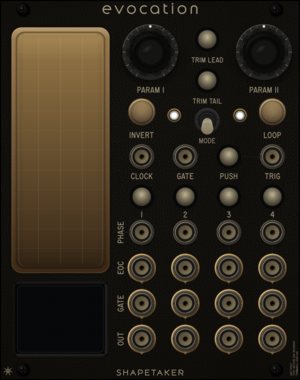




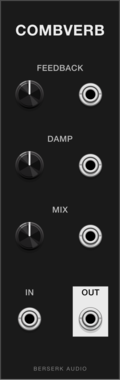
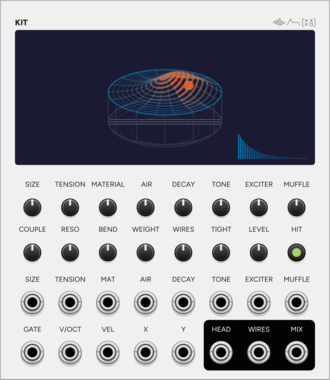
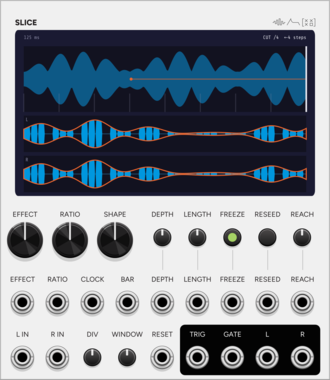
SignalFunctionSet Slice
Cuts a stereo stream onto a grid, then reverses, stutters or pitches each piece.
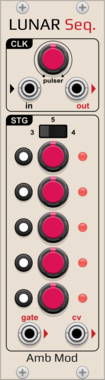
AmbientModules LunarSequencer
3-to-5-stage Buchla-inspired sequential voltage source with per-step CV and independent gate on/off, internal pulser or external clock with a Clock Out, and a switchable CV output range
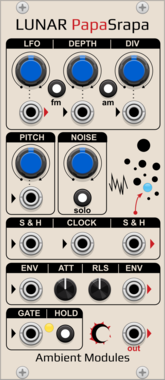
AmbientModules LunarPapaSrapa
"Papa Srapa"-inspired noise/drone voice: FM/AM square oscillator driven by an internal modulator with a dedicated LFO output, independent white noise with sample & hold, and a shared Attack/Release envelope with Hold and chainable Envelope In/Out
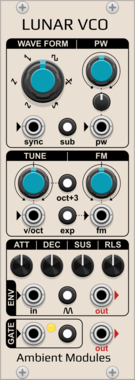
AmbientModules LunarVCO
AS3340-style VCO with 6 waveforms (3 fixed + 3 shaped: PWM square, saw-to-inv.saw and sine-to-saw morphs), octave/sub/lin-exp switches, hard sync, and a full ADSR envelope with Hold and Self-generation

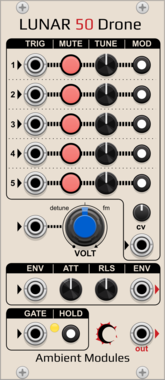
AmbientModules Lunar50Drone
5-oscillator sawtooth drone voice with per-oscillator tuning, activation, trigger input and switchable frequency CV routing, a CV attenuverter, a shared Attack/Release envelope (gate, Hold, chainable Envelope In/Out), and a CV-controlled detune/FM knob






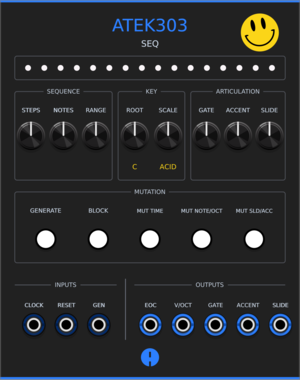
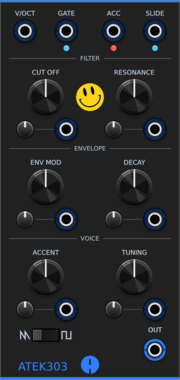
Animatek ATEK303 SEQ
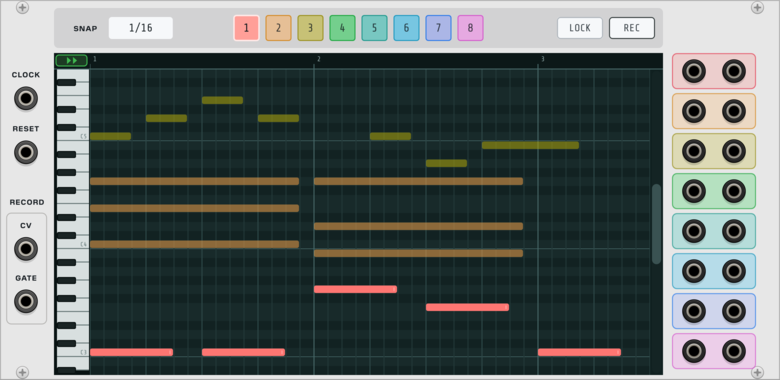
Acid pattern generator of up to 64 steps for ATEK303 or any compatible synth voice. Create repeatable patterns, edit them in a piano roll, then mutate their rhythm, octave, accents and slides.

Animatek BLANK ACID
Animated 3HP blank panel with drifting acid smileys. Adjacent Animatek blanks join into one shared canvas.
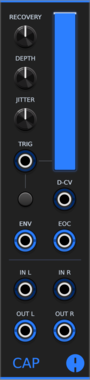
Animatek CAP
Stereo ducking VCA that lowers audio on each trigger and recovers with adjustable depth, timing and natural variation. It also works as a lowpass filter or a vactrol-style low-pass gate that triggers can ping. Pan with CV, a VCA CV input, envelope and end-of-cycle outputs, and CAPs placed side by side chain into a mixer without cables.
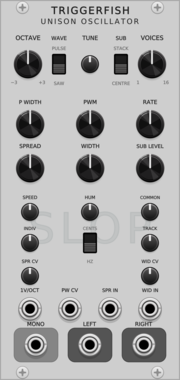
TriggerFish Unison Oscillator
Polyphonic 1-16 voice saw/pulse unison oscillator with stereo spread, sub oscillator, and built-in Slop
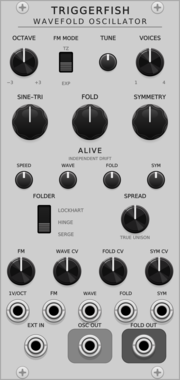
TriggerFish Wavefold Oscillator
Alive sine/triangle oscillator with Hinge, Lockhart, and Serge wavefolders
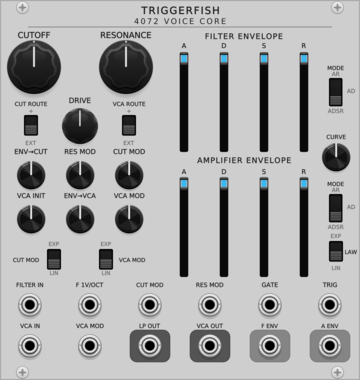
TriggerFish 4072 Voice Core
Circuit-modelled ARP 4072 low-pass filter, dual envelopes, and 4019-style VCA

Mockba Modular JD Oscah
Roland JD/JV/SR-JV80-family PCM sample player


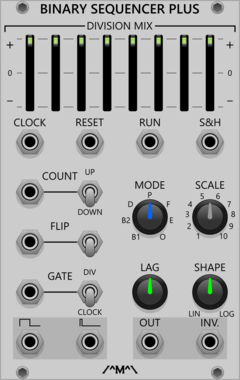

Count Modula Mini Mix
A no-frills 4 input polyphonic unity mixer with output level control and overload indicator
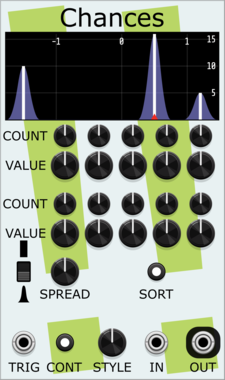
Stochastic Telegraph Chances
Random number generator with discrete probabilities for particular values or ranges of values.
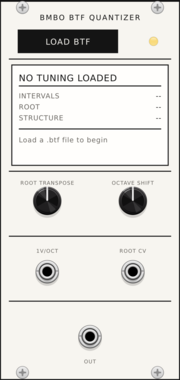
Bmbo BTF Quantizer
Polyphonic quantizer that loads Bmbo Tuning Format (BTF) files and quantizes 1V/oct CV to the loaded tuning.

Infinite-Noise ADR Envelope
4HP Attack-Delay-Release envelope with attack/release time and shape (technically Attack-Sustain-Delay-Release). Rate Chaos can affect each time-setting, changed at each cycle.



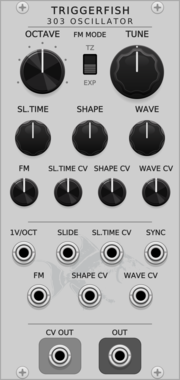
TriggerFish 303 Oscillator
Circuit-modelled TB-303 oscillator with slide and voltage-controlled waveform morphing
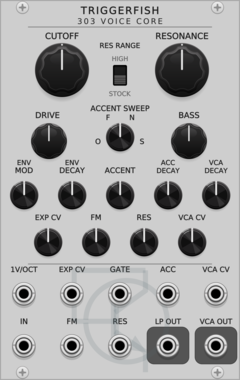
TriggerFish 303 Voice Core
Circuit-modelled TB-303 diode ladder, articulation envelopes, accent path, and OTA VCA
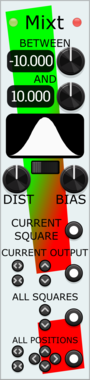
Stochastic Telegraph Mixt
Companion to Twixt, quickly randomizing (with constraints) the Output values in adjoining Twixt modules.
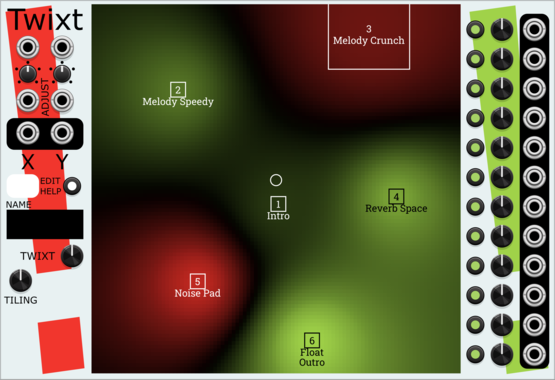
Stochastic Telegraph Twixt
2D graphical control over signals. A moving or mouse-driven Point affects twelve CV Outputs, with many kinds of interpolation between Squares. Useful for controlled timbral changes and sonic exploration.
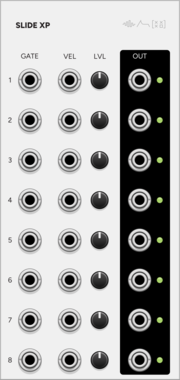
SignalFunctionSet SLIDE XP
Expander for Slide: the eight strings on eight jacks, gate and velocity each.
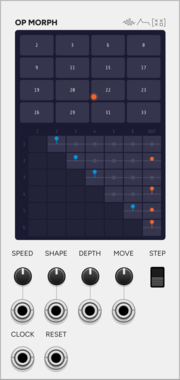
SignalFunctionSet OP MORPH
Expander for Operator: the DX7 routing as a matrix you navigate as a wrapping field.
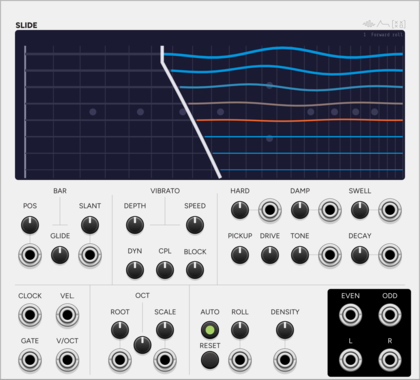
SignalFunctionSet Slide
Electric lap steel: eight strings stopped by a steel bar, with slant and rate glide.
VCV Library Instructions
- Download and install VCV Rack.
- Register for a VCV account and log in using Rack’s “Library” menu.
- Add or purchase a module on the VCV Library.
- Open the “Library” menu in Rack, click “Update all” (if updates are needed), and restart Rack once downloaded.
- Right-click an empty rack space to launch Rack’s module browser to add a module to your patch.
All plugins on the VCV Library are available for Windows, Mac, and Linux.
The “major” version (i.e. MAJOR.MINOR.REVISION) must match between Rack and its plugins.
For example, Rack 2.* can only load 2.* plugins.
Missing or incorrect information in this database, such as a missing tag? Inform the plugin author(s) using the contact information on their plugin/module page.
Developers: see Adding your plugin to the VCV Library.
Notes
Purchasing plugins with the “VCV” brand supports the VCV Rack project. See VCV’s Mission Statement to learn how VCV Rack development is funded.
Prices are in US Dollars.
By purchasing a plugin on the VCV Library, you agree to VCV’s End User License Agreement and Refund Policy.
Contact VCV Support for customer support and questions about the VCV Library.