
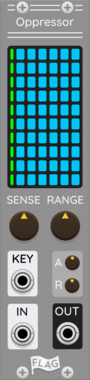


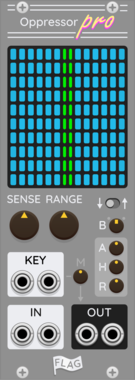
FLAG Oppressor Pro
Multiband Ducker/Gate/Compressor


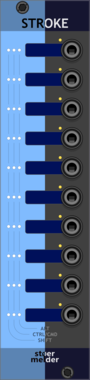
stoermelder STROKE
Utility for converting hotkeys to triggers, gates and some other special commands



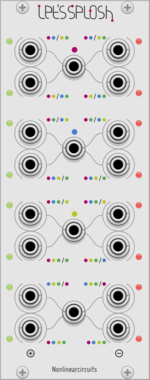
Nonlinear Circuits Let's Splosh
Four inputs run into lots of Difference Rectifiers for many output variations. Panel by Papernoise.

OrangeLine Cron
Interface Module for MIDI>CV deriving BPM from MIDI CLK and 24 pmm CLK/N, handling Transport and calculating CMP cv for GATOR for latency compensation of up to 16 channels

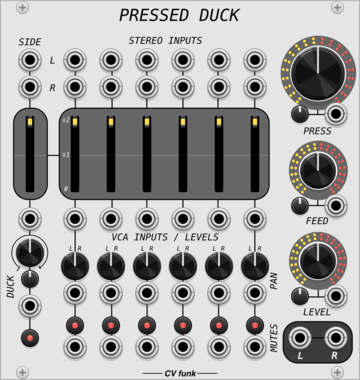
CV funk Pressed Duck
A stereo six-channel dynamic compressing mixer with side-chain ducking, tanh saturation and ADAA.
MixerCompressorDynamicsDistortionPanningVoltage-controlled amplifier
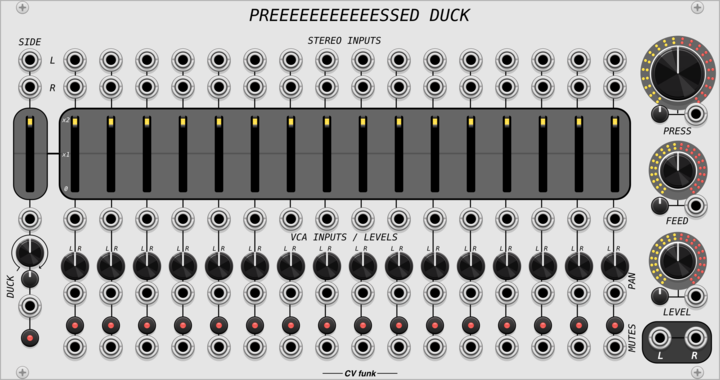
CV funk Preeeeeeeeeeessed Duck
A stereo sixteen-channel dynamic compressing mixer with side-chain ducking, tanh saturation and ADAA.
MixerCompressorDynamicsDistortionPanningVoltage-controlled amplifier
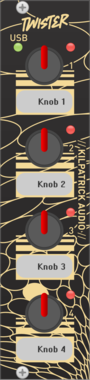
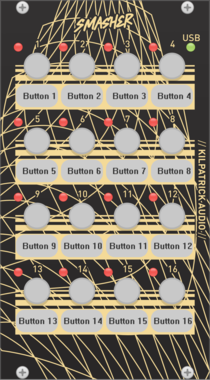
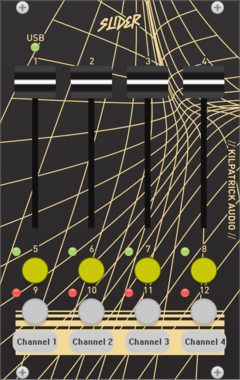
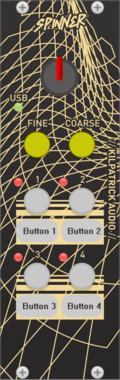
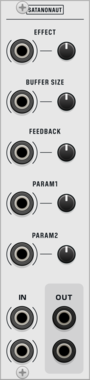
Voxglitch Satanonaut
Based on the new comic Galacto Pitfighter: An alien entity hell-bent on mutilating your audio.
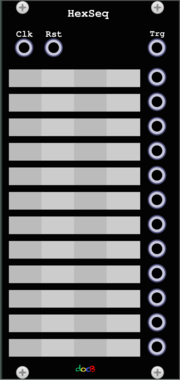

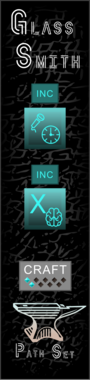
Path Set Glass Smith
Path Set: Glass Shard Premium
$10
This utility module allows you to craft new configurations for Glass Shard.

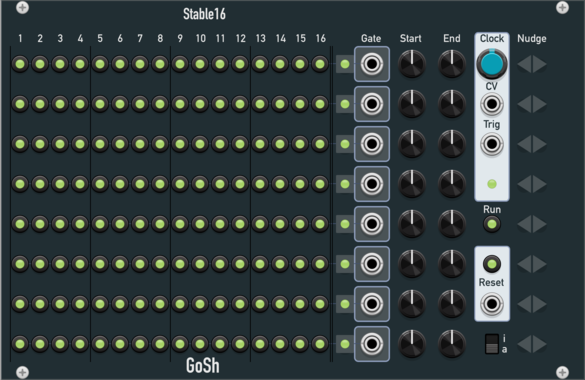
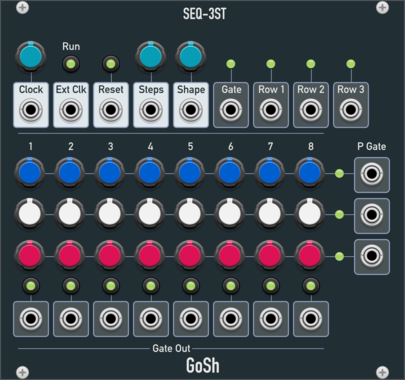
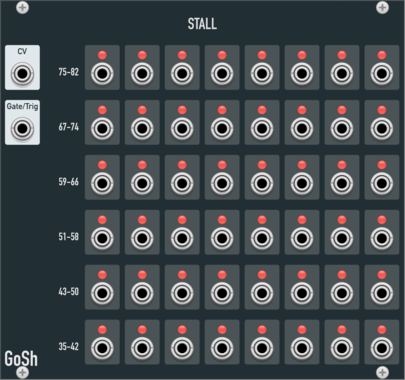



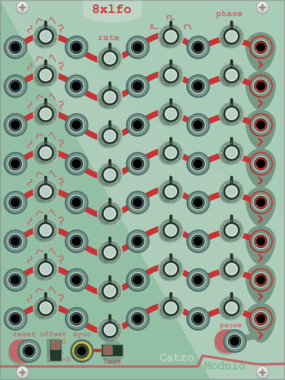
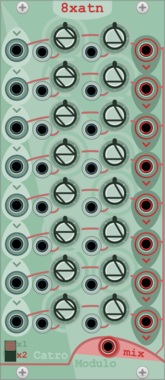





Sparkette's Stuff Accessor
Connects to an adjacent DMA-compatible module to allow for reading and writing of memory.
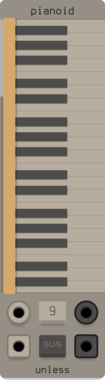
unless games pianoid
a compact piano for monitoring polyphonic v/oct signals from midi or other sources. includes sustain mode and manual note/chord inputting.

unless games room
a rack row arranger that can move complete rows of modules and add empty rows between existing ones for a faster workflow

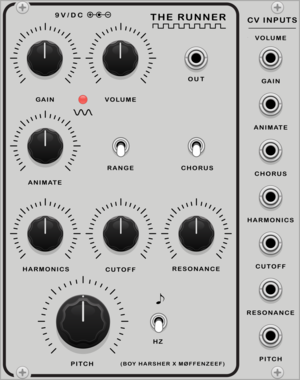
Moffenzeef The Runner
A Eurorack fantasy version of a previously released drone synth: The Runner was made in collaboration with Boy Harsher as part of promo for their film with the same name
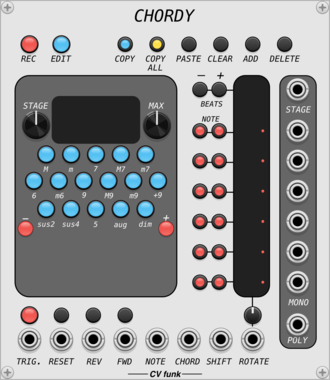
CV funk Chordy
CV funk Chord Caster
$20CV funk Bundle
$40
$45
The 6-note chord sequencer from Chord Caster in a compact form.


BlackNoiseModular GomaII
GOMA II is a new take on the classic attenuverter/mixer concept. It stands for Generator, Offset, Mixer, Attenuverter.
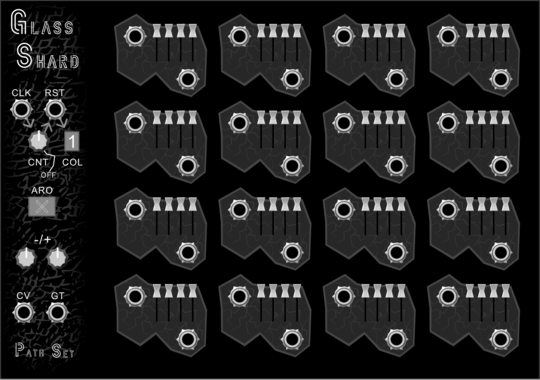
Path Set Glass Shard
This node-based sequencer gives you a new configuration each week, begging to be your creative muse for melody.

VCV Library Instructions
- Download and install VCV Rack.
- Register for a VCV account and log in using Rack’s “Library” menu.
- Add or purchase a module on the VCV Library.
- Open the “Library” menu in Rack, click “Update all” (if updates are needed), and restart Rack once downloaded.
- Right-click an empty rack space to launch Rack’s module browser to add a module to your patch.
All plugins on the VCV Library are available for Windows, Mac, and Linux.
The “major” version (i.e. MAJOR.MINOR.REVISION) must match between Rack and its plugins.
For example, Rack 2.* can only load 2.* plugins.
Missing or incorrect information in this database, such as a missing tag? Inform the plugin author(s) using the contact information on their plugin/module page.
Developers: see Adding your plugin to the VCV Library.
Notes
Purchasing plugins with the “VCV” brand supports the VCV Rack project. See VCV’s Mission Statement to learn how VCV Rack development is funded.
Prices are in US Dollars.
By purchasing a plugin on the VCV Library, you agree to VCV’s End User License Agreement and Refund Policy.
Contact VCV Support for customer support and questions about the VCV Library.