


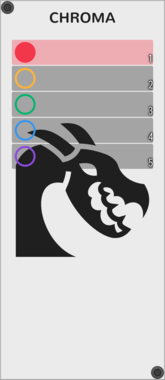
Ouroboros Industries Chroma
A cable colour manager with labels and support for multiple colour collections
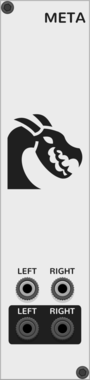
Ouroboros Industries Meta
Adds meta features to VCV Rack (Cable sounds, startup pre-muter; Full list in the manual)

not-things P-SD
Polyphonic Same and Different (PSD) - Compare two polyphonic signals to determine which channels in them are the same, and which are different
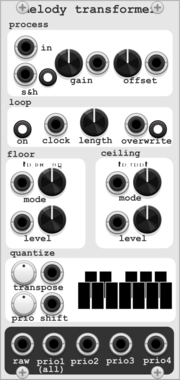
HoyerHoppes Melody Transformer
Quantizer with user-defined master scale and sub-scales. Pre-quantization processing utilities include gain, offset, and a 16-step polyphonic looper

not-things P-I
Polyphonic Input - Combine the PI and PO modules to split and merge different (monophonic and polyphonic) input signals into a different combination of signals

not-things P-O
Polyphonic Output - Combine the PI and PO modules to split and merge different (monophonic and polyphonic) input signals into a different combination of signals

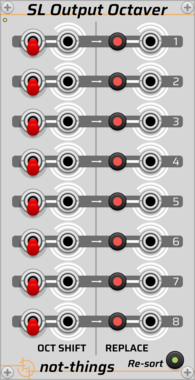

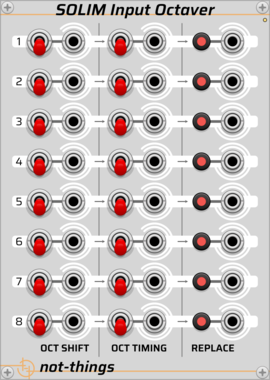




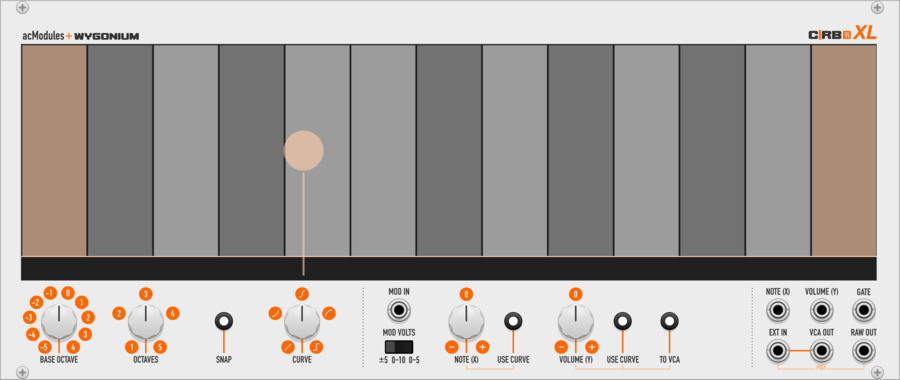
artificialcolors C|RB Vi XL
eXtra-Large Two-Dimensional performance instrument with on-screen note guides, selectable octave range, optional note snapping, Y-axis curve shapes, with modulation input. Can also function as a playable VCA.
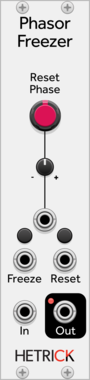
HetrickCV Phasor Freezer
Duplicates an incoming phasor, but allows you to reset it or freeze it independently of the input.
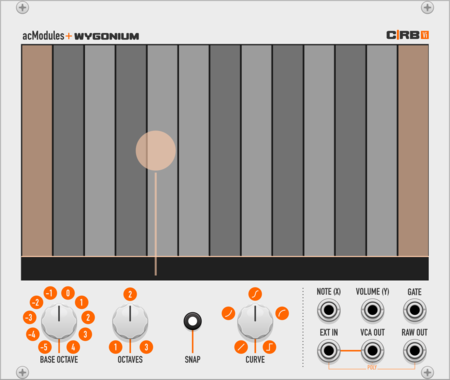
artificialcolors CRBVi
Two-Dimensional performance instrument with on-screen note guides, selectable octave range, optional note snapping, and Y-axis curve shapes. Can also function as a playable VCA. Virtual re-interpretation of Wygonium C|RB hardware ribbon controller.

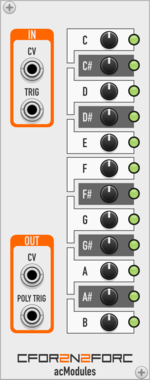
artificialcolors CFor2N2ForC
Output a configurable CV and/or trigger across a 1V/Oct semitone CV input.

artificialcolors Pul5es
Outputs a trigger pulse upon receiving a specified number of incoming pulses.
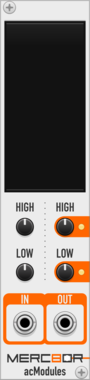
artificialcolors Merc8or
Quickly remap, scale, and/or invert one range of polyphonic CV values to another.

Venom Quad VC Polarizer
Compact polyphonic bipolar VCA and mixer inspired by Mutable Instruments Blinds




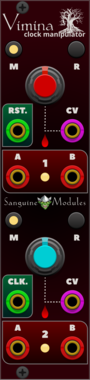
Sanguine Mutants Vimina
Polyphonic dual clock divider, multiplier and swinger based on the Twigs firmware for Mutable Instruments' Branches


OrangeLine Cron
Interface Module for MIDI>CV deriving BPM from MIDI CLK and 24 pmm CLK/N, handling Transport and calculating CMP cv for GATOR for latency compensation of up to 16 channels
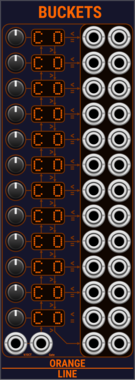
OrangeLine Buckets
Splits up polyphonic pitch and gate input into up to 12 polyphic pitch and gate outputs, depending on pitch value, chainable





VCV Library Instructions
- Download and install VCV Rack.
- Register for a VCV account and log in using Rack’s “Library” menu.
- Add or purchase a module on the VCV Library.
- Open the “Library” menu in Rack, click “Update all” (if updates are needed), and restart Rack once downloaded.
- Right-click an empty rack space to launch Rack’s module browser to add a module to your patch.
All plugins on the VCV Library are available for Windows, Mac, and Linux.
The “major” version (i.e. MAJOR.MINOR.REVISION) must match between Rack and its plugins.
For example, Rack 2.* can only load 2.* plugins.
Missing or incorrect information in this database, such as a missing tag? Inform the plugin author(s) using the contact information on their plugin/module page.
Developers: see Adding your plugin to the VCV Library.
Notes
Purchasing plugins with the “VCV” brand supports the VCV Rack project. See VCV’s Mission Statement to learn how VCV Rack development is funded.
Prices are in US Dollars.
By purchasing a plugin on the VCV Library, you agree to VCV’s End User License Agreement and Refund Policy.
Contact VCV Support for customer support and questions about the VCV Library.