
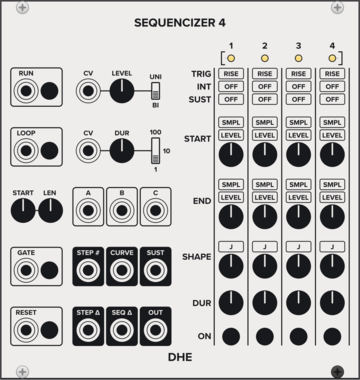
DHE Modules Sequencizer 4
Generates a highly customizable 4 step sequence
SequencerEnvelope generatorLow-frequency oscillatorSample and hold
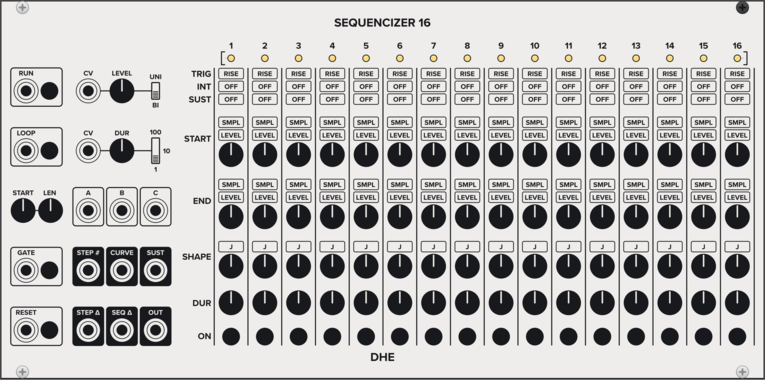
DHE Modules Sequencizer 16
Generates a highly customizable 16 step sequence
SequencerEnvelope generatorLow-frequency oscillatorSample and hold

Sulamith Poly to Sequence
Takes a polyphonic Input and sequences it to a clock (fwd, bwd, rnd). Step probability + add random probability with range.
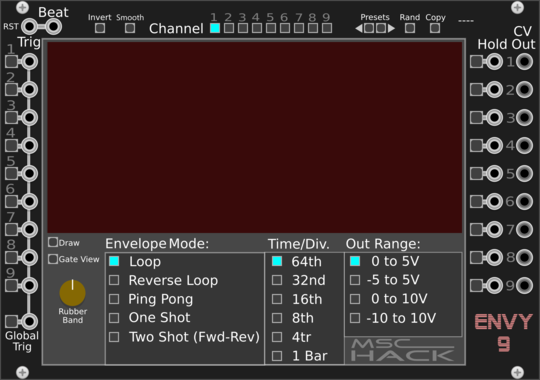


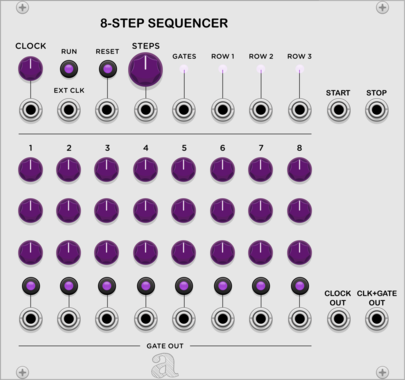
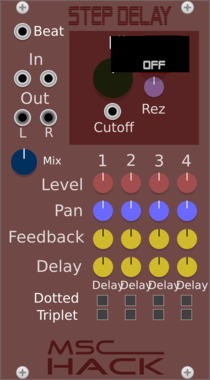
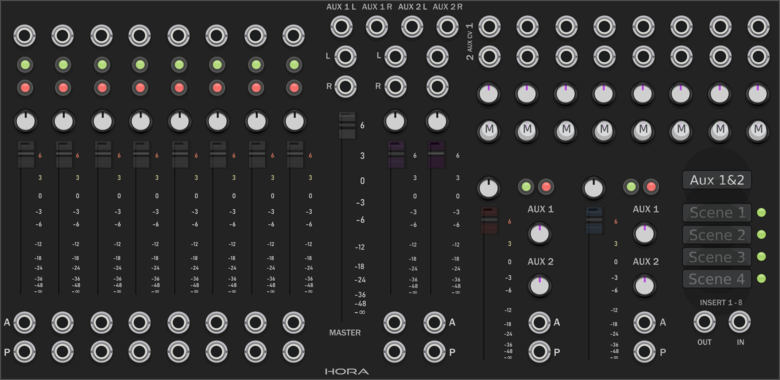
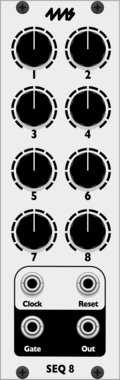
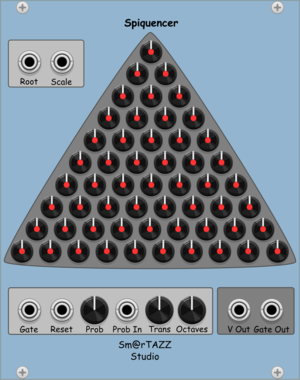
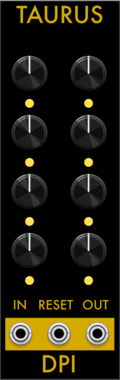
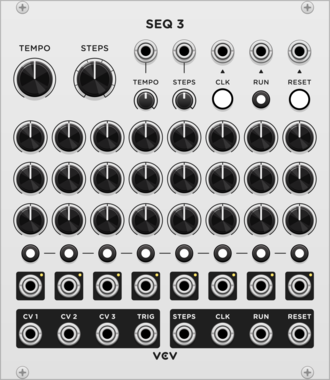
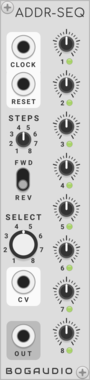
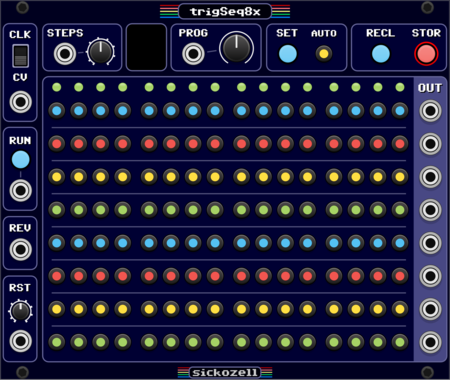
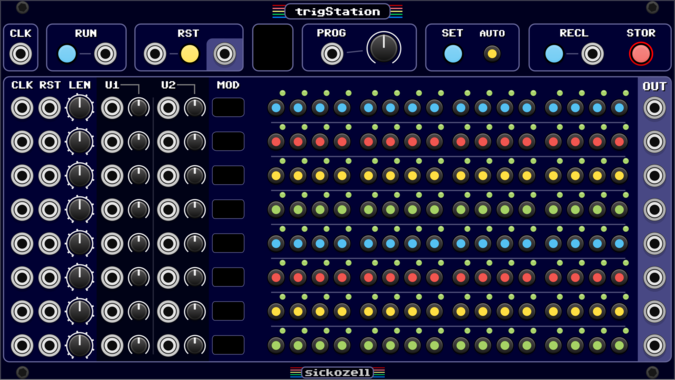
Sickozell trigStation
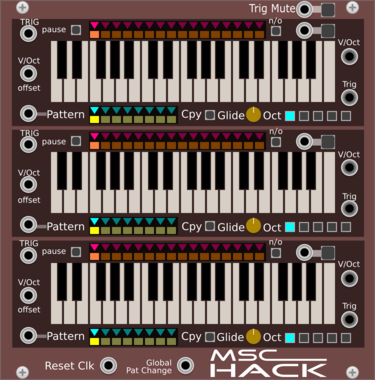
8 independent track / 16 step trig sequencer with configurable user inputs/knobs and presets (trst)
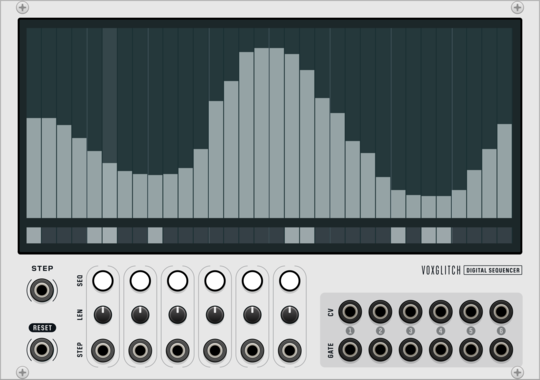
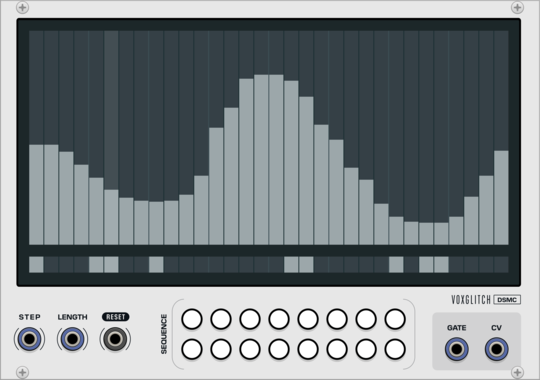
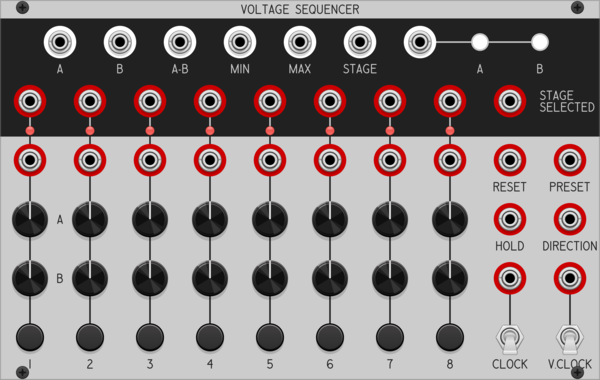
Voxglitch Digital Sequencer
Six-in-one cv/gate sequencers with independent control over clock division and sequence length.
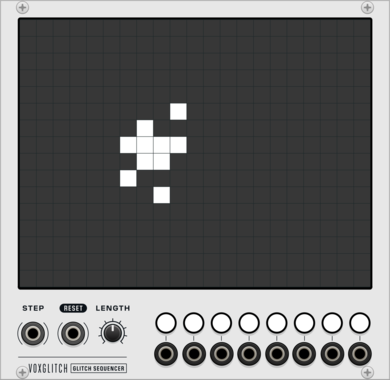
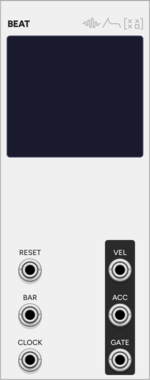
SignalFunctionSet Beat
Single-voice pattern sequencer with 8 patterns x 16 steps, on-screen step/velocity/accent editing, per-pattern length, and active-pattern progression
Voxglitch Digital Sequencer XP
Polyphonic version of the Digital Sequencer. Sixteen-in-one cv/gate sequencers with independent control over clock division and sequence length.
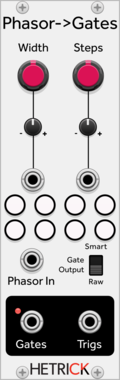
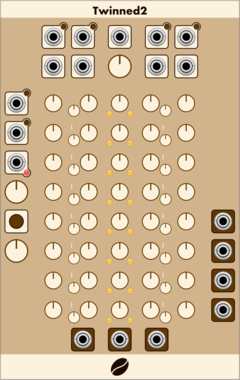
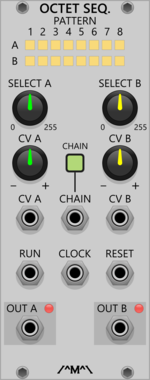
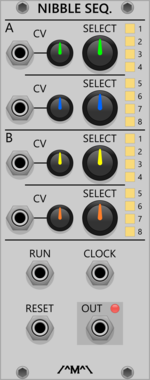
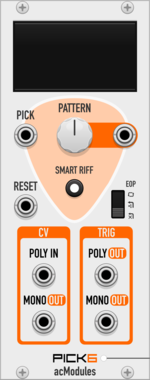
artificialcolors Pick6
8-step finger-pickin' trigger sequencer (1:6 patterned switch), with optional 'Smart Riff' functionality.
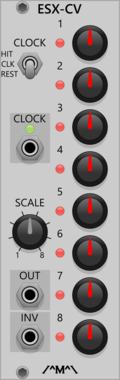
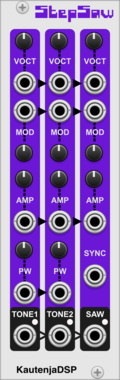
KautenjaDSP Step Saw
An emulation of the Konami VRC6 chip from Nintendo Entertainment System (NES) cartridges.
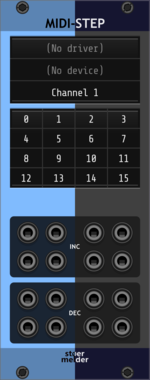
stoermelder MIDI-STEP
Module for relative modes of endless knobs on your MIDI controller, such as Arturia Beatstep, Native Instruments Komplete Keyboards or Behringer X-TOUCH
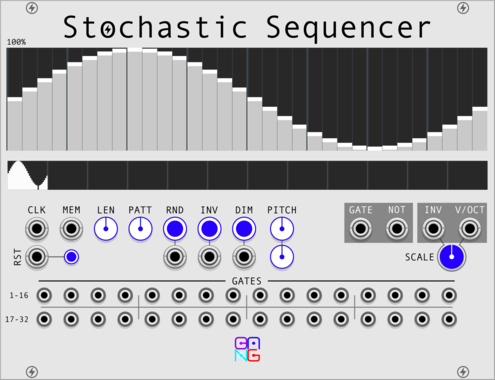
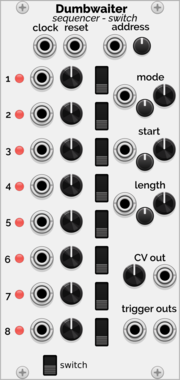
Holonic Systems Dumbwaiter
8 step sequencer and switch. One could see it as a A-155 / A-154 / A-152 merged into one module
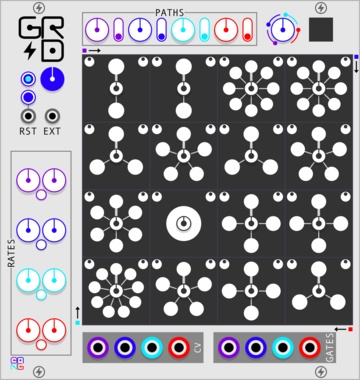
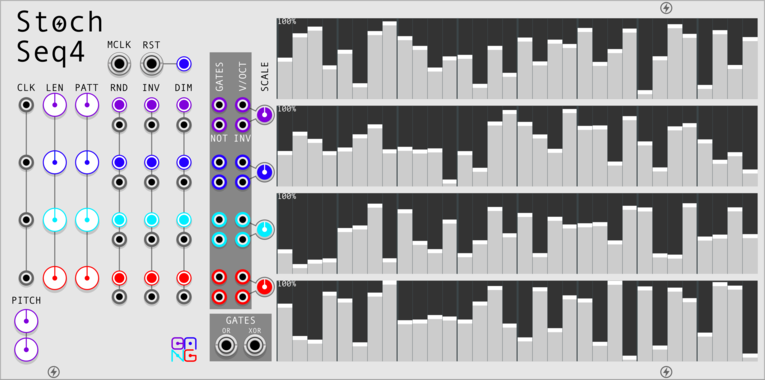


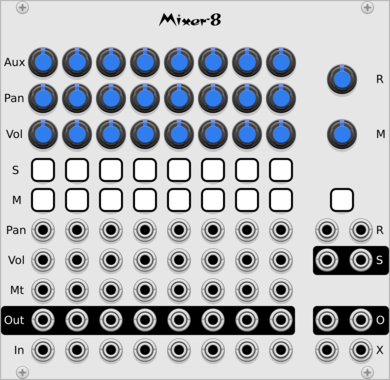

Sulamith Gate Length Sequencer
Sequences 6 Gates (0.1s-10s) with playmodes, probability, seq length, reset. For holding notes, envelopes and switches.
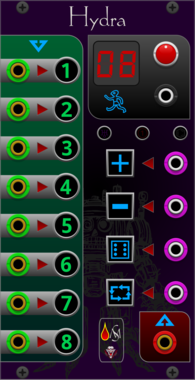
Sanguine Monsters Hydra
8 to 1 switch/sequencer that can avoid consecutive random repeated values; can be one shot, and can be reset to either no step value or the first step
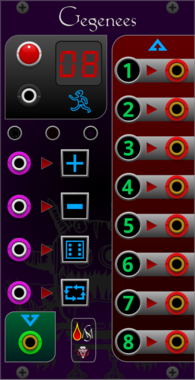
Sanguine Monsters Gegenees
1 to 8 switch/sequencer that can avoid consecutive random repeated values; can be one shot, and can be reset to either no step value or the first step
VCV Library Instructions
- Download and install VCV Rack.
- Register for a VCV account and log in using Rack’s “Library” menu.
- Add or purchase a module on the VCV Library.
- Open the “Library” menu in Rack, click “Update all” (if updates are needed), and restart Rack once downloaded.
- Right-click an empty rack space to launch Rack’s module browser to add a module to your patch.
All plugins on the VCV Library are available for Windows, Mac, and Linux.
The “major” version (i.e. MAJOR.MINOR.REVISION) must match between Rack and its plugins.
For example, Rack 2.* can only load 2.* plugins.
Missing or incorrect information in this database, such as a missing tag? Inform the plugin author(s) using the contact information on their plugin/module page.
Developers: see Adding your plugin to the VCV Library.
Notes
Purchasing plugins with the “VCV” brand supports the VCV Rack project. See VCV’s Mission Statement to learn how VCV Rack development is funded.
Prices are in US Dollars.
By purchasing a plugin on the VCV Library, you agree to VCV’s End User License Agreement and Refund Policy.
Contact VCV Support for customer support and questions about the VCV Library.