



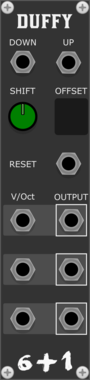
Studio Six Plus One Duffy
Transposes incoming voct, the amount increased by a set number of semitones, can be used to traverse the circle of fifths
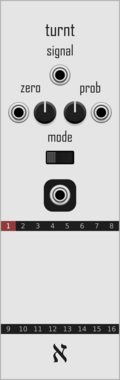
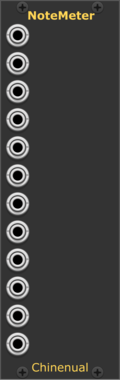

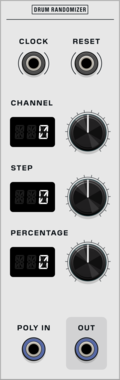


Venom Recurse Stereo
Recursively process mono or stereo input via Send/Return, with built in scaling and offset cababilities


Venom Poly Clone
Clone each channel of a polyphonic input and merge the results into a single polyphonic output


Venom Bernoulli Switch
Stochastically route two inputs to two outputs, with built in scaling and offset capabilities




stoermelder CLK for MIDI-CAT
Expander for clock-synchronization of MIDI-CAT. Sends your mapped parameters along clock-quantised timelines so parameter automation follows your musical tempo.
Stochastic Telegraph BASICally
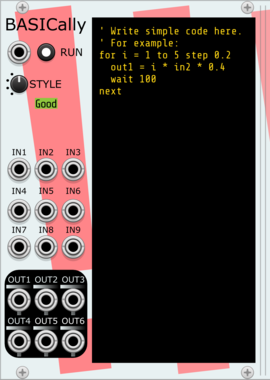
Generate sequences, perform math on inputs, and even multitask with a simple BASIC-like language. Can also send Tipsy text messages to modules that support them (e.g., TTY or Memory).

stoermelder MIDI-KEY
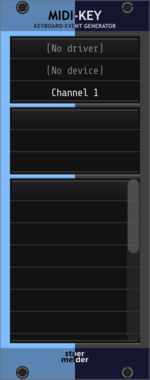
Converts MIDI CC or note messages into keyboard events. Map any MIDI control to a hotkey, with modifier support and saved presets for triggering Rack actions from your controller.

stoermelder STRIP++
Adds hotkeys for pasting and importing selections while preserving parameter mappings. Previews the selection on the cursor, then commits it with a click — perfect for reusing patches with MIDI-CAT, CV-MAP and GLUE intact.
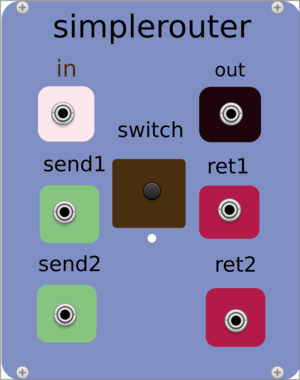

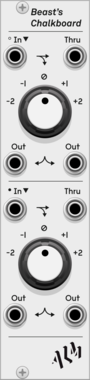



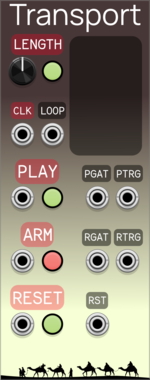

Sparkette's Stuff Polyphonic Repeater
Converts a monophonic signal to a polyphonic signal where all channels have the same value. Outputs up to four copies of the polyphonic signal, because I had room for extra ports so why not?

Sparkette's Stuff Note Classifier
Classifies the pitch of an incoming note (C, D, etc.) and turns on a different output for each pitch.

VCV Library Instructions
- Download and install VCV Rack.
- Register for a VCV account and log in using Rack’s “Library” menu.
- Add or purchase a module on the VCV Library.
- Open the “Library” menu in Rack, click “Update all” (if updates are needed), and restart Rack once downloaded.
- Right-click an empty rack space to launch Rack’s module browser to add a module to your patch.
All plugins on the VCV Library are available for Windows, Mac, and Linux.
The “major” version (i.e. MAJOR.MINOR.REVISION) must match between Rack and its plugins.
For example, Rack 2.* can only load 2.* plugins.
Missing or incorrect information in this database, such as a missing tag? Inform the plugin author(s) using the contact information on their plugin/module page.
Developers: see Adding your plugin to the VCV Library.
Notes
Purchasing plugins with the “VCV” brand supports the VCV Rack project. See VCV’s Mission Statement to learn how VCV Rack development is funded.
Prices are in US Dollars.
By purchasing a plugin on the VCV Library, you agree to VCV’s End User License Agreement and Refund Policy.
Contact VCV Support for customer support and questions about the VCV Library.