




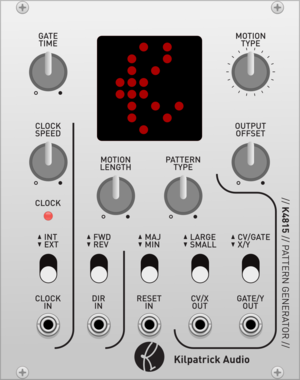
Kilpatrick Audio K4815 Pattern Generator
CV and MIDI Pattern Generator
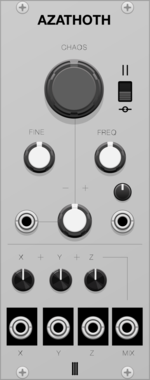
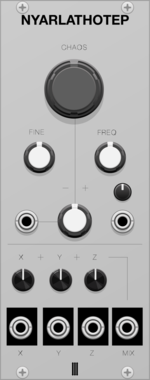
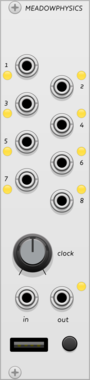
Magus Instrumentalis Nyarlathotep
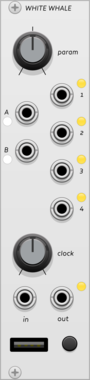
Chaotic oscillator LFO (hbd Ryan!)

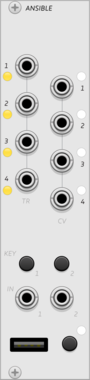
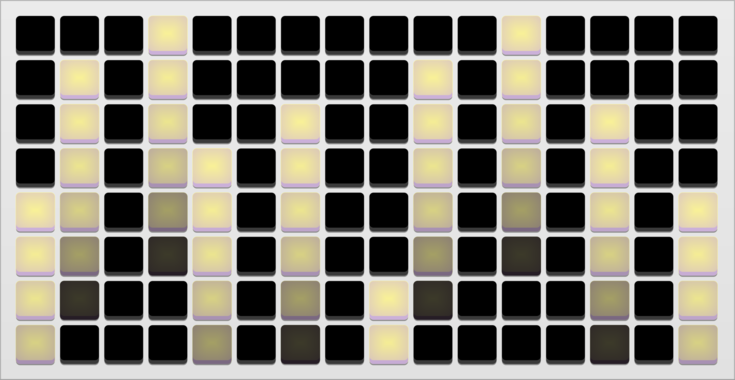
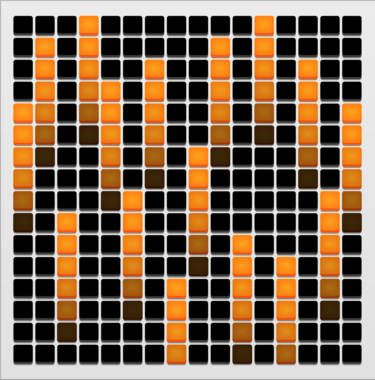
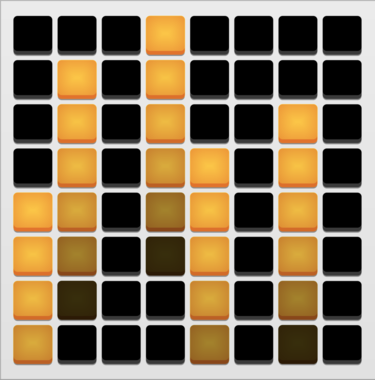
monome ansible
multi-mode sequencer and control voltage generator, for grid and arc controllers
SequencerClock generatorLogicFunction generatorDigitalHardware cloneExternal
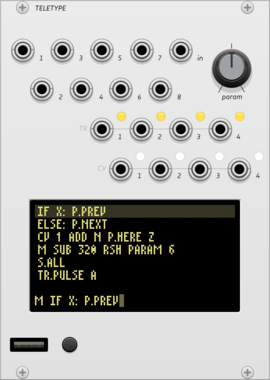
monome teletype
algorithmic ecosystem: a dynamic, musical event triggering platform
ArpeggiatorClock generatorClock modulatorEnvelope followerEnvelope generatorFunction generatorLogicQuantizerRandomSequencerSlew limiterSample and holdUtilityDigitalHardware cloneExternal
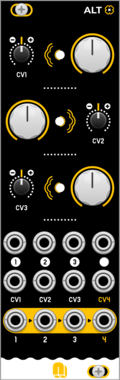
NANO Modules ALT
Quad Voltage Controlled Amplifier & Cascading Mixer
AttenuatorMixerQuadVoltage-controlled amplifierHardware clone
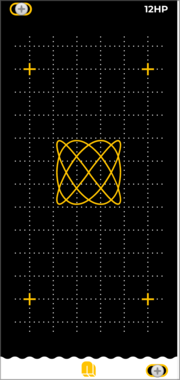


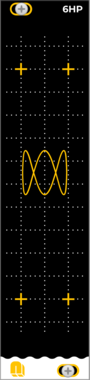
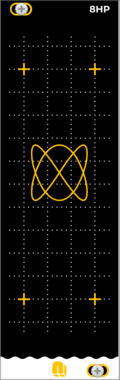



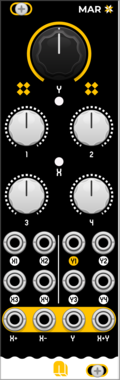
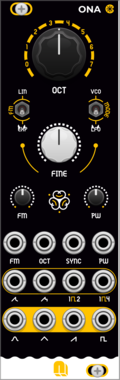
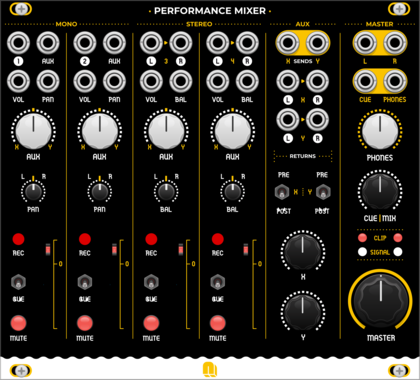
NANO Modules Performance Mixer
Advanced Mixing. Effortless Automation
AttenuatorMixerPanningQuadVoltage-controlled amplifierHardware clone
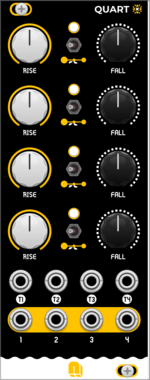
NANO Modules QUART
Quad AD Envelope & LFO Generator
Envelope generatorLow-frequency oscillatorOscillatorFunction generatorQuadHardware clone
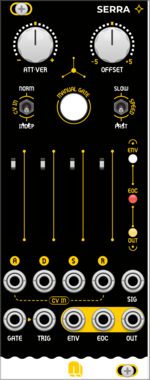
NANO Modules SERRA
Envelope (ADSR) function generator
Envelope generatorFunction generatorAttenuatorHardware clone
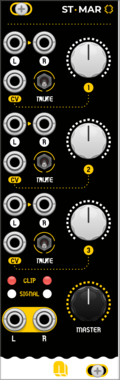
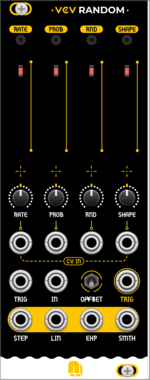
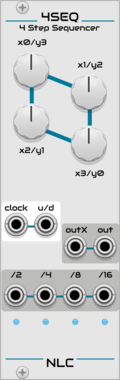
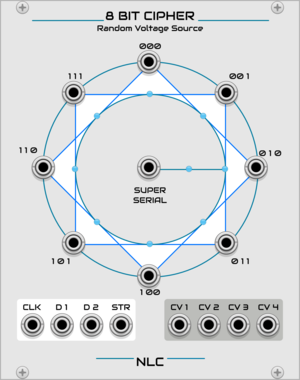
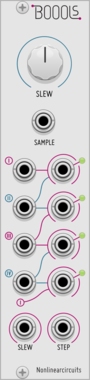
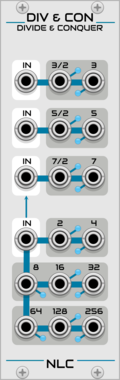
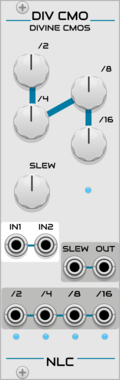
Nonlinear Circuits Divine CMOS
Waveform and clock divider with multiple divison outputs, slew, and a mixer.
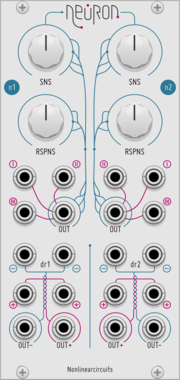
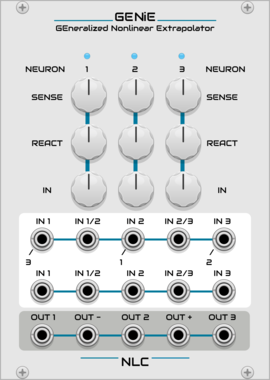
Nonlinear Circuits GENiE
Three Neurons tangled together in a feedback network of chaos. Panel by jk.
VCV Library Instructions
- Download and install VCV Rack.
- Register for a VCV account and log in using Rack’s “Library” menu.
- Add or purchase a module on the VCV Library.
- Open the “Library” menu in Rack, click “Update all” (if updates are needed), and restart Rack once downloaded.
- Right-click an empty rack space to launch Rack’s module browser to add a module to your patch.
All plugins on the VCV Library are available for Windows, Mac, and Linux.
The “major” version (i.e. MAJOR.MINOR.REVISION) must match between Rack and its plugins.
For example, Rack 2.* can only load 2.* plugins.
Missing or incorrect information in this database, such as a missing tag? Inform the plugin author(s) using the contact information on their plugin/module page.
Developers: see Adding your plugin to the VCV Library.
Notes
Purchasing plugins with the “VCV” brand supports the VCV Rack project. See VCV’s Mission Statement to learn how VCV Rack development is funded.
Prices are in US Dollars.
By purchasing a plugin on the VCV Library, you agree to VCV’s End User License Agreement and Refund Policy.
Contact VCV Support for customer support and questions about the VCV Library.