
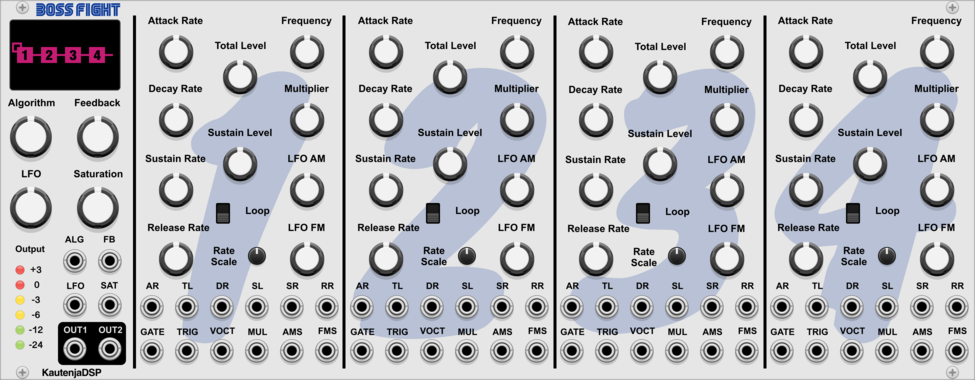
KautenjaDSP Boss Fight
An emulation of the Yamaha YM2612 FM synthesis chip from the Sega Mega Drive and Sega Genesis.
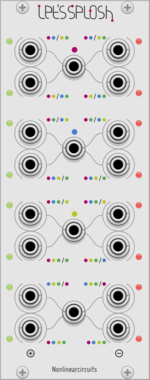
Nonlinear Circuits Let's Splosh
Four inputs run into lots of Difference Rectifiers for many output variations. Panel by Papernoise.
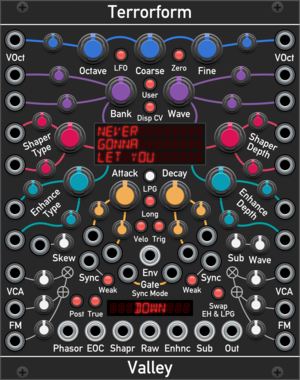
Valley Terrorform
An extensive wavetable oscillator that lets you explore and rip apart wavetables in many different ways.
OscillatorPolyphonicSynth voiceWaveshaperLow-frequency oscillator






stoermelder X4
Dual multiple for parameter-mapping. Maps four separate knobs to a single parameter, useful for driving the same target from MIDI-CAT and CV-MAP simultaneously or for multi-controller setups.

stoermelder +T
Expander for TRANSIT that adds 12 additional snapshot slots. Up to seven +T expanders can be chained for a total of 96 snapshots per TRANSIT instance.

stoermelder TRANSIT
Parameter-morpher and sequencer for up to 96 snapshots. Binds to any module, captures parameter snapshots, morphs smoothly between them and steps through them with clock and trigger inputs.

stoermelder SPIN
Utility for converting mouse-wheel movement into triggers, also handles middle-click of mouse, useful for SAIL. Outputs increment and decrement triggers from scrolling and gates from the middle button, with configurable keyboard modifiers.

stoermelder MEM for MIDI-CAT
Memory-expander for MIDI-CAT. Extends the mapping memory so you can store and recall multiple MIDI-CAT configurations or quickly switch between banks of mappings.


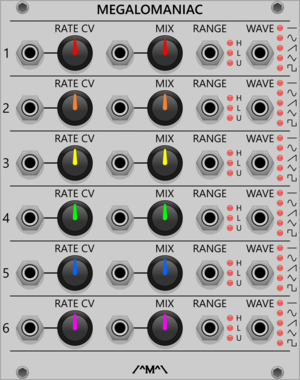
Count Modula Megalomaniac - Hyper Maniacal LFO CV Expander
Voltage control over the Hyper Maniacal LFO


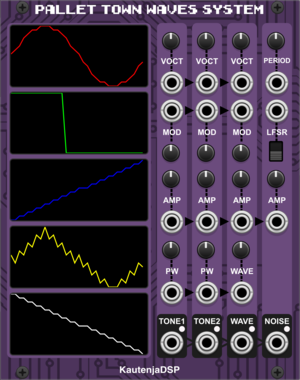
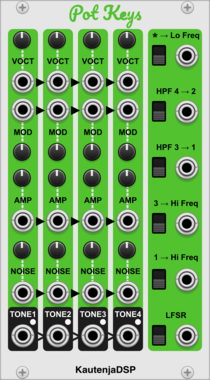
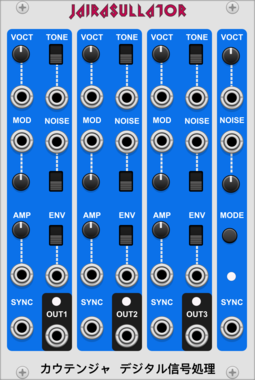
KautenjaDSP Jairasullator
An emulation of the General Instrument AY-3-8910 chip.
DistortionLow-frequency oscillatorNoiseOscillatorPolyphonicSynth voiceVoltage-controlled amplifier




VCV Library Instructions
- Download and install VCV Rack.
- Register for a VCV account and log in using Rack’s “Library” menu.
- Add or purchase a module on the VCV Library.
- Open the “Library” menu in Rack, click “Update all” (if updates are needed), and restart Rack once downloaded.
- Right-click an empty rack space to launch Rack’s module browser to add a module to your patch.
All plugins on the VCV Library are available for Windows, Mac, and Linux.
The “major” version (i.e. MAJOR.MINOR.REVISION) must match between Rack and its plugins.
For example, Rack 2.* can only load 2.* plugins.
Missing or incorrect information in this database, such as a missing tag? Inform the plugin author(s) using the contact information on their plugin/module page.
Developers: see Adding your plugin to the VCV Library.
Notes
Purchasing plugins with the “VCV” brand supports the VCV Rack project. See VCV’s Mission Statement to learn how VCV Rack development is funded.
Prices are in US Dollars.
By purchasing a plugin on the VCV Library, you agree to VCV’s End User License Agreement and Refund Policy.
Contact VCV Support for customer support and questions about the VCV Library.