
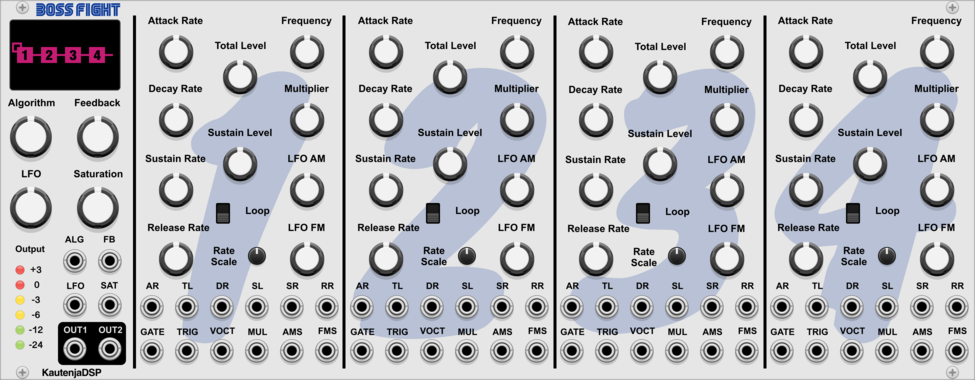
KautenjaDSP Boss Fight
An emulation of the Yamaha YM2612 FM synthesis chip from the Sega Mega Drive and Sega Genesis.

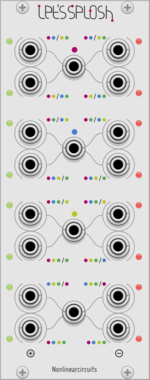
Nonlinear Circuits Let's Splosh
Four inputs run into lots of Difference Rectifiers for many output variations. Panel by Papernoise.
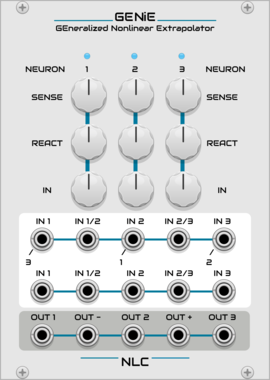
Nonlinear Circuits GENiE
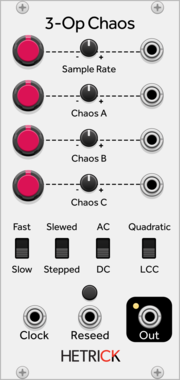
Three Neurons tangled together in a feedback network of chaos. Panel by jk.
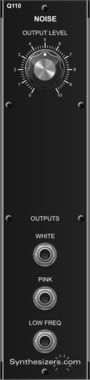
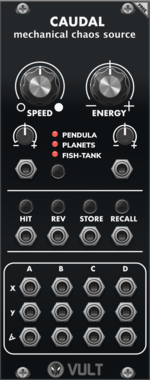

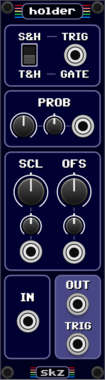
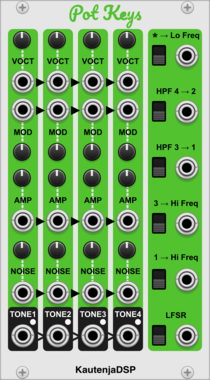
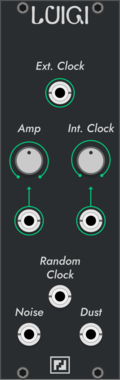


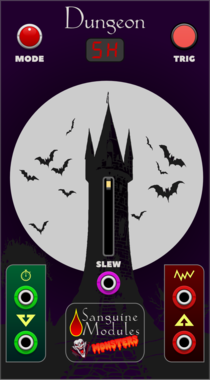
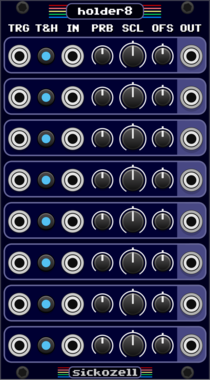
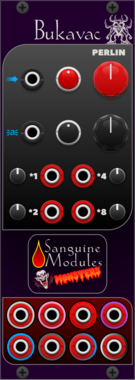
Sanguine Monsters Dungeon
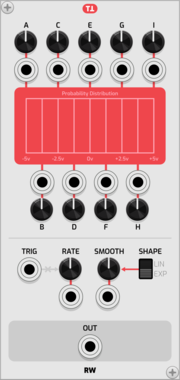
Sample and hold, track and hold, hold and track and white noise source with light up faceplate
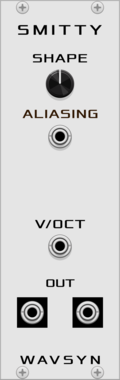
WavsynModular Smitty
VCO with dual sine-like outputs plus a shape control for adding harmonics and aliasing
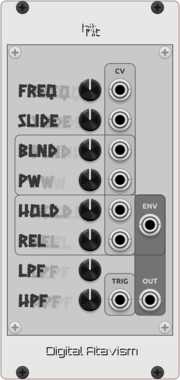


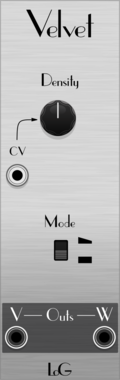
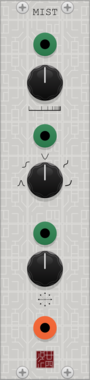
TyrannosaurusRu LogisticScratch
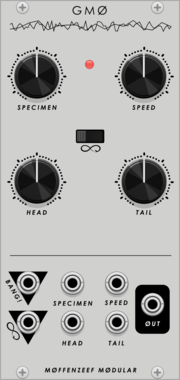
Scratching chaotic oscillator based on https://www.mathematica-journal.com/2013/05/27/using-the-logistic-map-to-generate-scratching-sounds/
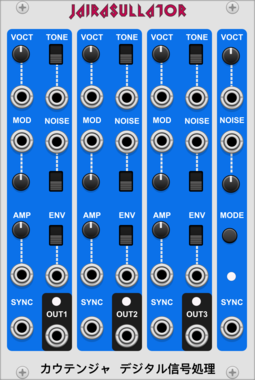
KautenjaDSP Jairasullator
An emulation of the General Instrument AY-3-8910 chip.
DistortionLow-frequency oscillatorNoiseOscillatorPolyphonicSynth voiceVoltage-controlled amplifier




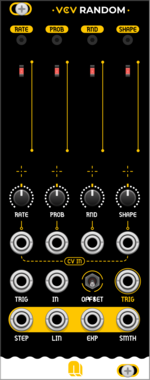
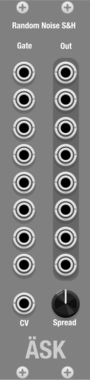
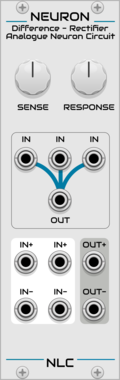
Nonlinear Circuits Neuron
3-input comparator and Difference Rectifier for creating unpredictable interactions. Panel by jk.
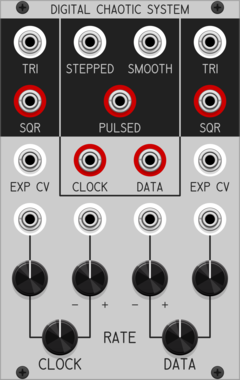
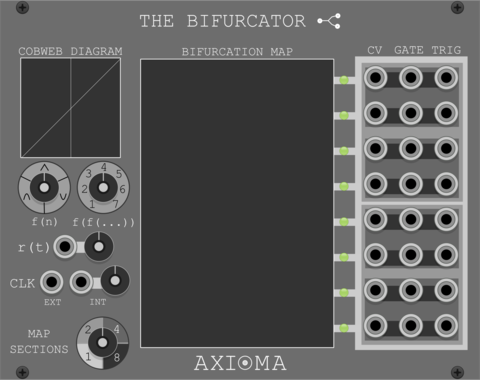
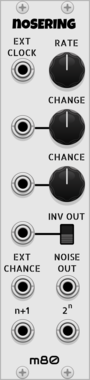
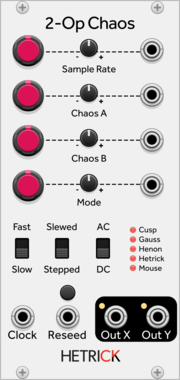
Patchable Devices Digital Chaotic System
Digital 8-bit Shift Register driven by two independent VCOs
Clock generatorClock modulatorFunction generatorLogicLow-frequency oscillatorNoiseOscillatorRandomSequencerUtility




VCV Library Instructions
- Download and install VCV Rack.
- Register for a VCV account and log in using Rack’s “Library” menu.
- Add or purchase a module on the VCV Library.
- Open the “Library” menu in Rack, click “Update all” (if updates are needed), and restart Rack once downloaded.
- Right-click an empty rack space to launch Rack’s module browser to add a module to your patch.
All plugins on the VCV Library are available for Windows, Mac, and Linux.
The “major” version (i.e. MAJOR.MINOR.REVISION) must match between Rack and its plugins.
For example, Rack 2.* can only load 2.* plugins.
Missing or incorrect information in this database, such as a missing tag? Inform the plugin author(s) using the contact information on their plugin/module page.
Developers: see Adding your plugin to the VCV Library.
Notes
Purchasing plugins with the “VCV” brand supports the VCV Rack project. See VCV’s Mission Statement to learn how VCV Rack development is funded.
Prices are in US Dollars.
By purchasing a plugin on the VCV Library, you agree to VCV’s End User License Agreement and Refund Policy.
Contact VCV Support for customer support and questions about the VCV Library.