

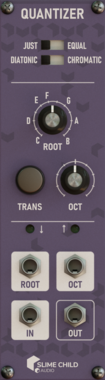
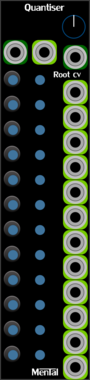
Slime Child Audio Quantizer
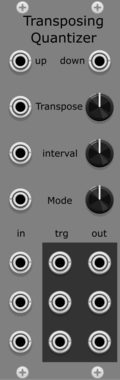
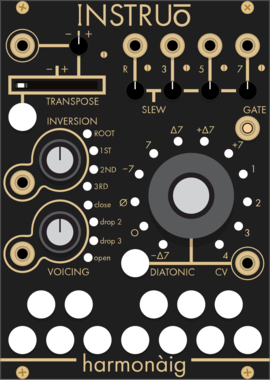
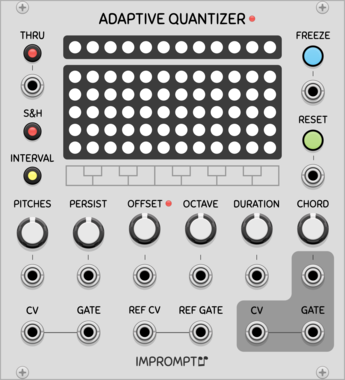
Variable-Intonation Transposing Quantizer


Venom HQ - Harmonic Quantizer
Computes a selected harmonic or subharmonic partial relative to a root V/Oct, or quantizes input V/Oct to the nearest partial relative to the root
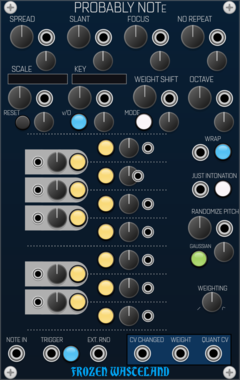
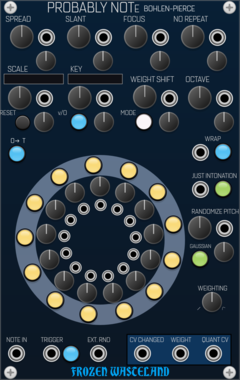
Frozen Wasteland Probably Note - Bohlen Pierce
Probabilistic Quantizer using Bohlen Pierce scales and tuning
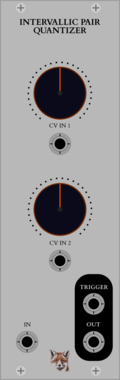
CuteFox Modules Intervallic Pair Quantizer
Quantizer based on a pair of intervals from 0 to 11 (semitones)
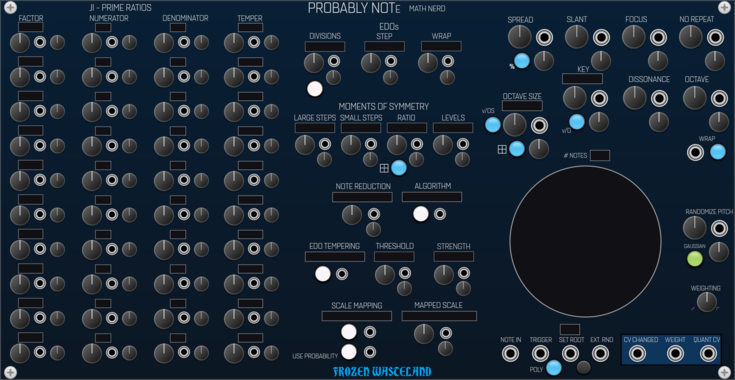
Frozen Wasteland Probably Note - Math Nerd
Probabilistic Quantizer using prime number based generative scales


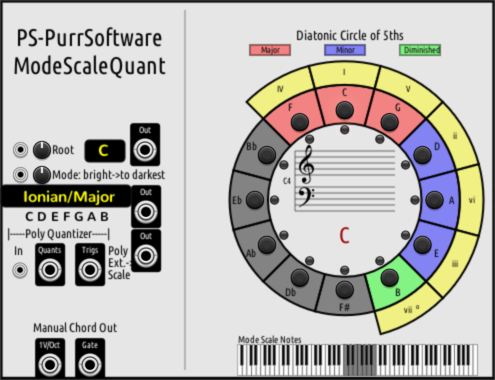
maglav modular Arp Player
Chain-able arpeggiator/quantizer expander for Chord Player

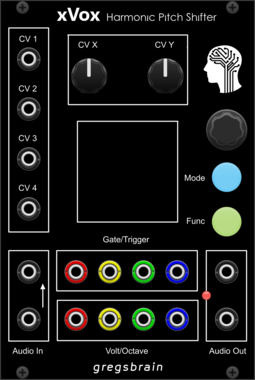
gregsbrain xVox Harmonic Pitch Shifter
A 4 Voice Quantizing Pitch Shifter
Hardware cloneDigitalQuantizerTunerFilterEnvelope generatorSample and holdVocoderVisual
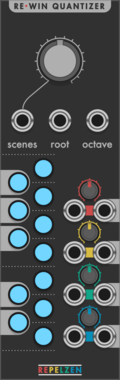


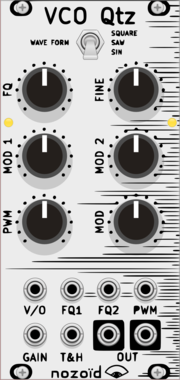


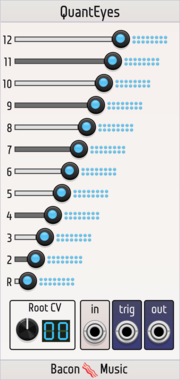
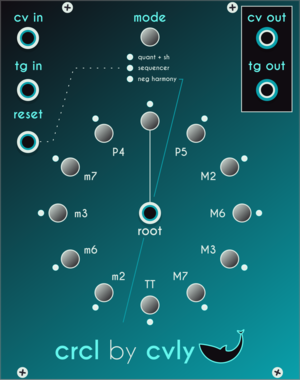
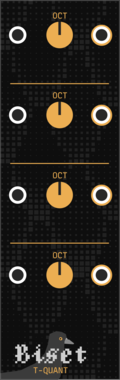

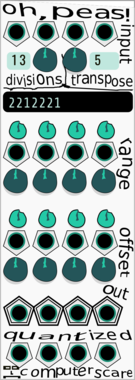
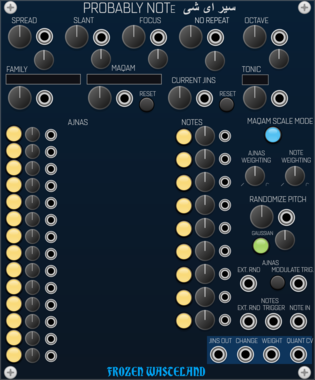
Frozen Wasteland Probably Note - Arabic
Probabilistic Quantizer using Arabic maqams, ajnas and sayrs
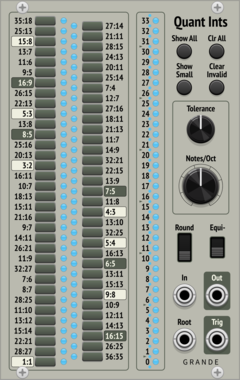

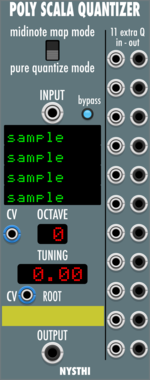
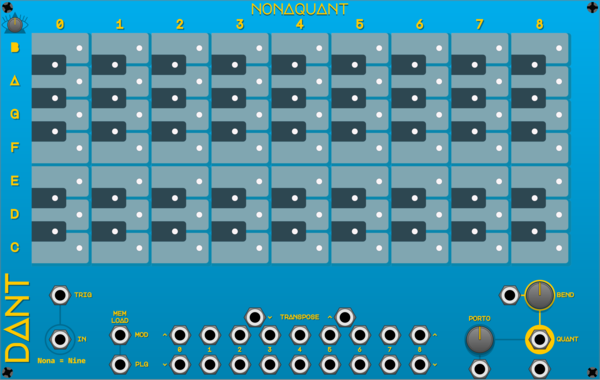
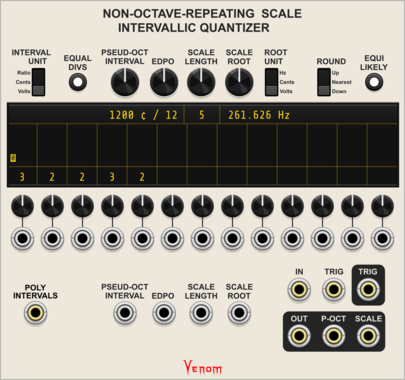
Venom Non-Octave-Repeating Scale Intervallic Quantizer
Quantizer for any scale defined by up to 13 intervals between notes
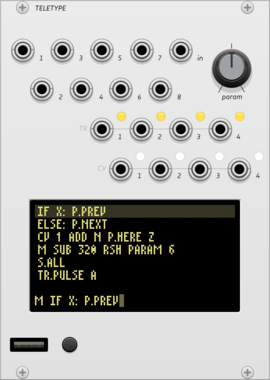
monome teletype
algorithmic ecosystem: a dynamic, musical event triggering platform
ArpeggiatorClock generatorClock modulatorEnvelope followerEnvelope generatorFunction generatorLogicQuantizerRandomSequencerSlew limiterSample and holdUtilityDigitalHardware cloneExternal
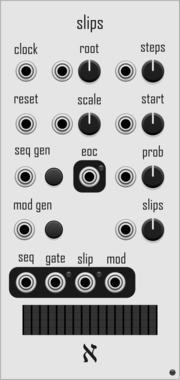
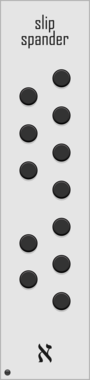
alef's bits slips
generate random melodies, with optional random offsets each cycle, quantized to a scale




VCV Library Instructions
- Download and install VCV Rack.
- Register for a VCV account and log in using Rack’s “Library” menu.
- Add or purchase a module on the VCV Library.
- Open the “Library” menu in Rack, click “Update all” (if updates are needed), and restart Rack once downloaded.
- Right-click an empty rack space to launch Rack’s module browser to add a module to your patch.
All plugins on the VCV Library are available for Windows, Mac, and Linux.
The “major” version (i.e. MAJOR.MINOR.REVISION) must match between Rack and its plugins.
For example, Rack 2.* can only load 2.* plugins.
Missing or incorrect information in this database, such as a missing tag? Inform the plugin author(s) using the contact information on their plugin/module page.
Developers: see Adding your plugin to the VCV Library.
Notes
Purchasing plugins with the “VCV” brand supports the VCV Rack project. See VCV’s Mission Statement to learn how VCV Rack development is funded.
Prices are in US Dollars.
VCV is only responsible for VCV-branded plugins and does not completely review all third-party plugins. VCV does not provide technical support for third-party plugins. Installing plugins from unknown sources may compromise your computer and personal information.
By purchasing a plugin on the VCV Library, you agree to the End User License Agreement and Refund Policy.
Contact VCV Support for customer support and questions about the VCV Library.