
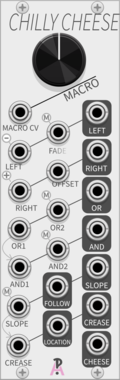
AlliewayAudio Chilly Cheese
1:1 digital recreation of Mannequins 'Cold Mac' esoteric macro-utility (made with permission, but not by Mannequins)
AttenuatorCompressorEnvelope followerLogicRing modulatorSlew limiterUtilityVoltage-controlled amplifierWaveshaper
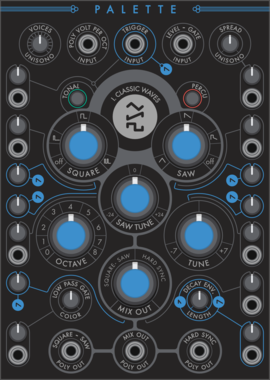
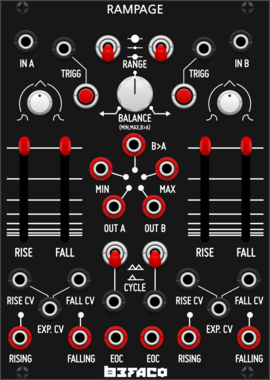
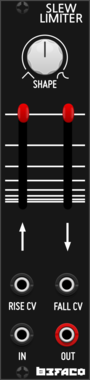
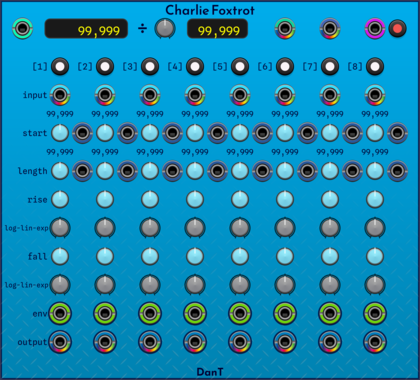
DanT Charlie Foxtrot
[28hp] An 8-channel polyphonic VCA + slew + envelope + clock counter & pass-through mess of a module!
Clock modulatorEnvelope generatorPolyphonicSequencerSlew limiterUtilityVoltage-controlled amplifier
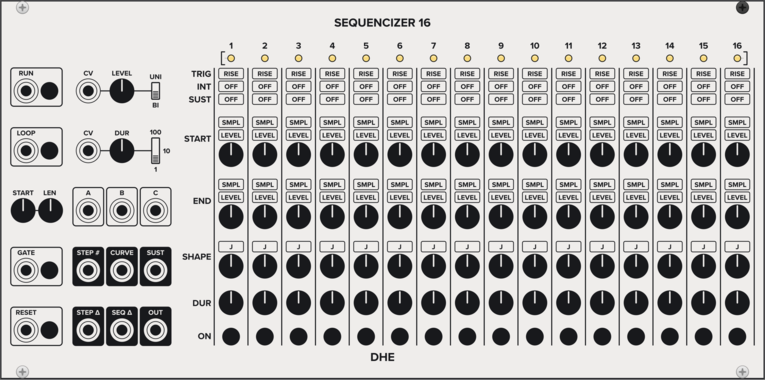
DHE Modules Sequencizer 16
Generates a highly customizable 16 step sequence
SequencerEnvelope generatorLow-frequency oscillatorSample and hold
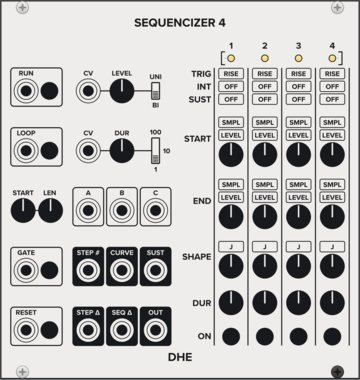
DHE Modules Sequencizer 4
Generates a highly customizable 4 step sequence
SequencerEnvelope generatorLow-frequency oscillatorSample and hold
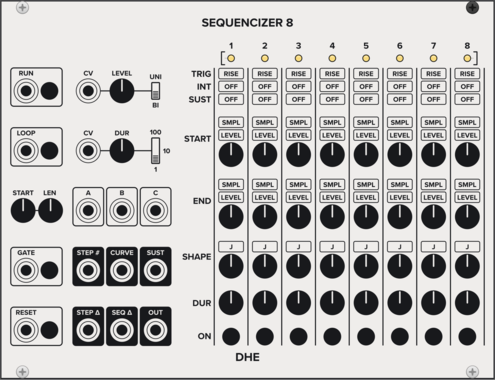
DHE Modules Sequencizer 8
Generates a highly customizable 8 step sequence
SequencerEnvelope generatorLow-frequency oscillatorSample and hold
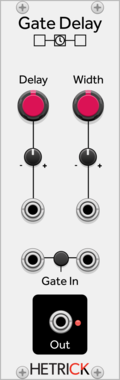
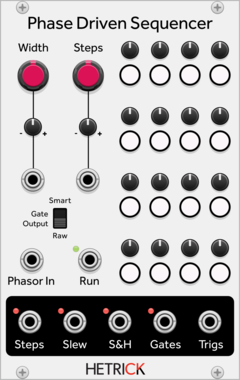
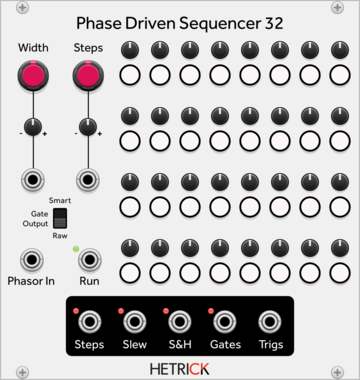
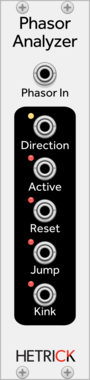
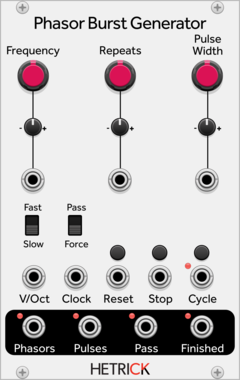
HetrickCV Phasor Burst Generator
Generates a phasor repeatedly for a given number of times.
OscillatorClock generatorClock modulatorLow-frequency oscillatorPolyphonic
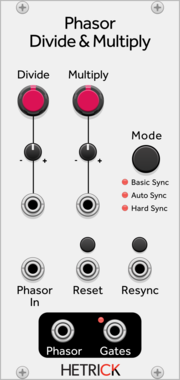
HetrickCV Phasor Divide & Multiply
Processes a phasor signal and outputs a phasor at a precise, variable time multiple or division.
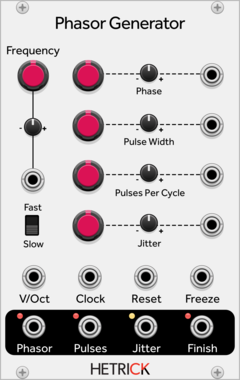
HetrickCV Phasor Generator
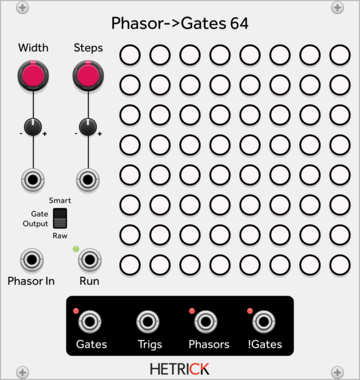
Generates a phasor along with time-synced gates.
OscillatorClock generatorClock modulatorLow-frequency oscillatorRandomPolyphonic
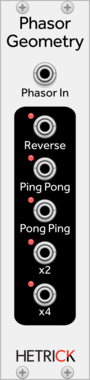
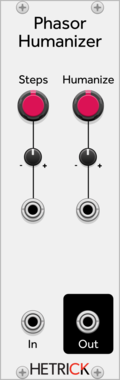
HetrickCV Phasor Humanizer
Repeatedly modifies the slope of an incoming phasor to make the timing less robotic.
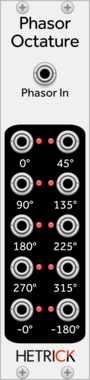
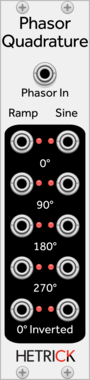
HetrickCV Phasor Quadrature
Shapes a phasor into a sine, and outputs both phasors and sines at 90 degree intervals.
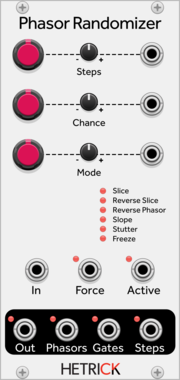
HetrickCV Phasor Randomizer
Randomizes phasor signals to create different offset patterns for sequencers.
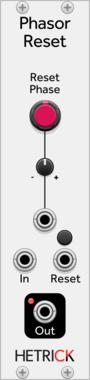
HetrickCV Phasor Reset
Duplicates an incoming phasor, but allows you to reset it independently of the input.
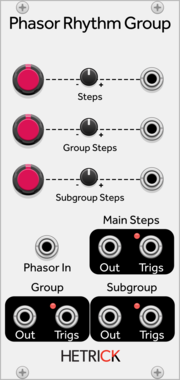
HetrickCV Phasor Rhythm Group
Generates a clock by dividing a phasor into a series of triggers, and then groups the clock into two subrhythms.
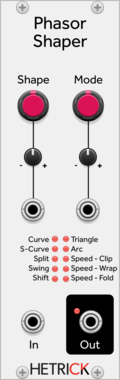
HetrickCV Phasor Shaper
Processes phasor signals in interesting ways for sequence modification or phase distortion synthesis.
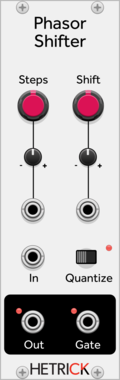
HetrickCV Phasor Shift
Processes phasor signals and provides a phase shifted output, optionally quantized to step distances.
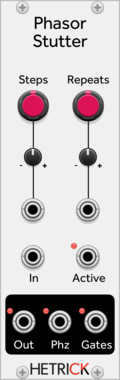
HetrickCV Phasor Stutter
Processes phasor signals and adds stutters/ratchets/repeats within substeps.
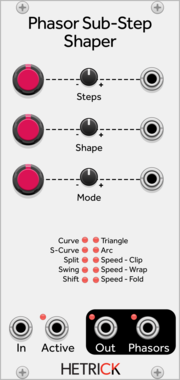
HetrickCV Phasor Sub-Step Shaper
Processes individual steps of phasor signals in interesting ways for sequence modification or phase distortion synthesis.
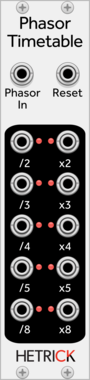
HetrickCV Phasor Timetables
Processes a phasor signal and outputs phasors and standard timing ratios.
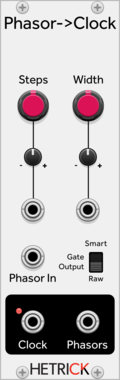
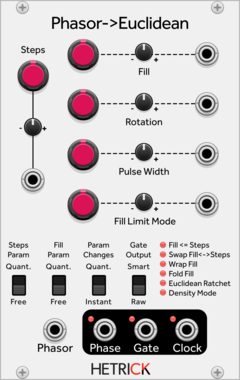
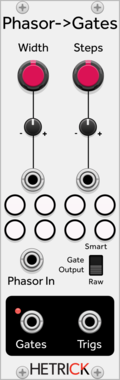
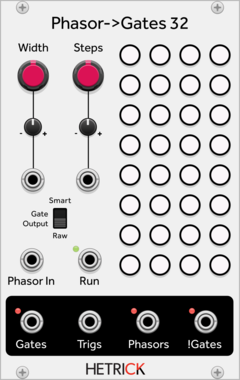
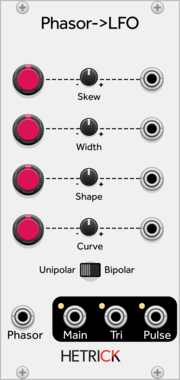
HetrickCV Phasor to LFO
Shapes incoming phasor signals to useful, morphing LFO waveshapes. These waveforms are not anti-aliased, hence the LFO designation.
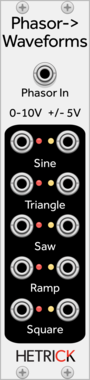
HetrickCV Phasor to Waveforms
Shapes incoming phasor signals to useful, static LFO waveshapes. These waveforms are not anti-aliased, hence the LFO designation.
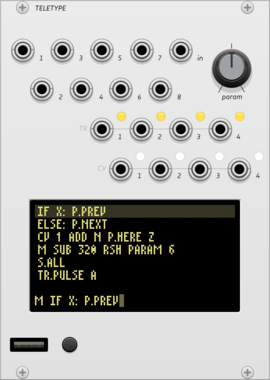
monome teletype
algorithmic ecosystem: a dynamic, musical event triggering platform
ArpeggiatorClock generatorClock modulatorEnvelope followerEnvelope generatorFunction generatorLogicQuantizerRandomSequencerSlew limiterSample and holdUtilityDigitalHardware cloneExternal
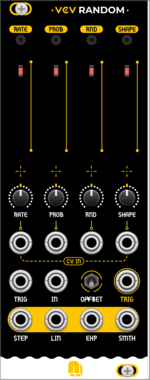
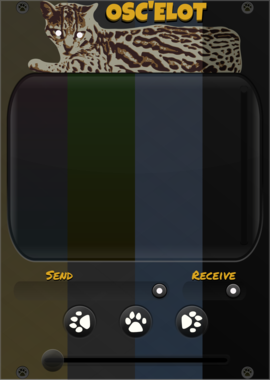

TheModularMind OSCelotExpander
Expander for OSC'elot outputting a trigger and CV for each controller
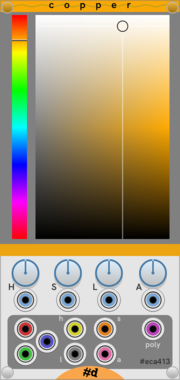
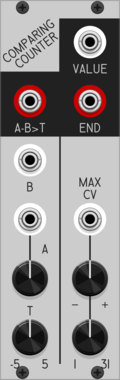
Patchable Devices Comparing Counter
Pulse counter / frequency divider with advanced comparator input
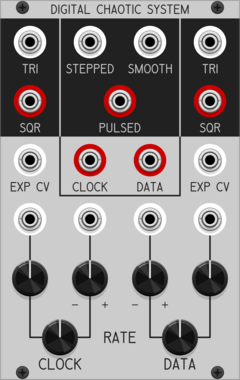
Patchable Devices Digital Chaotic System
Digital 8-bit Shift Register driven by two independent VCOs
Clock generatorClock modulatorFunction generatorLogicLow-frequency oscillatorNoiseOscillatorRandomSequencerUtility
VCV Library Instructions
- Download and install VCV Rack.
- Register for a VCV account and log in using Rack’s “Library” menu.
- Add or purchase a module on the VCV Library.
- Open the “Library” menu in Rack, click “Update all” (if updates are needed), and restart Rack once downloaded.
- Right-click an empty rack space to launch Rack’s module browser to add a module to your patch.
All plugins on the VCV Library are available for Windows, Mac, and Linux.
The “major” version (i.e. MAJOR.MINOR.REVISION) must match between Rack and its plugins.
For example, Rack 2.* can only load 2.* plugins.
Missing or incorrect information in this database, such as a missing tag? Inform the plugin author(s) using the contact information on their plugin/module page.
Developers: see Adding your plugin to the VCV Library.
Notes
Purchasing plugins with the “VCV” brand supports the VCV Rack project. See VCV’s Mission Statement to learn how VCV Rack development is funded.
Prices are in US Dollars.
By purchasing a plugin on the VCV Library, you agree to VCV’s End User License Agreement and Refund Policy.
Contact VCV Support for customer support and questions about the VCV Library.