
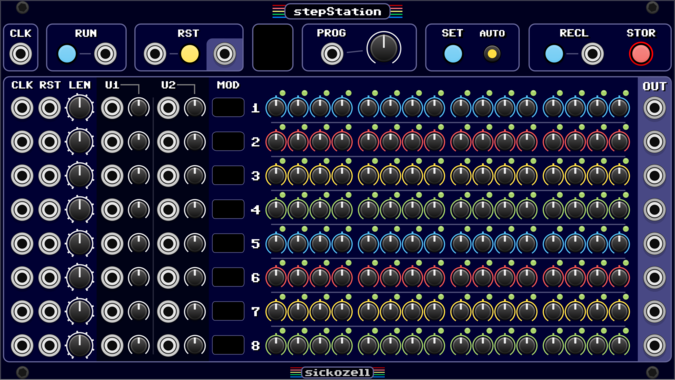
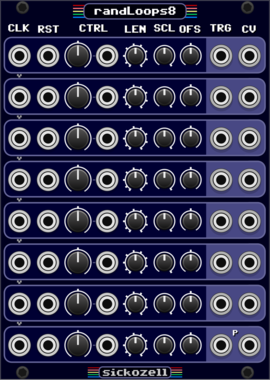
Sickozell stepStation
8 independent track / 16 step sequencer with configurable user inputs/knobs and presets (stst)
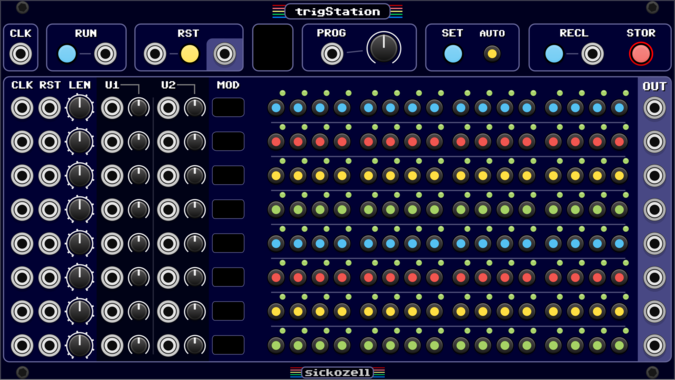
Sickozell trigStation
8 independent track / 16 step trig sequencer with configurable user inputs/knobs and presets (trst)
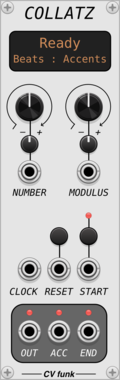

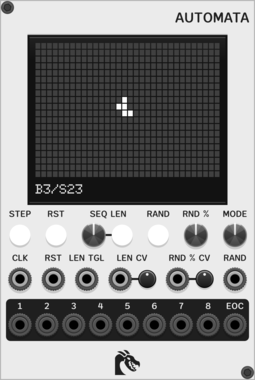
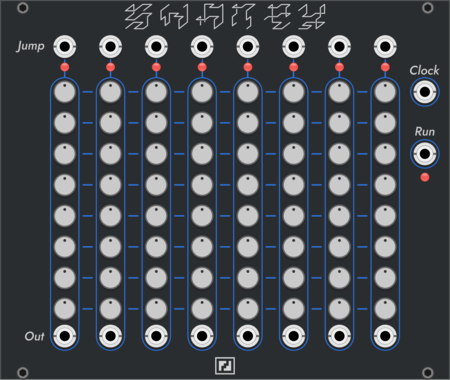
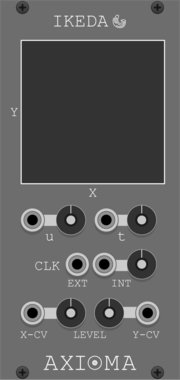
Ouroboros Industries Automata
Sequencer based on Conway's Game of Life, with support for other Life-like cellular automatons through By/Sx rules
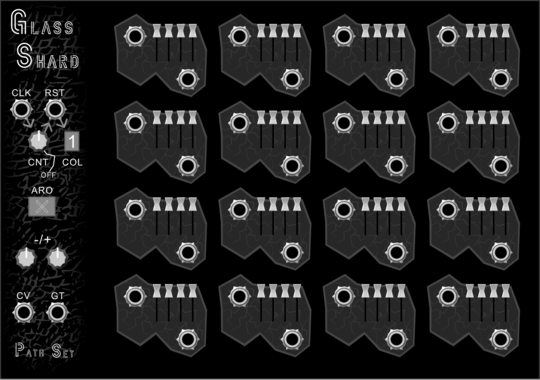
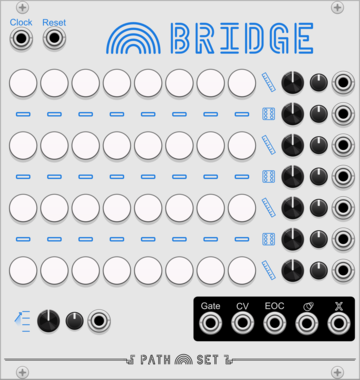
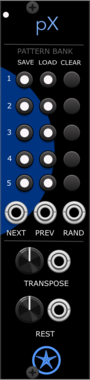
Path Set Glass Shard
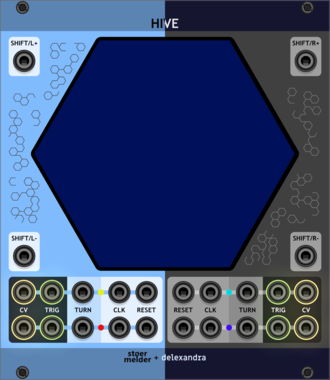
This node-based sequencer gives you a new configuration each week, begging to be your creative muse for melody.
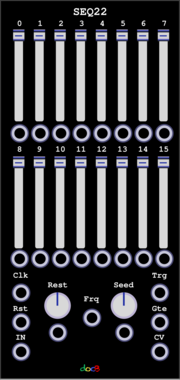

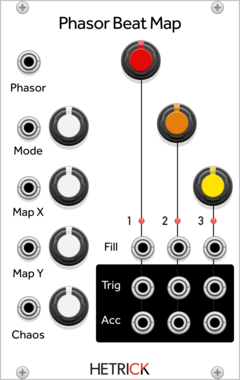
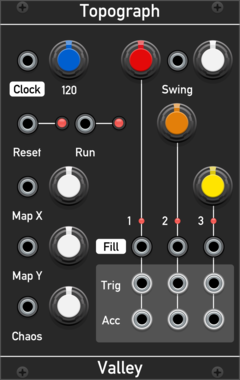
HetrickCV Phasor Beat Map
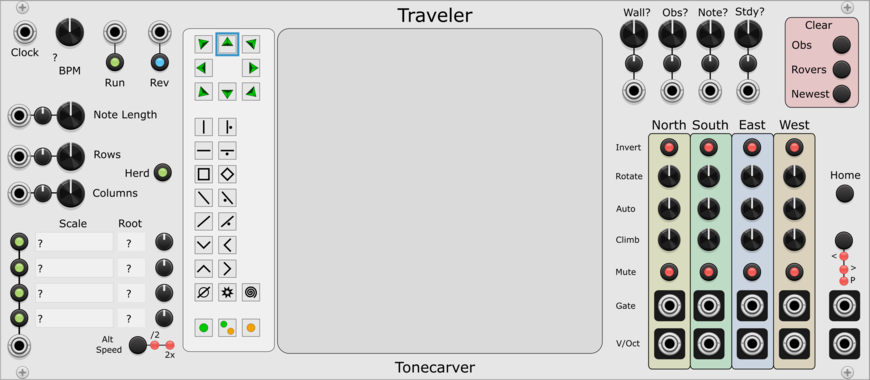
Phasor-driven topographic drum sequencer based on Mutable Instruments Grids. Uses phasor input (0-10V) for playback, enabling reverse, scrub, and non-linear pattern navigation.
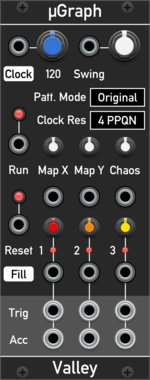
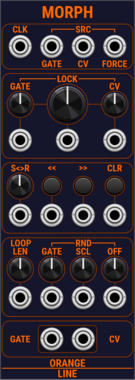
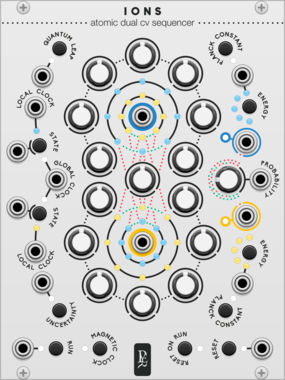
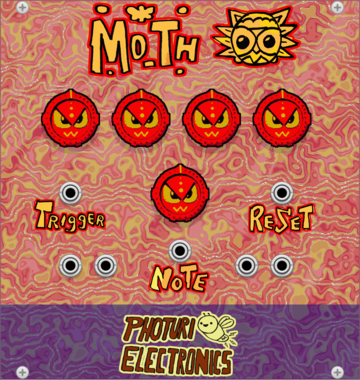
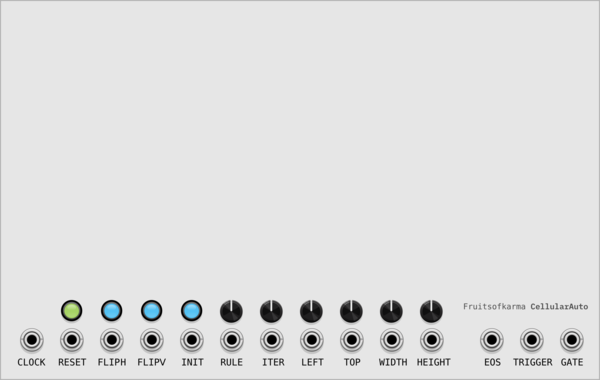
fruitsofkarma CellularAuto
64x256 sequencer with configurable zoomed active zone. Uses polyphony to split active zone to separate sequencer rows
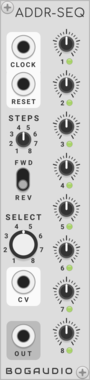
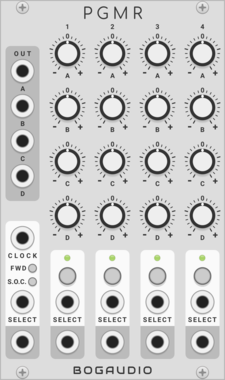
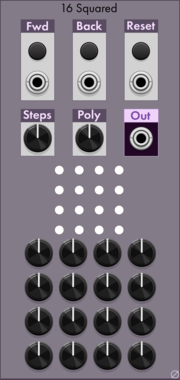

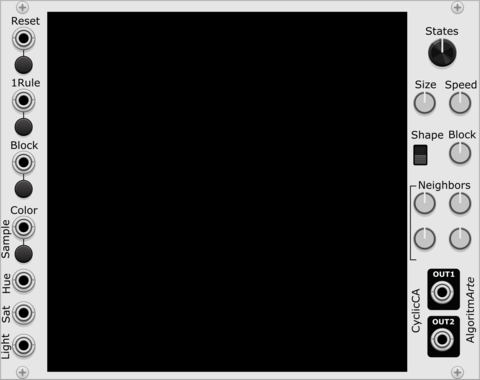
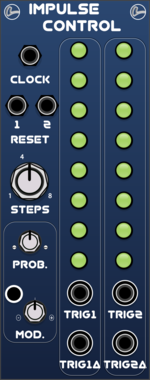
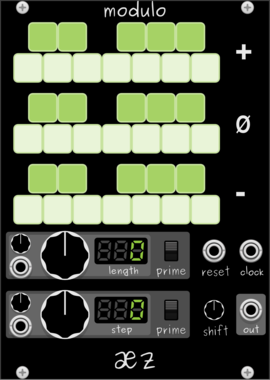
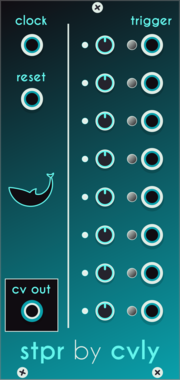
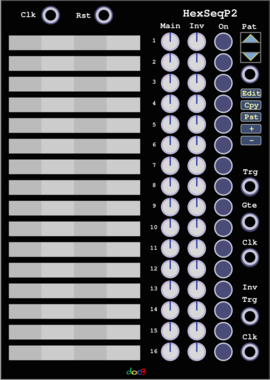
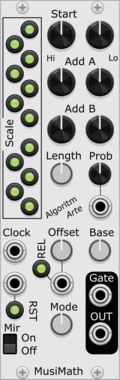
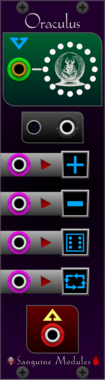
Sanguine Monsters Oraculus
n to 1 switch/sequencer that can select its output from a polyphonic cable input
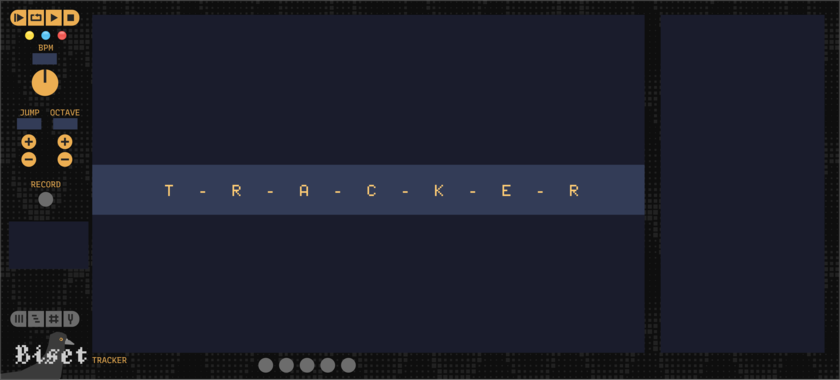

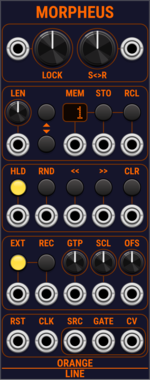
OrangeLine Morpheus
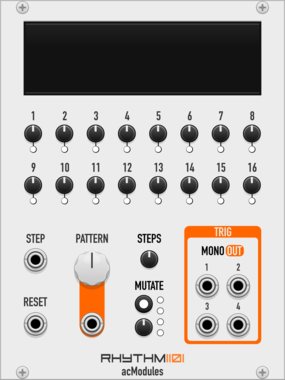
Morphing of given or random sequences with turing machine functionality and 16 Internal Memory Slots.
VCV Library Instructions
- Download and install VCV Rack.
- Register for a VCV account and log in using Rack’s “Library” menu.
- Add or purchase a module on the VCV Library.
- Open the “Library” menu in Rack, click “Update all” (if updates are needed), and restart Rack once downloaded.
- Right-click an empty rack space to launch Rack’s module browser to add a module to your patch.
All plugins on the VCV Library are available for Windows, Mac, and Linux.
The “major” version (i.e. MAJOR.MINOR.REVISION) must match between Rack and its plugins.
For example, Rack 2.* can only load 2.* plugins.
Missing or incorrect information in this database, such as a missing tag? Inform the plugin author(s) using the contact information on their plugin/module page.
Developers: see Adding your plugin to the VCV Library.
Notes
Purchasing plugins with the “VCV” brand supports the VCV Rack project. See VCV’s Mission Statement to learn how VCV Rack development is funded.
Prices are in US Dollars.
By purchasing a plugin on the VCV Library, you agree to VCV’s End User License Agreement and Refund Policy.
Contact VCV Support for customer support and questions about the VCV Library.