





















37 modules in plugin

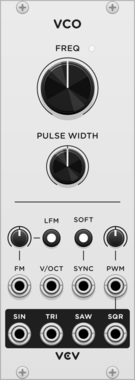
VCV VCO

VCV VCO

Voltage-controlled oscillator

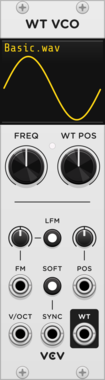
VCV Wavetable VCO

VCV Wavetable VCO

Voltage-controlled wavetable oscillator

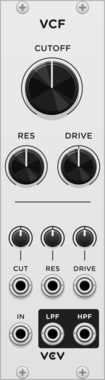
VCV VCF

VCV VCF

Voltage-controlled filter

VCV VCA

VCV VCA

Voltage-controlled amplifier

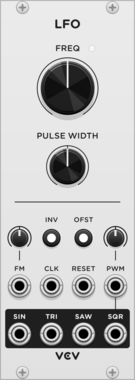
VCV LFO

VCV LFO

Low-frequency oscillator

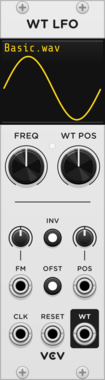
VCV Wavetable LFO

VCV Wavetable LFO

Low-frequency wavetable oscillator

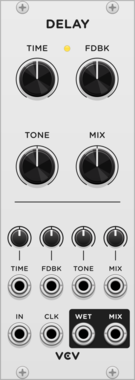
VCV Delay

VCV Delay

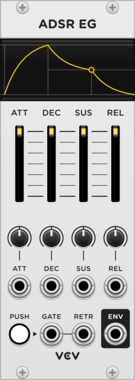
VCV ADSR EG

VCV ADSR EG

Generates an envelope with Attack/Decay/Sustain/Release

VCV Mix

VCV Mix

Mixes 6 signals

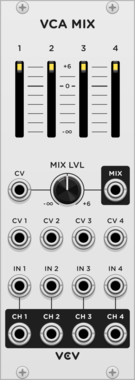
VCV VCA Mix

VCV VCA Mix

Mixes 4 signals with built-in VCAs

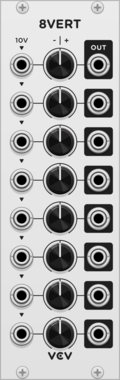
VCV 8vert

VCV 8vert

Attenuverts 8 signals or creates constant voltages

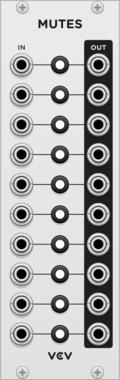
VCV Mutes

VCV Mutes

Toggles up to 10 signals

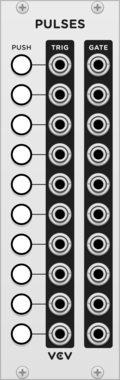
VCV Pulses

VCV Pulses

Generates up to 10 trigger and gate signals

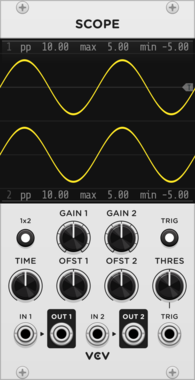
VCV Scope

VCV Scope

Inspect waveforms with an oscilloscope

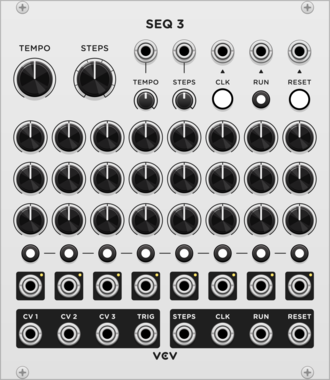
VCV SEQ 3

VCV SEQ 3

3-channel 8-step sequencer also with gate outputs

VCV Sequential Switch 1 to 4

VCV Sequential Switch 1 to 4

Routes 1 input to one of 4 outputs

VCV Sequential Switch 4 to 1

VCV Sequential Switch 4 to 1

Routes one of 4 inputs to 1 output

VCV Octave

VCV Octave

Shifts 1V/oct pitch CV by octaves

VCV Quantizer

VCV Quantizer

12-note quantizer and scale selector

VCV Split

VCV Split

Splits a polyphonic cable into multiple monophonic cables

VCV Merge

VCV Merge

Combines multiple monophonic cables into a polyphonic cable

VCV Sum

VCV Sum

Sums all channels of a polyphonic cable

VCV Viz

VCV Viz

Visualizes all channels of a polyphonic cable

VCV Mid/Side

VCV Mid/Side

Encodes/decodes between mid/side and left/right stereo signals

VCV Noise

VCV Noise

Multicolored noise generator

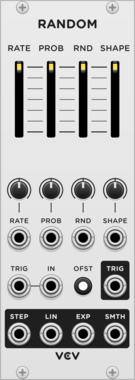
VCV Random

VCV Random

Random CV generator

VCV CV Mix

VCV CV Mix

Mixes 3 CV signals with attenuverters

VCV Logic

VCV Logic

Gate logic processor

VCV Compare

VCV Compare

Compares two voltages

VCV Gates

VCV Gates

Gate processor

VCV Mult

VCV Mult

Copies a signal to 8 outputs

VCV Rescale

VCV Rescale

Rescales voltages with gain, offset, and range limiting

VCV Random Values

VCV Random Values

Generates 7 random fixed voltages

VCV Push

VCV Push

Button with gate/trigger outputs and hold switch

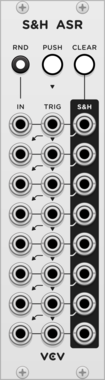
VCV Sample & Hold Analog Shift Register

VCV Sample & Hold Analog Shift Register

8 channel sample & hold combined with a shift register


VCV Library Instructions

  • Download and install VCV Rack.
  • Register for a VCV account and log in using Rack’s “Library” menu.
  • Add or purchase a module on the VCV Library.
  • Open the “Library” menu in Rack, click “Update all” (if updates are needed), and restart Rack once downloaded.
  • Right-click an empty rack space to launch Rack’s module browser to add a module to your patch.

All plugins on the VCV Library are available for Windows, Mac, and Linux. The “major” version (i.e. MAJOR.MINOR.REVISION) must match between Rack and its plugins. For example, Rack 2.* can only load 2.* plugins.

Missing or incorrect information in this database, such as a missing tag? Inform the plugin author(s) using the contact information on their plugin/module page.

Developers: see Adding your plugin to the VCV Library.

Notes

Purchasing plugins with the “VCV” brand supports the VCV Rack project. See VCV’s Mission Statement to learn how VCV Rack development is funded.

Prices are in US Dollars.

By purchasing a plugin on the VCV Library, you agree to VCV’s End User License Agreement and Refund Policy.

Contact VCV Support for customer support and questions about the VCV Library.