
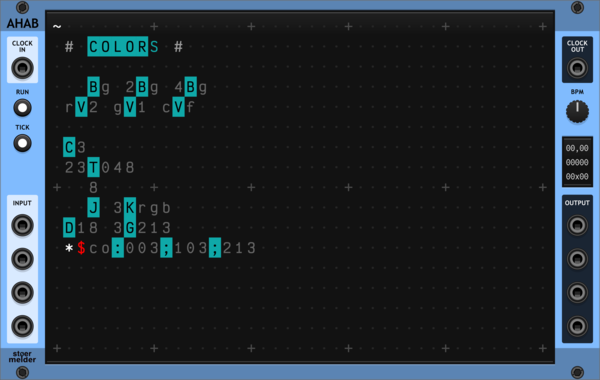
stoermelder AHAB
A live programming environment for ORCA, an esoteric programming language designed to quickly create procedural sequencers. Type operators into the grid to build MIDI and CV sequences in real time, with embedded examples to get you started.

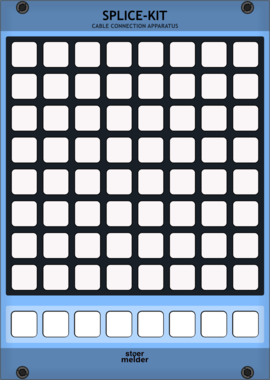
stoermelder SPLICE-KIT
8x8 matrix patch-bay for creating and removing cables by pressing button pairs. Stores up to eight independent scenes per instance, with full MIDI control and feedback for playing your patch from a grid controller.


Sickozell enver mini expander
Expander for enver mini and ad mini
Envelope generatorVoltage-controlled amplifierPolyphonicExpander

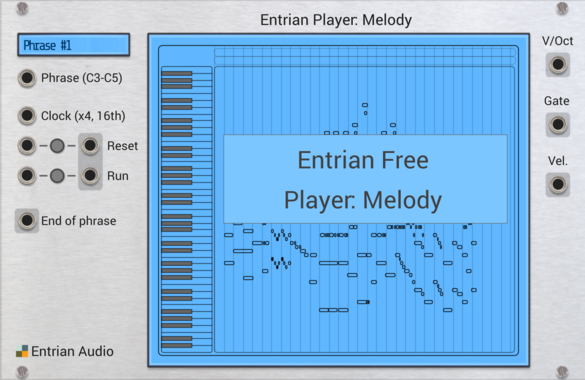
Entrian Player: Melody
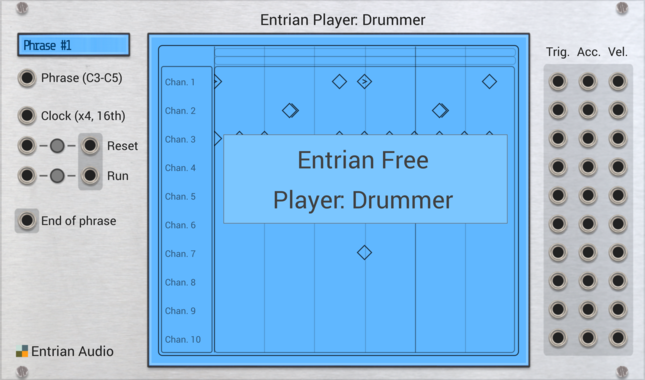
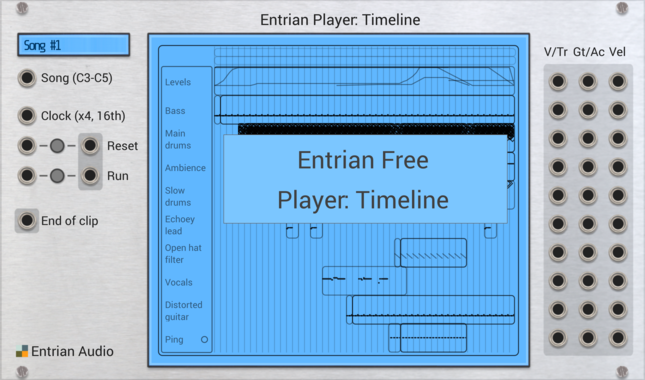
Piano roll melody and chord player for MIDI files and Entrian Sequencer songs.

Count Modula Mini Mix
A no-frills 4 input polyphonic unity mixer with output level control and overload indicator
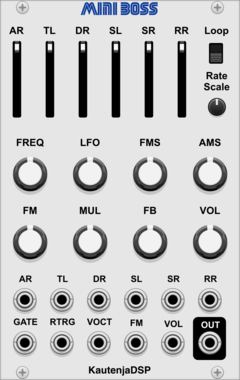
KautenjaDSP Mini Boss
An emulation of the Yamaha YM2612 FM synthesis chip from the Sega Mega Drive and Sega Genesis.







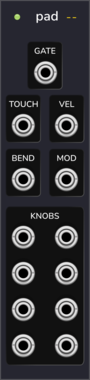
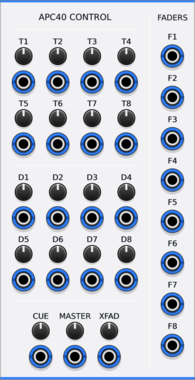
Animatek APC40 CTRL
Turns the knobs and faders of an Akai APC40 into CV outputs for hands-on control of a Rack patch.

![4ms Mini Pingable Envelope Generator [MPEG]](/screenshots/100/4msCompany/MPEG.webp)

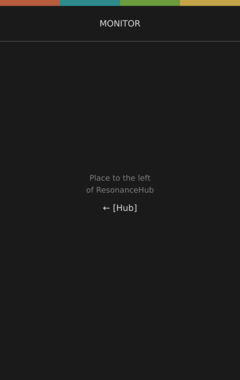
factionoptions Resonance Monitor
Diagnostic display for a Resonance Hub. Place to the left of a Hub to see live connection state, connected peers, latency, signaling status, and CV/MIDI data flow rates. Useful for troubleshooting collaboration sessions.
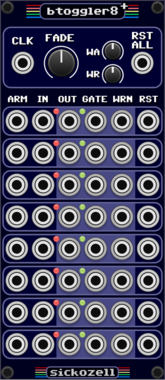
Sickozell bToggler8+
8 buffered toggle switch router, plus warnings to use with led midi controllers
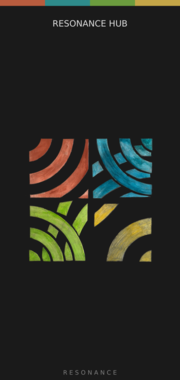
factionoptions Resonance Hub
Connect your patch to other VCV Rack users over the internet for real-time collaboration. Handles authentication, room joining, and peer-to-peer WebRTC connections. Pair with CV Peer expanders to send and receive CV/MIDI with collaborators anywhere in the world. When a remote peer joins, the Hub adds a CV Peer expander to the right automatically, so you don't have to add one per collaborator by hand. On first use, your OS may prompt to allow Rack through the firewall.

stoermelder SAIL
Control any parameter currently hovered by mouse with CV, especially useful with MIDI-CC or MIDI-STEP. Offers differential and absolute input modes, increment/decrement triggers, and a fine-control modifier for precise edits.
VCV Library Instructions
- Download and install VCV Rack.
- Register for a VCV account and log in using Rack’s “Library” menu.
- Add or purchase a module on the VCV Library.
- Open the “Library” menu in Rack, click “Update all” (if updates are needed), and restart Rack once downloaded.
- Right-click an empty rack space to launch Rack’s module browser to add a module to your patch.
All plugins on the VCV Library are available for Windows, Mac, and Linux.
The “major” version (i.e. MAJOR.MINOR.REVISION) must match between Rack and its plugins.
For example, Rack 2.* can only load 2.* plugins.
Missing or incorrect information in this database, such as a missing tag? Inform the plugin author(s) using the contact information on their plugin/module page.
Developers: see Adding your plugin to the VCV Library.
Notes
Purchasing plugins with the “VCV” brand supports the VCV Rack project. See VCV’s Mission Statement to learn how VCV Rack development is funded.
Prices are in US Dollars.
By purchasing a plugin on the VCV Library, you agree to VCV’s End User License Agreement and Refund Policy.
Contact VCV Support for customer support and questions about the VCV Library.