
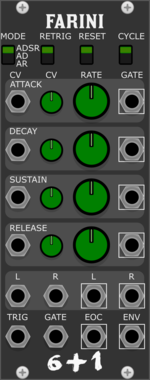
Studio Six Plus One Farini
Multimode envelope generator and stereo vca, based on CEM3310 AND CEM3360 diy circuits.


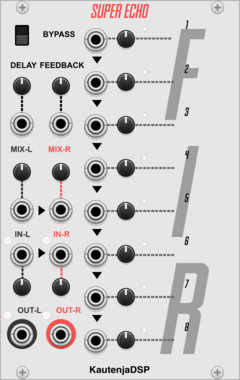
KautenjaDSP Super Echo
An emulation of the echo effect from the S-SMP chip on the Super Nintendo Entertainment System (SNES).

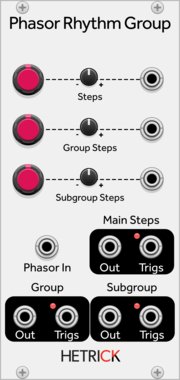
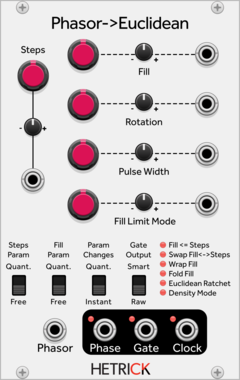
HetrickCV Phasor Rhythm Group
Generates a clock by dividing a phasor into a series of triggers, and then groups the clock into two subrhythms.
PdArray Array
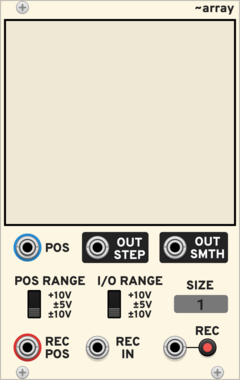
Draw or record sequences, envelopes or audio
Envelope generatorFunction generatorSamplerVisualWaveshaperPolyphonic
Moffenzeef Swarm
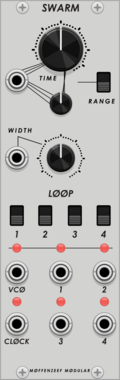
Asynchronous gate generator
Hardware cloneClock generatorRandomSequencerOscillatorUtility
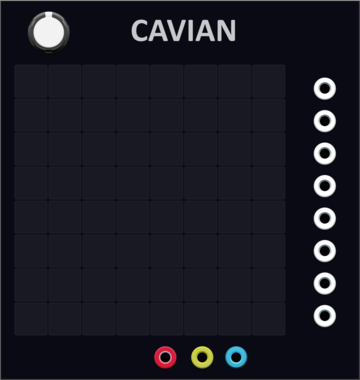
YourModulesMayVary Cavian
8-channel multi-step sequencer and a lot more, save locally, loop, copy paste, clear, randomise
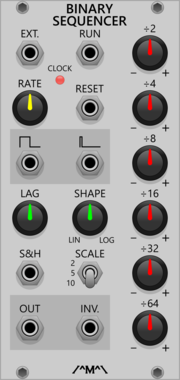
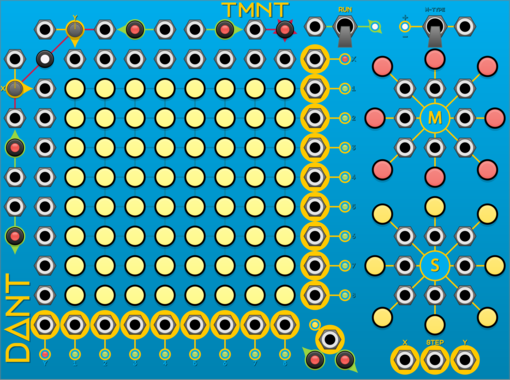
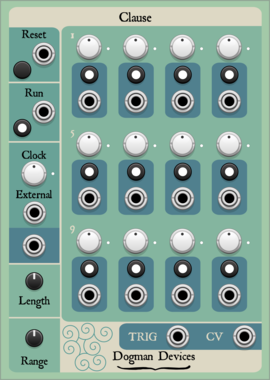




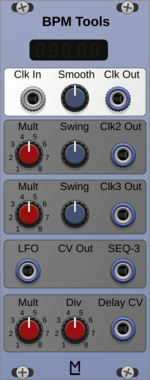




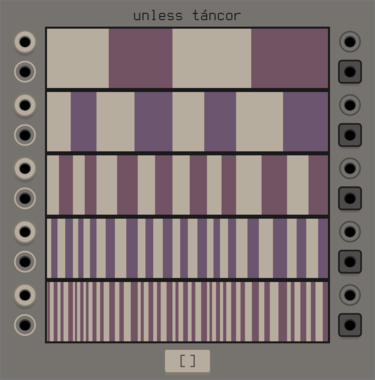
unless games tancor
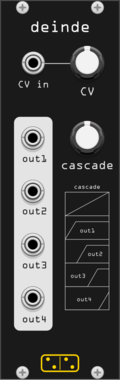
swinging gate machine based around a parametric binary tree, inspired by the cantor set
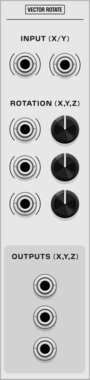
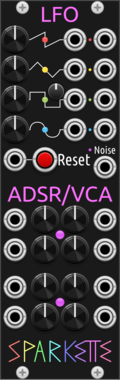
Sparkette's Stuff Busybox
Multipurpose module containing four LFO's, two ADSR+VCA envelopes, and a noise generator.
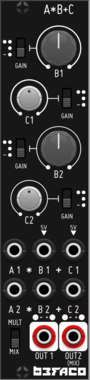
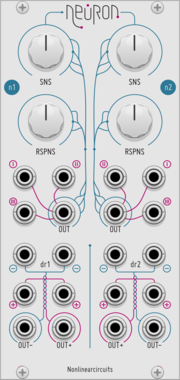
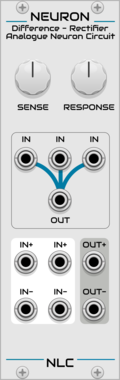
Nonlinear Circuits Neuron
3-input comparator and Difference Rectifier for creating unpredictable interactions. Panel by jk.
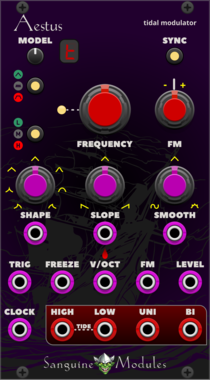
Sanguine Mutants Aestus
Modulator based on Mutable Instruments' Tides
Clock generatorDigitalEnvelope generatorFunction generatorHardware cloneLow-frequency oscillatorOscillatorWaveshaper
VCV Library Instructions
- Download and install VCV Rack.
- Register for a VCV account and log in using Rack’s “Library” menu.
- Add or purchase a module on the VCV Library.
- Open the “Library” menu in Rack, click “Update all” (if updates are needed), and restart Rack once downloaded.
- Right-click an empty rack space to launch Rack’s module browser to add a module to your patch.
All plugins on the VCV Library are available for Windows, Mac, and Linux.
The “major” version (i.e. MAJOR.MINOR.REVISION) must match between Rack and its plugins.
For example, Rack 2.* can only load 2.* plugins.
Missing or incorrect information in this database, such as a missing tag? Inform the plugin author(s) using the contact information on their plugin/module page.
Developers: see Adding your plugin to the VCV Library.
Notes
Purchasing plugins with the “VCV” brand supports the VCV Rack project. See VCV’s Mission Statement to learn how VCV Rack development is funded.
Prices are in US Dollars.
By purchasing a plugin on the VCV Library, you agree to VCV’s End User License Agreement and Refund Policy.
Contact VCV Support for customer support and questions about the VCV Library.