
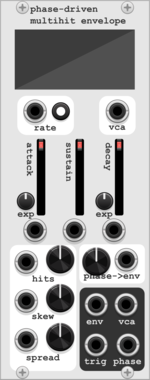
HoyerHoppes Phase-Driven Multihit Envelope
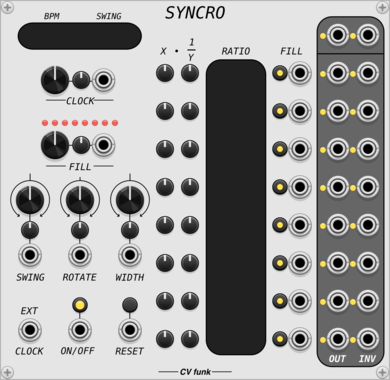
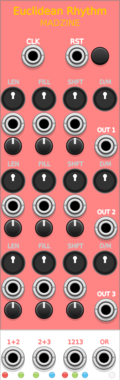
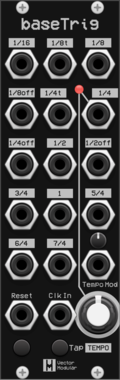
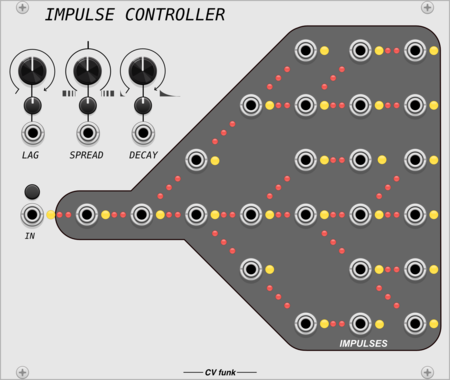
A clocked function generator that derives up to 16 envelopes from a clock cycle, with facilities to warp and skew the position of the envelopes.
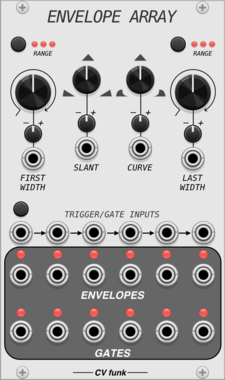




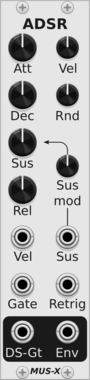
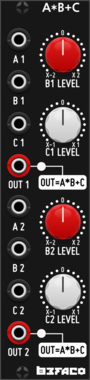



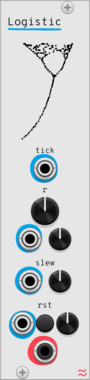
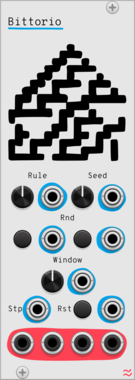
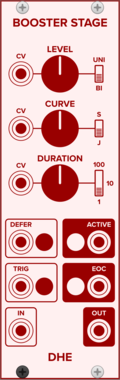

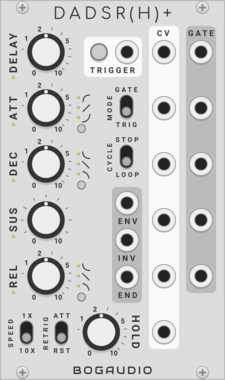

SignalFunctionSet Swell
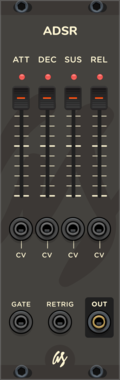
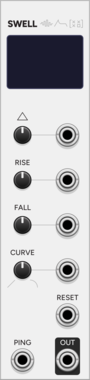
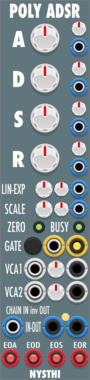
Ping-driven additive A/D envelope generator. Each ping adds voltage with a per-ping rise; pings stack additively. Continuous decay with selectable linear/exponential curve. Soft-saturated 0-10V output.
Sanguine Mutants Vimina
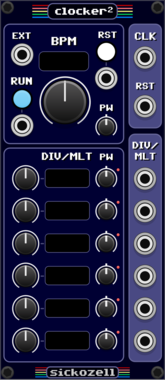
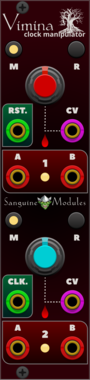
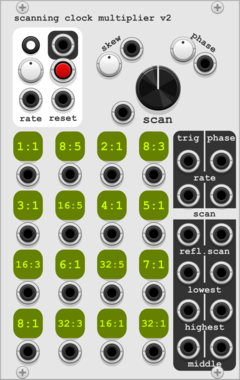
Polyphonic dual clock divider, multiplier and swinger based on the Twigs firmware for Mutable Instruments' Branches
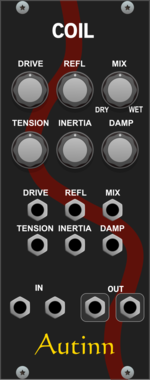



ML Modules Trigger Buffer
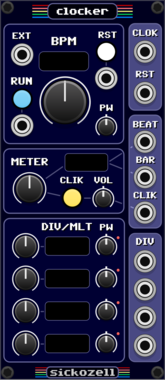
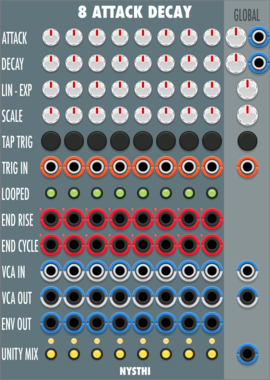
A trigger can be buffered, so that the next incoming clock will create an pulse.
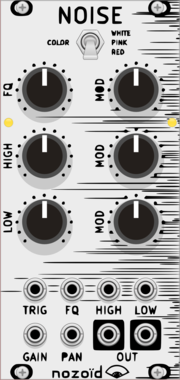
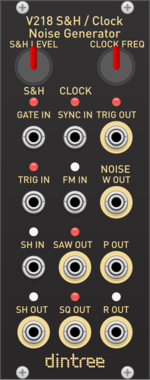
Dintree V218 SH Clock Noise
Sample and Hold, Clock and Noise Generator
Clock generatorFunction generatorNoiseRandomSample and holdUtility
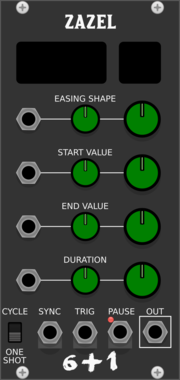
Studio Six Plus One Zazel
Parameter Controller for fades and LFO, Ramp generator
Clock modulatorFunction generatorLow-frequency oscillatorEnvelope generatorController

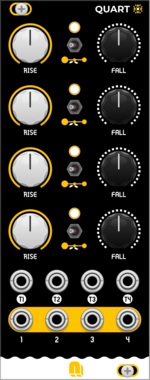
NANO Modules QUART
Quad AD Envelope & LFO Generator
Envelope generatorLow-frequency oscillatorOscillatorFunction generatorQuadHardware clone
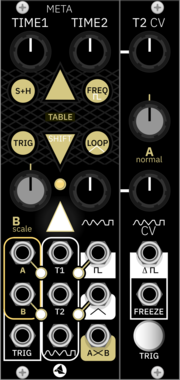
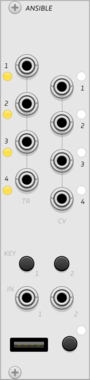
monome ansible
multi-mode sequencer and control voltage generator, for grid and arc controllers
SequencerClock generatorLogicFunction generatorDigitalHardware cloneExternal

VCV Library Instructions
- Download and install VCV Rack.
- Register for a VCV account and log in using Rack’s “Library” menu.
- Add or purchase a module on the VCV Library.
- Open the “Library” menu in Rack, click “Update all” (if updates are needed), and restart Rack once downloaded.
- Right-click an empty rack space to launch Rack’s module browser to add a module to your patch.
All plugins on the VCV Library are available for Windows, Mac, and Linux.
The “major” version (i.e. MAJOR.MINOR.REVISION) must match between Rack and its plugins.
For example, Rack 2.* can only load 2.* plugins.
Missing or incorrect information in this database, such as a missing tag? Inform the plugin author(s) using the contact information on their plugin/module page.
Developers: see Adding your plugin to the VCV Library.
Notes
Purchasing plugins with the “VCV” brand supports the VCV Rack project. See VCV’s Mission Statement to learn how VCV Rack development is funded.
Prices are in US Dollars.
By purchasing a plugin on the VCV Library, you agree to VCV’s End User License Agreement and Refund Policy.
Contact VCV Support for customer support and questions about the VCV Library.