
![4ms Quad Clock Distributor [QCD]](/screenshots/100/4msCompany/QCD.webp)
![4ms Quad Pingable LFO [QPLFO]](/screenshots/100/4msCompany/QPLFO.webp)
![4ms Rotating Clock Divider [RCD]](/screenshots/100/4msCompany/RCD.webp)

![4ms Shifting Inverting Signal Mingler [SISM]](/screenshots/100/4msCompany/SISM.webp)
![4ms Shuffling Clock Multiplier [SCM]](/screenshots/100/4msCompany/SCM.webp)


![4ms VCA Matrix [VCAM]](/screenshots/100/4msCompany/VCAM.webp)
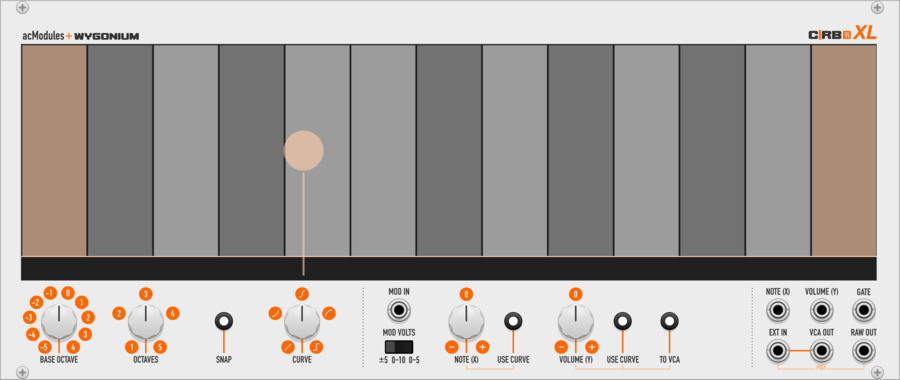
artificialcolors C|RB Vi XL
eXtra-Large Two-Dimensional performance instrument with on-screen note guides, selectable octave range, optional note snapping, Y-axis curve shapes, with modulation input. Can also function as a playable VCA.
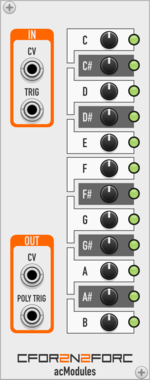
artificialcolors CFor2N2ForC
Output a configurable CV and/or trigger across a 1V/Oct semitone CV input.
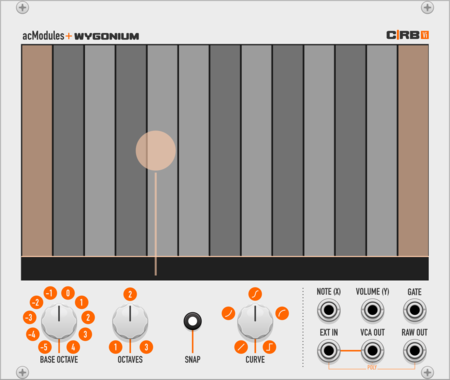
artificialcolors CRBVi
Two-Dimensional performance instrument with on-screen note guides, selectable octave range, optional note snapping, and Y-axis curve shapes. Can also function as a playable VCA. Virtual re-interpretation of Wygonium C|RB hardware ribbon controller.
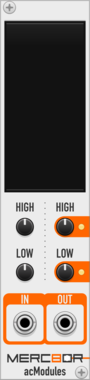
artificialcolors Merc8or
Quickly remap, scale, and/or invert one range of polyphonic CV values to another.

artificialcolors MOREc8or
Expands Merc8or's abilities with creative tools and CV control of output range.
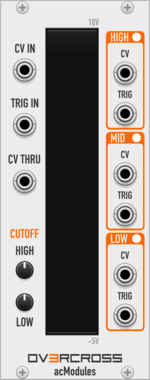
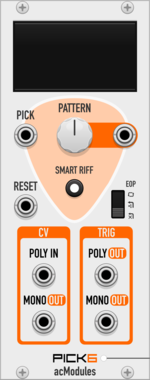
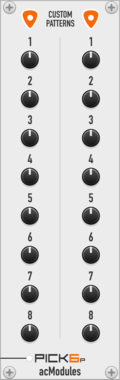
artificialcolors Pick6
8-step finger-pickin' trigger sequencer (1:6 patterned switch), with optional 'Smart Riff' functionality.

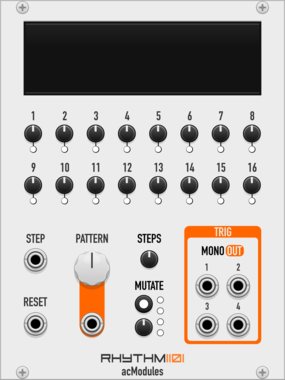
artificialcolors Pul5es
Outputs a trigger pulse upon receiving a specified number of incoming pulses.
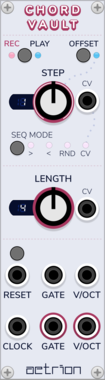
aetrion ChordVault
Record polyphonic cv/gate pairs into up to 16 steps and choose from a one of 8 sequencing modes.

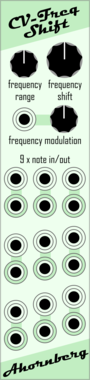
Ahornberg Copy Paste Preset
copy-paste a preset from the module on the left side to the modules on the right side






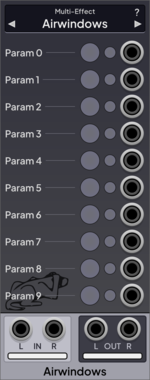
Airwindows Airwindows Suite for Rack
Airwindows is a collection of effects; this module contains all of them



VCV Library Instructions
- Download and install VCV Rack.
- Register for a VCV account and log in using Rack’s “Library” menu.
- Add or purchase a module on the VCV Library.
- Open the “Library” menu in Rack, click “Update all” (if updates are needed), and restart Rack once downloaded.
- Right-click an empty rack space to launch Rack’s module browser to add a module to your patch.
All plugins on the VCV Library are available for Windows, Mac, and Linux.
The “major” version (i.e. MAJOR.MINOR.REVISION) must match between Rack and its plugins.
For example, Rack 2.* can only load 2.* plugins.
Missing or incorrect information in this database, such as a missing tag? Inform the plugin author(s) using the contact information on their plugin/module page.
Developers: see Adding your plugin to the VCV Library.
Notes
Purchasing plugins with the “VCV” brand supports the VCV Rack project. See VCV’s Mission Statement to learn how VCV Rack development is funded.
Prices are in US Dollars.
By purchasing a plugin on the VCV Library, you agree to VCV’s End User License Agreement and Refund Policy.
Contact VCV Support for customer support and questions about the VCV Library.