

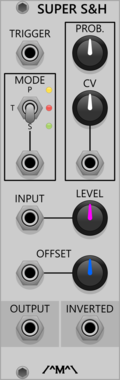
Count Modula Super Sample & Hold
Sample and Hold/Track and hold with probability, offset and inbuilt noise source
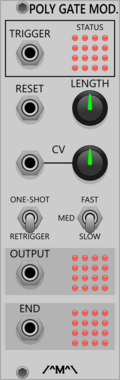
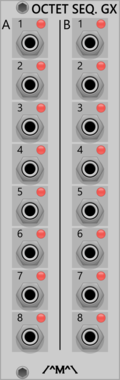
Count Modula Octet Trigger Sequencer Gate Expander
Adds individual gate outputs to the Octet Trigger Sequencer
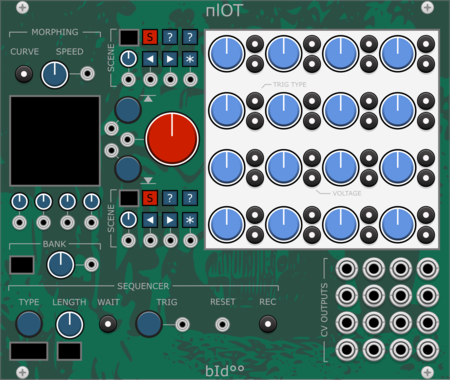
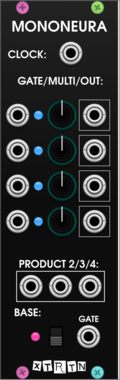




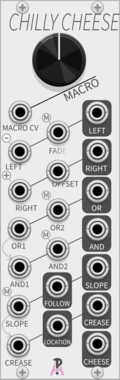
AlliewayAudio Chilly Cheese
1:1 digital recreation of Mannequins 'Cold Mac' esoteric macro-utility (made with permission, but not by Mannequins)
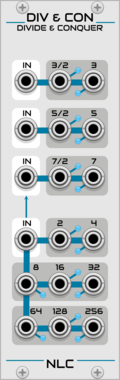


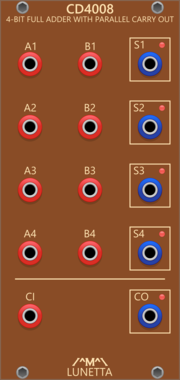
Lunetta Modula CD4008 4-Bit Full Adder With Parallel Carry Out
4-Bit Full Adder With Parallel Carry Out
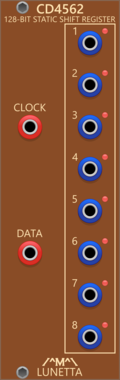
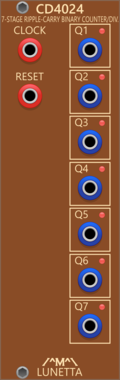
Lunetta Modula CD4024 7-Stage Ripple-Carry Binary Counter/Divider
7-Stage Ripple-Carry Binary Counter/Divider
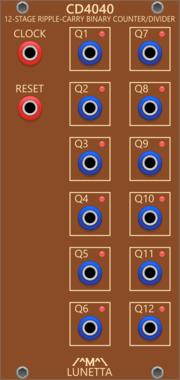
Lunetta Modula CD4040 12-Stage Ripple-Carry Binary Counter/Divider
12-Stage Ripple-Carry Binary Counter/Divider
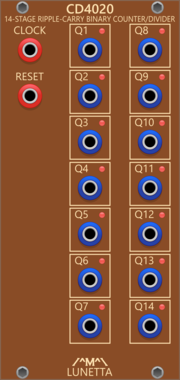
Lunetta Modula CD4020 14-Stage Ripple-Carry Binary Counter/Divider
14-Stage Ripple-Carry Binary Counter/Divider
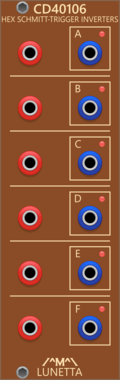



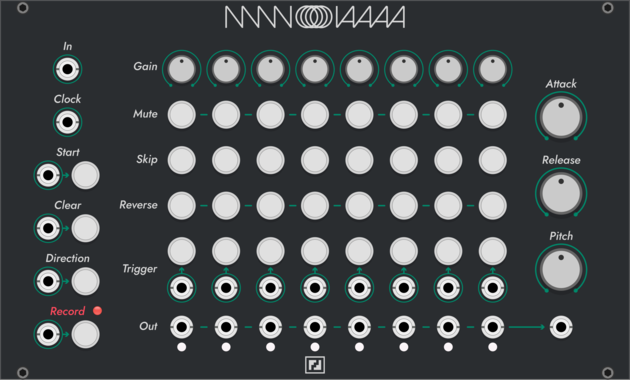

TheModularMind OSCelotExpander
Expander for OSC'elot outputting a trigger and CV for each controller
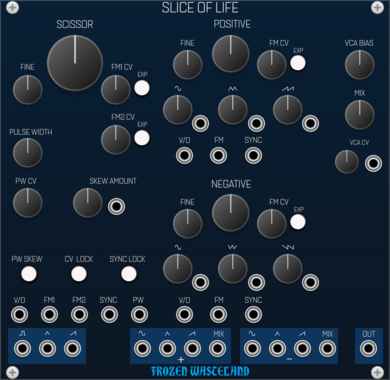
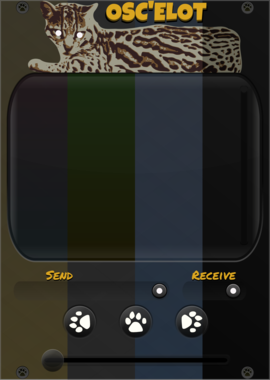




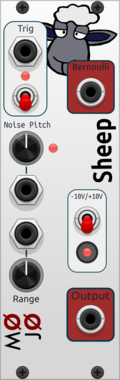





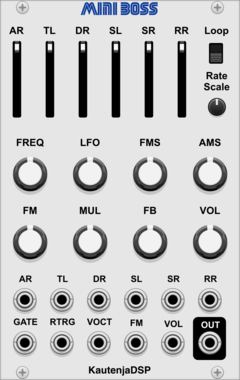
KautenjaDSP Mini Boss
An emulation of the Yamaha YM2612 FM synthesis chip from the Sega Mega Drive and Sega Genesis.
VCV Library Instructions
- Download and install VCV Rack.
- Register for a VCV account and log in using Rack’s “Library” menu.
- Add or purchase a module on the VCV Library.
- Open the “Library” menu in Rack, click “Update all” (if updates are needed), and restart Rack once downloaded.
- Right-click an empty rack space to launch Rack’s module browser to add a module to your patch.
All plugins on the VCV Library are available for Windows, Mac, and Linux.
The “major” version (i.e. MAJOR.MINOR.REVISION) must match between Rack and its plugins.
For example, Rack 2.* can only load 2.* plugins.
Missing or incorrect information in this database, such as a missing tag? Inform the plugin author(s) using the contact information on their plugin/module page.
Developers: see Adding your plugin to the VCV Library.
Notes
Purchasing plugins with the “VCV” brand supports the VCV Rack project. See VCV’s Mission Statement to learn how VCV Rack development is funded.
Prices are in US Dollars.
By purchasing a plugin on the VCV Library, you agree to VCV’s End User License Agreement and Refund Policy.
Contact VCV Support for customer support and questions about the VCV Library.